DaisyNiko's Earthy Interface
🟠 Updated over a year ago⚠️ Install Order · 2 steps
Install in this order, then this mod last — most mods fail to load without their framework and dependencies in place.
Preview
🔍 Analysis
- 👍 1.9% endorsement rate — high engagement, a strong quality signal
- 🏆 #22 of 179 User Interface mods in this game by downloads
📋 About This Mod
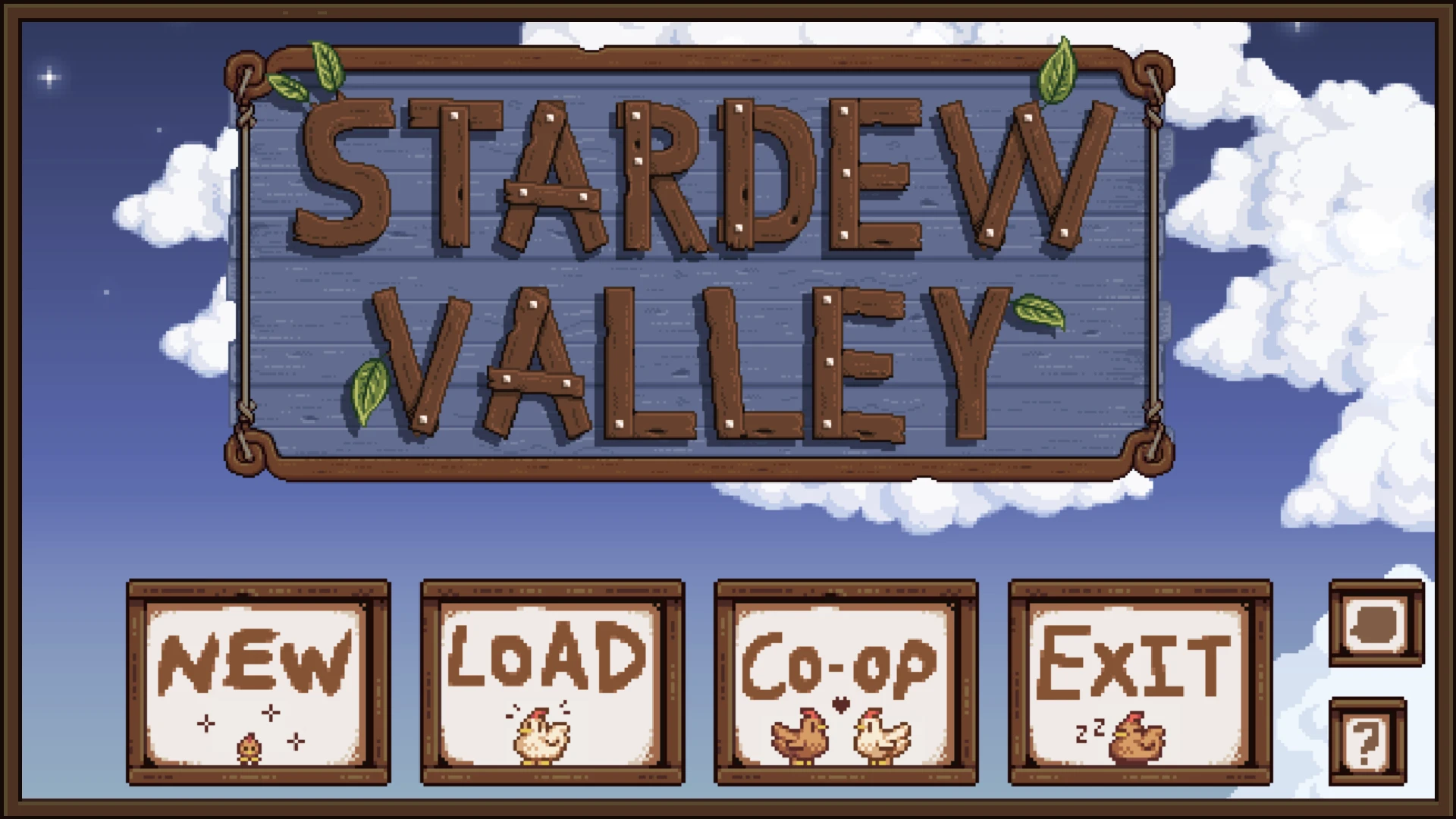
★ A new interface mod for you! I designed this to match Earthy Recolour, but it also looks great on its own or with other recolour mods ★
.°˖✧ earthy collection: exterior recolour & interior recolour ✧˖°.
-
[]Changes the game's UI (menus, buttons, dialogue boxes) to a darker, more neutral colour palette [/]
[]12 different accent colours to choose from — or randomise daily or change with the seasons[/]
[]All game languages supported[/]
-
[]AccentColour | Slate, Maroon, Plum, Sienna, Olive, Forest, Emerald, Navy, Cornflower, Eggplant, Scarlet, Coal, Seasonal, Random[/]
[]SpringDefault | for Seasonal option[/]
[]SummerDefault | for Seasonal option[/]
[]FallDefault | for Seasonal option[/]
[]WinterDefault | for Seasonal option[/]
[]RecolourCursors | true or false | set to false if you want to use a different mod for cursors[/]
1. Install SMAPI and Content Patcher
2. Download this mod and extract the " DaisyNiko's Earthy Interface" folder to Stardew Valley/Mods
3. (optional but highly recommended) Install FixFontOption -- scroll to the bottom of the page and download version 1. 1. 9)
4. Run the game via the StardewModdingAPI.exe
enjoy ♥
buymeacoffee?
DaisyNiko's Earthy Interface is a popular user interface recolour mod for Skyrim, featuring warm, earth-toned colors. With over 9,500 endorsements and 500,000 downloads, it's a community favorite for players seeking a cozy, natural aesthetic. Last updated in November 2024, it remains actively maintained.
✨ Key Features
📊 Pros & Cons
✅ Pros
- Huge community approval (9,506 endorsements) — this is a must-try for UI mod fans
- Massive download count (504k) means it's battle-tested and stable
- Simple concept, well executed — a warm earthy palette that's easy on the eyes
⚠️ Cons
- Only a recolour — no layout or font changes, so if you want a full UI overhaul, look elsewhere
- No screenshots or detailed description provided, so you're flying blind on the exact look
- Last updated in November 2024 — might not be compatible with the latest Skyrim updates if any dropped after that
For Skyrim players who want a subtle, warm aesthetic change without overhauling their UI. Perfect for those who prefer earthy tones over the default blue. Skip if you're after functional UI improvements or complete redesigns.
💡 Beginner Tips
- Use a mod manager like Vortex or MO2 to install — it's a simple drag-and-drop, but a manager keeps your load order clean.
- If you're using other UI mods, check load order — this recolour should be loaded after any UI framework mods to ensure it takes effect.
- Since it's just a texture replacer, you can easily remove it if you don't like the look — no save game impact.
📊 Mod Details
- Game
- Stardew Valley Mods
- Author
- DaisyNiko
- Version
- 1.2
- Downloads
- 504,371
- Endorsements
- 9,506
- Category
- User Interface
- Created
- 9/6/2022
- Updated
- 11/11/2024
🔗 Required By 4 Mods
These mods list this mod as a dependency.
🧩 Commonly Used Together
Users add these mods to the same collections — a real compatibility signal, not an AI guess.
🔧 How to Install Stardew Valley Mods
Download from Nexus.
📖 Full step-by-step install guide for Stardew Valley →
Visit the official mod page for specific installation instructions for this mod.
🎮 Need cheat codes or console commands? Check ur gaming wiki for Stardew Valley commands, item IDs, and more.
Keep browsing — more Stardew Valley mods await