Farm Type Manager (FTM)
🟡 Updated this year⚠️ Install Order · 2 steps
Install in this order, then this mod last — most mods fail to load without their framework and dependencies in place.
Preview
🔍 Analysis
- 👍 1.9% endorsement rate — high engagement, a strong quality signal
- 🏆 #5 of 119 Modding Tools mods in this game by downloads
📋 About This Mod
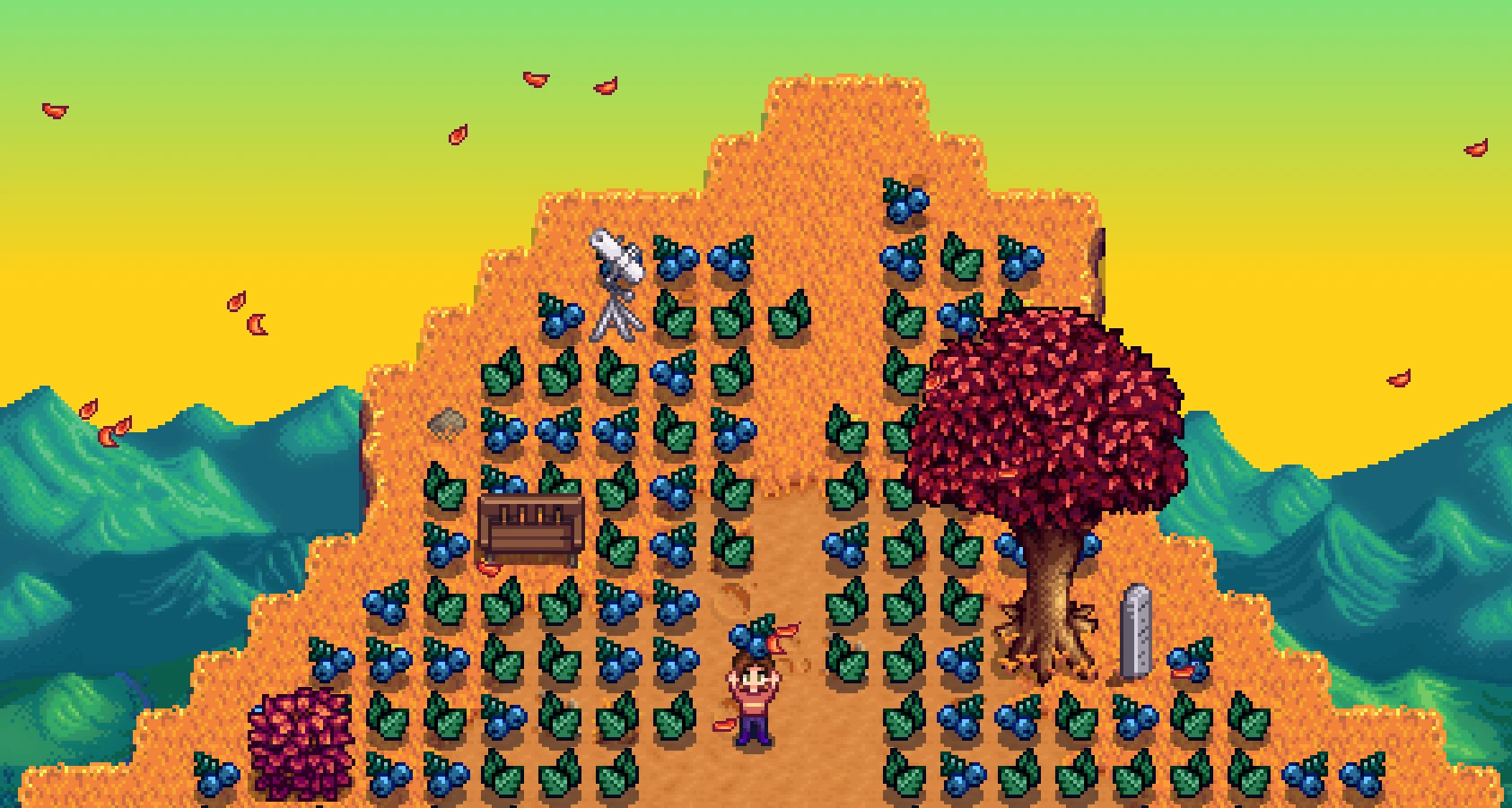
Despite the name, Farm Type Manager (FTM) is a framework that allows other mods to spawn objects and monsters anywhere in the game. It can also customize objects and monsters in unique ways. Modders can configure or randomize the number of objects spawned per day, where and when they spawn, and more.
FTM supports content packs, allowing other mods to configure spawning automatically. If any of your other mods come with "" folders, they will automatically use FTM to spawn custom content.
🌐 In other languages: zh (中文)
Installation
1. Install the latest version of SMAPI.
2. Install the latest version of Content Patcher.
3. Download FarmTypeManager.
4. Unzip FarmTypeManager into the Stardew Valley/Mods folder.
If you have other mods that require FTM, then you're all set!
Notes for multiplayer: All players should have this mod installed. If only the host has this mod, other players might encounter SMAPI errors or be unable to see/interact with some objects and monsters.
Only the host's spawn settings will actually be used in multiplayer. Console commands should generally work for all players.
Options
FTM has a few basic "global" options for players, such as a limit to the number of monsters allowed in each area. To edit these options:
1. Run the game using SMAPI.
2. Open the config.json file in the Stardew Valley/Mods/FarmTypeManager folder and edit its settings. Refer to the Mod Settings section on Github for more info.
Alternatively, you can install Generic Mod Config Menu (GMCM) and edit these settings in Stardew's main menu (look for a gear icon). The menu should display tooltips to explain each setting.
Translation
FTM supports translation of its GMCM setting names and descriptions.
The mod will load a file from the FarmTypeManager/i18n folder that matches the current language code. If no matching translation exists, it will use default.json.
See the Stardew Valley Wiki's Modding:Translations page for more information. Please feel free to submit translation files by linking them in a comment, submitting a GitHub pull request, or any other method.
The mod currently includes these translations:
Chinese (Simplified) (by SummerFleur)
Dutch (by UnrealThingTriesCode)
French (by Fsecho7)
German (by 777PamPam777)
Portuguese (Brazilian) (by roanrobersson)
Turkish (by Rupurudu)
Ukrainian (by burunduk)
Customization
FTM is mainly used by content pack mods, but it can be also customized for personal use. To change settings for a sp
Farm Type Manager (FTM) is a framework mod for Stardew Valley that enables other mods to spawn objects and monsters anywhere in the game, offering various controls and customization options. With over 205,000 endorsements and 10.8 million downloads, it's a highly popular and essential tool for modders and players alike.
✨ Key Features
📊 Pros & Cons
✅ Pros
- Massive community trust – 205k endorsements and 10.8M downloads prove it's a staple
- Framework design means it's the backbone for tons of other mods, so installing it opens up a whole ecosystem
- Actively updated (Nov 2025) – you're not betting on abandoned code
⚠️ Cons
- Does nothing on its own – you need other mods that depend on it to see any effect
- Requires SMAPI to run, which is an extra step for new modders
For Stardew Valley modders who want to create custom spawns or players who want to install mods that rely on FTM. If you're just looking for gameplay changes, skip this – it's a tool, not content.
💡 Beginner Tips
- Install SMAPI first – FTM is a framework that runs on it, and most dependent mods will need it too
- Check the mod's Nexus page for a list of compatible mods – that's where you'll find what FTM actually enables
- If you're using a mod manager like Vortex, let it handle the install to avoid file placement errors
📊 Mod Details
- Game
- Stardew Valley Mods
- Author
- Esca-MMC
- Version
- 1.26.1
- Downloads
- 10,763,489
- Endorsements
- 205,598
- Category
- Modding Tools
- Created
- 1/8/2019
- Updated
- 11/14/2025
🧩 Commonly Used Together
Users add these mods to the same collections — a real compatibility signal, not an AI guess.
🔧 How to Install Stardew Valley Mods
Download from Nexus.
📖 Full step-by-step install guide for Stardew Valley →
Visit the official mod page for specific installation instructions for this mod.
🎮 Need cheat codes or console commands? Check ur gaming wiki for Stardew Valley commands, item IDs, and more.
Keep browsing — more Stardew Valley mods await