Almanac
⚪ Last updated 2022⚠️ Install Order · 2 steps
Install in this order, then this mod last — most mods fail to load without their framework and dependencies in place.
Preview
🔍 Analysis
- 👍 2.8% endorsement rate — high engagement, a strong quality signal
- 🏆 #77 of 179 User Interface mods in this game by downloads
📋 About This Mod
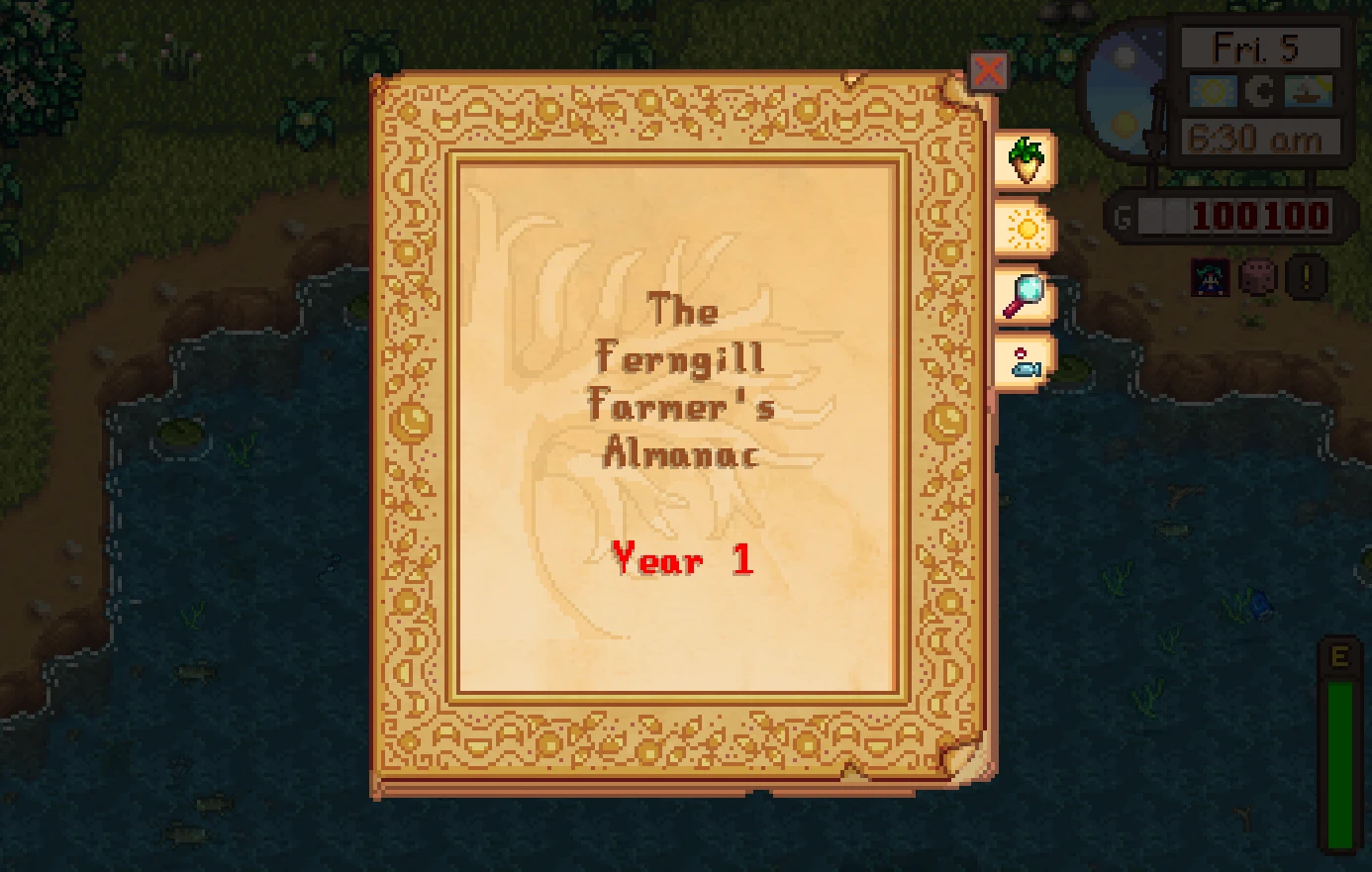
Almanac provides an in-game book with useful information about different subjects, including a weather forecast for the entire year, guidance on how long it takes crops to grow, local notices like birthdays and festivals, and even reports from the Adventurer's Guild.
Install
-
[]Install the latest version of SMAPI.
[
]Download this mod and unzip it into Stardew Valley/Mods.[]Download any optional files to add support for other mods you are using.
[]Run the game using SMAPI.
How to use
By default, you don't actually have an Almanac. You need to wait, and Pierre should give you one. (Though, you can also just forcibly enable it in settings if the event is bugged or you're just impatient!)
Once you've got an Almanac, open it from your inventory menu or press the hotkey (F7 by default) to open it. Then just pick a page and explore.
This is an early release.
I still don't know how well this mod will work with other mods that add content, and I'm hoping to get lots of user reports to help me expand this into a truly amazing in-game tool. Let's build something really neat!
On that note, if anyone is interested in helping translate, or maybe making some more interesting events for the mod, I'd be interested in the help. I'm a UX programmer, not a designer...
Pierre, Where's My Almanac?
There are three separate events for the Almanac that unlock different pages. They are as follows:
Pierre gives you the basic Ferngill Farmer's Almanac when:
-
[]You have earned at least 1,000 gold.
[
]You enter your farm between 6am and 7am.[]It's not a festival day, a Wednesday, or rainy.
The wizard gives you the Magical Almanac when:
-
[]You already have the basic Almanac.
[]You are a member of the Adventurer's Guild.
[]You have at least two hearts of friendship with the wizard.
[]You enter your farm between 6am and 5pm.
[]It's not a festival day or rainy.
Willy gives you the Fern Islands Almanac when:
-
[]You already have the basic Almanac.
[
]You have fixed his boat to unlock the island.[]You have at least two hearts of friendship with Willy.
[]You enter Willy's shop between 8am and 5pm.
[]It's not a festival day.
Compatibility
[]Works with Stardew Valley 1. 5. 5 on Linux/Mac/Windows.
[]Does not work on Android, which has a separate menu system
[]Works with Generic Mod Config Menu.
[]Works in single player and multiplayer.
[]Works with mo
-
[]You already have the basic Almanac.
-
[]You already have the basic Almanac.
-
[]You have earned at least 1,000 gold.
Almanac adds an in-game book to Stardew Valley with useful information, including a long-term weather forecast and crop planting schedules. It's a quality-of-life mod for players who want to plan ahead without external tools.
✨ Key Features
📊 Pros & Cons
✅ Pros
- Popular with the community (2,354 endorsements).
- High download count (83,155) shows real demand.
- Fills a genuine gap—no more alt-tabbing for weather or planting info.
⚠️ Cons
- Last updated in November 2022—may not be compatible with the latest game version.
- No mention of dependencies or compatibility with other UI mods.
For Stardew Valley farmers who want to plan their season without external guides. If you're tired of guessing when to plant or checking the TV every day, this book is a handy addition. Skip if you prefer vanilla UI or don't care about optimization.
💡 Beginner Tips
- Place the mod in your Stardew Valley Mods folder (requires SMAPI).
- Check the in-game book regularly for the long-term forecast to plan your watering and harvesting.
- If you use other UI mods, test for conflicts after installing.
📊 Mod Details
- Game
- Stardew Valley Mods
- Author
- Khloe Leclair
- Version
- 0.18.1
- Downloads
- 83,155
- Endorsements
- 2,354
- Category
- User Interface
- Created
- 3/2/2022
- Updated
- 11/14/2022
🧩 Commonly Used Together
Users add these mods to the same collections — a real compatibility signal, not an AI guess.
🔧 How to Install Stardew Valley Mods
Download from Nexus.
📖 Full step-by-step install guide for Stardew Valley →
Visit the official mod page for specific installation instructions for this mod.
🎮 Need cheat codes or console commands? Check ur gaming wiki for Stardew Valley commands, item IDs, and more.
Keep browsing — more Stardew Valley mods await