Loot Icons Extension
🟠 Updated over a year ago⚠️ Install Order · 6 steps
Install in this order, then this mod last — most mods fail to load without their framework and dependencies in place.
Preview
🔍 Analysis
- 👍 0.2% endorsement rate
- 🏆 #27 of 100 User Interface mods in this game by downloads
📋 About This Mod
Icon Variety
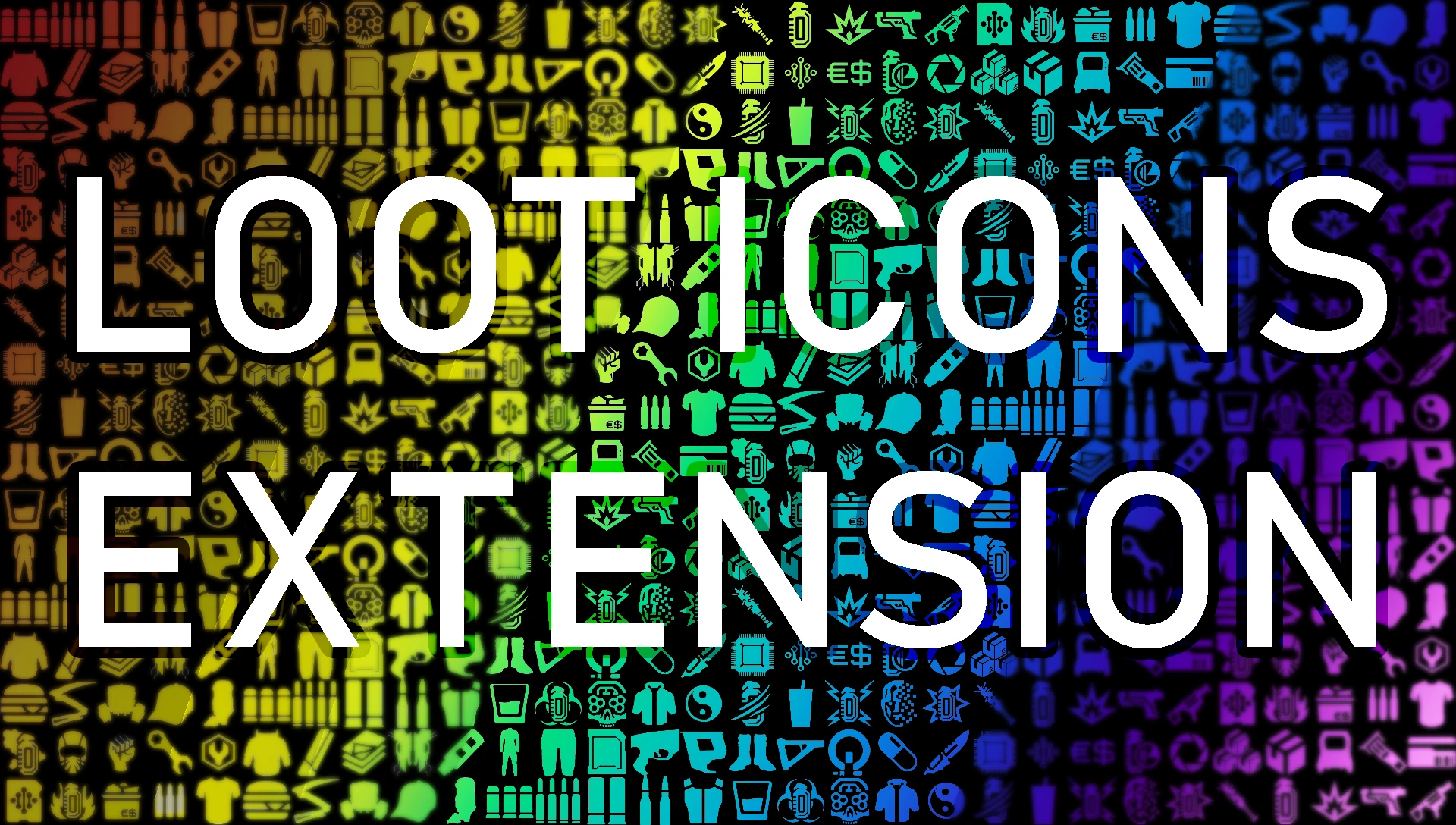
- Over 60 different vanilla icons are utilized, for different items. (Ammo, for instance, displays a different icon per type, instead of generic magazine icons.)
Mod Settings Profile
- Loot Icons Extension utilizes Mod Settings, so that you have a degree of control over everything listed below.
Icon Substitution
- Loot Icons Extension can further customize the "base set" of icons, using a touch of common sense and some underutilized vanilla icons. (See the screenshots above.) One new icon is also added for non-alcohol beverages.
- Mod authors (perhaps you) can now create and assign new loot icons to custom items. And it's very easy. (See Mod Dev Info below, for details.)
- HUD icons can be substituted for individual non-melee weapons you find in Night City. (Originally a psiberx mod, if you've been here a while.)
Icon Appearance
- Icons Sorting: When staring directly at a container or corpse, icons will reorganize themselves to be in the same order as the items in the loot window. QoL.
- Icons can be seen through walls, if you'd like. Requiring the scanner, if you'd like.
- Icons can display at increased or decreased scale, and either horizontally or vertically.
Icon Tinting
- Icons can be tinted--or even randomly tinted per game session--from a small set of basic colors per item quality.
- Custom icons can have custom tints that deviate from the standard item quality tint.
- Quest items can be set to tint differently, so they always stand out.
- Icons can all be tinted to one color by choosing a theme tint--from a small set of basic colors that fit the game.
- Icons can be tinted to a special palette by choosing the unique Mox theme, which factors in item quality.
- Some corpses with loot may not get icons (or loot windows). Here's the fix: Corpse Loot Fix
- Tagged containers show the tagged icon, rather than loot icons.
- Duplicate icons are intentionally not removed, as you're probably used to. There's always one icon per item.
- This mod contains an attempt to correct the ammo icon bug (which causes ammo that is alone in a container to have no icon).
- If you have CET and you'd like to know your current (perhaps random) icon tints, use console command: Game. ReportIconTints()
- This mod does not change icon visibility range.
- Loot Icons Extension contains a DLL file, which attempts to correct a vanilla bug. If you have anti-virus or anti-malware software that detects it and freaks out, be smart: redownload the mod and redeploy it to overwrite the DLL, just in case actual malware hiding on your PC replaced it with something legitimately dangerous.
- If you uninstall mods manually, do not fo
Loot Icons Extension is a UI mod that expands and customizes loot icons, offering a more detailed and personalized interface. With 1,753 endorsements and 809,062 downloads, it's a popular choice for players seeking enhanced visual clarity in their inventory. Last updated September 2025, it remains actively maintained.
✨ Key Features
📊 Pros & Cons
✅ Pros
- Huge community trust (1,753 endorsements) and massive download count (809k) — this is a proven mod.
- Actively updated (September 2025) so it's likely compatible with current game versions.
- Customization focus means you can tweak icons to your liking, not just get a static replacement.
⚠️ Cons
- UI mods can conflict with other interface overhauls; you'll need to test load order.
- May not add new icons for every item — 'expandedness' is vague, so expectations might need adjusting.
For players who want a more detailed and personalized loot icon set without overhauling the entire UI. If you're tired of default icons and want more visual variety, this is for you. Skip if you prefer minimal UI changes or use a comprehensive UI overhaul that already includes icon replacements.
💡 Beginner Tips
- Since it's a UI mod, make sure to place it after other UI mods in your load order to avoid conflicts.
- Check the mod's in-game settings or MCM (if applicable) to customize icon styles — the description mentions customization, so look for options.
- If you use a mod manager, enable it and test in a save to ensure icons display correctly before starting a new playthrough.
📊 Mod Details
- Game
- Cyberpunk 2077 Mods
- Author
- Demon9ne
- Version
- 1.53
- Downloads
- 809,062
- Endorsements
- 1,753
- Category
- User Interface
- Created
- 9/6/2024
- Updated
- 9/10/2025
🧩 Commonly Used Together
Users add these mods to the same collections — a real compatibility signal, not an AI guess.
🔧 How to Install Cyberpunk 2077 Mods
Download from Nexus.
📖 Full step-by-step install guide for Cyberpunk 2077 →
Visit the official mod page for specific installation instructions for this mod.
🎮 Need cheat codes or console commands? Check ur gaming wiki for Cyberpunk 2077 commands, item IDs, and more.
Keep browsing — more Cyberpunk 2077 mods await