Slightly Recolored Weapons
⚪ Last updated 2024⚠️ Install Order · 2 steps
Install in this order, then this mod last — most mods fail to load without their framework and dependencies in place.
Preview
🔍 Analysis
- 👍 3.4% endorsement rate — high engagement, a strong quality signal
- 🏆 #144 of 144 Items mods in this game by downloads
📋 About This Mod
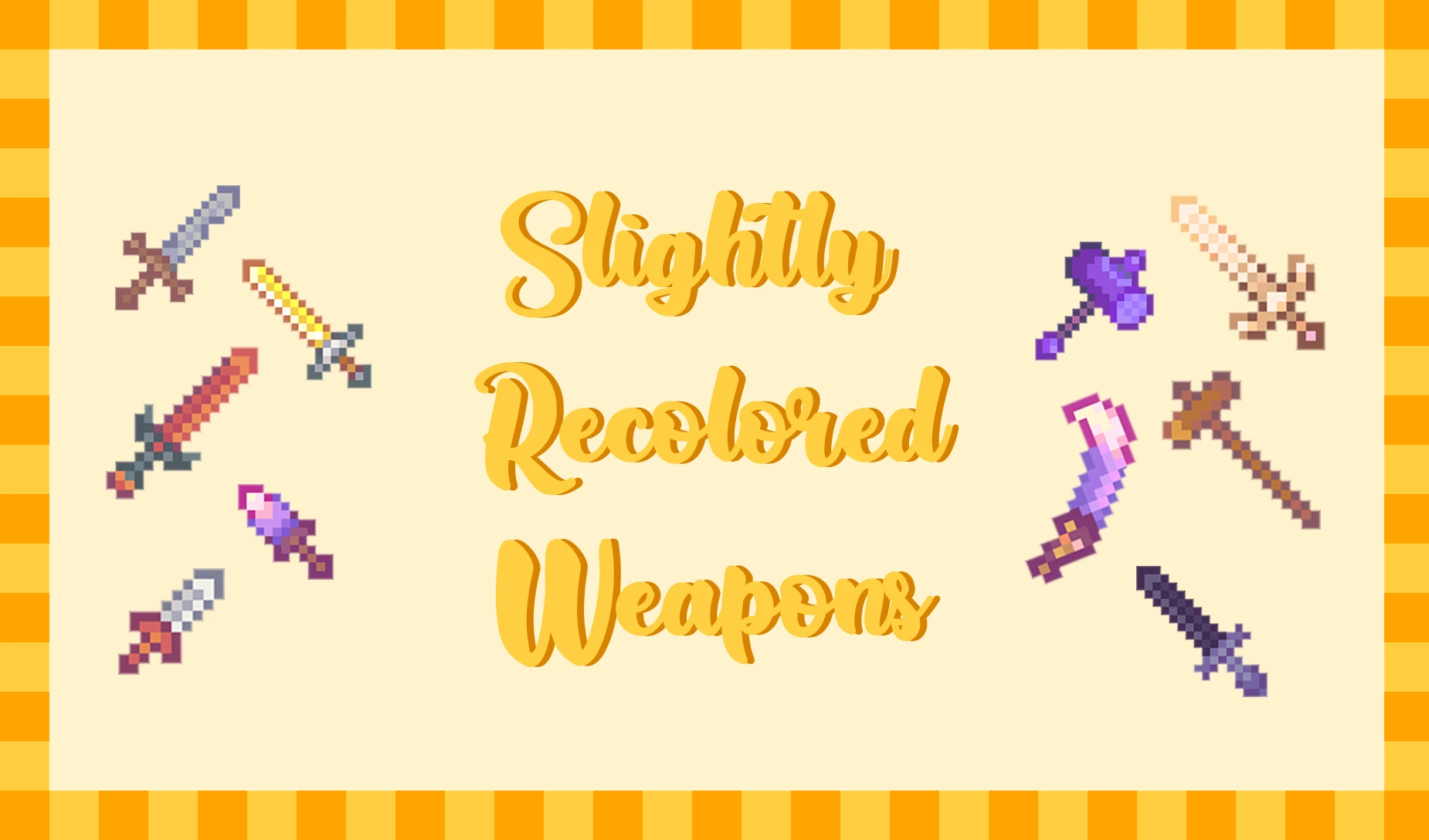
A slight recolor of weapons to look softer!
These are recolored weapons to make them look softer! All in-game weapons were recolored except for unobtainable weapons.
Installation:
1. Install the latest version of SMAPI
2. Install Content Patcher
3. Install the mod (manual download is recommended over vortex/mod managers)
4. Unzip the file, place the folder in your Mods folder
5. Launch your game and enjoy!
Config:
- By default, both the normal scythe and the golden scythe will be recolored. To toggle them off, edit the config.json (available once you launch the game at least once).
Allowed values:
- For the golden scythe, change "GRecolor" to "GVanilla"
- For the normal scythe, change "Recolor" to "Vanilla"
Extra:
- Interface used in the screenshot is LOE's Interface.- Tools are now recolored to match the weapons! You can download them here.
This is my first time making a CP mod so if anything's missing/looking off let me know! :D
📊 Mod Details
- Game
- Stardew Valley Mods
- Author
- skellady
- Version
- 1.1.0
- Downloads
- 25,010
- Endorsements
- 840
- Category
- Items
- Created
- 3/12/2021
- Updated
- 3/20/2024
🧩 Commonly Used Together
Users add these mods to the same collections — a real compatibility signal, not an AI guess.
🔧 How to Install Stardew Valley Mods
Download from Nexus.
📖 Full step-by-step install guide for Stardew Valley →
Visit the official mod page for specific installation instructions for this mod.
🎮 Need cheat codes or console commands? Check ur gaming wiki for Stardew Valley commands, item IDs, and more.
Keep browsing — more Stardew Valley mods await