Shop Tile Framework
🟡 Updated this year⚠️ Install Order · 2 steps
Install in this order, then this mod last — most mods fail to load without their framework and dependencies in place.
Preview
🔍 Analysis
- 👍 2.4% endorsement rate — high engagement, a strong quality signal
- 🏆 #12 of 119 Modding Tools mods in this game by downloads
📋 About This Mod
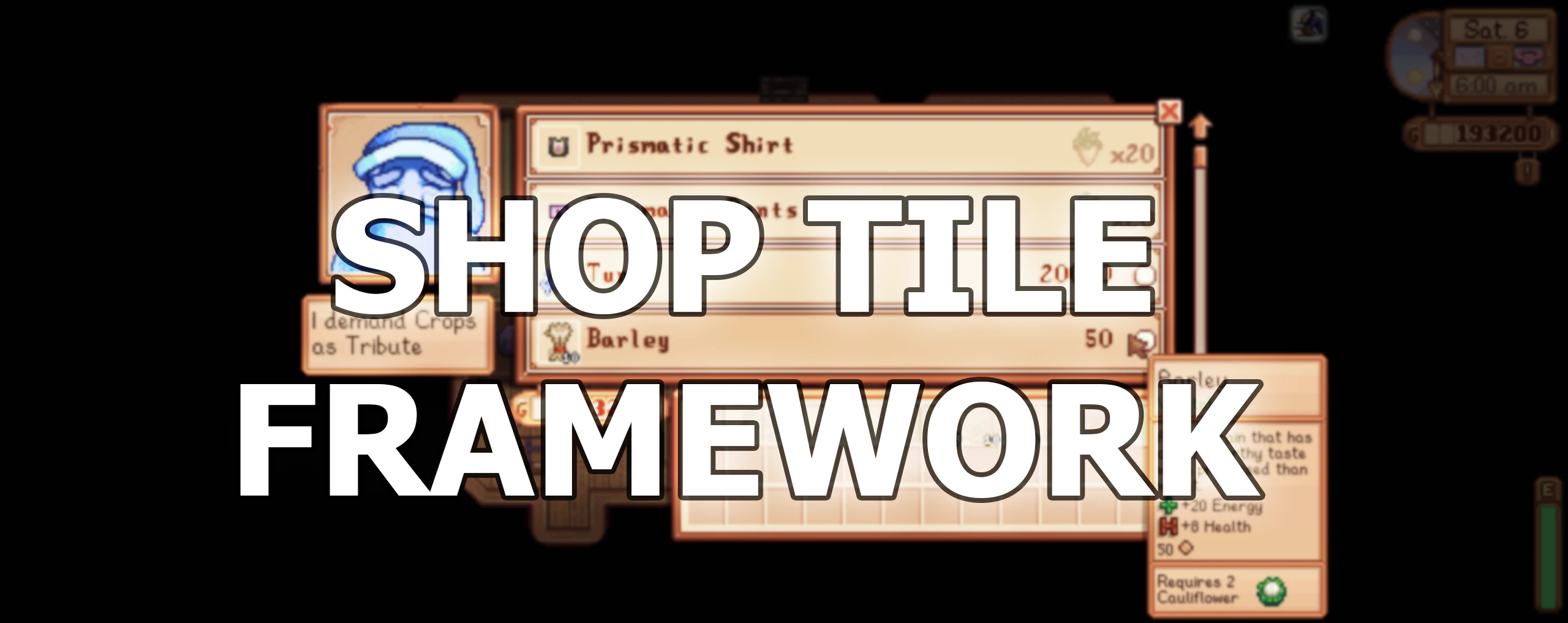
This mod lets content packs create fully customizable shops and animal shops (including support for custom behaviour or trade items), and make them interactable in-game via tile properties.
Install
-
[]Install the latest version of SMAPI.
[
]Install Expanded Preconditions Utility.[]Unzip the mod folder into Stardew Valley/Mods.
[]Run the game using SMAPI.
How to use (for players)
Just install this mod normally, and it'll work automatically for content packs that need it.
How to use (for mod authors)
You add shops by creating a Shop Tile Framework content pack, whose shops.json file contains the shop data to add.
See the technical documentation for more info.
Some features include:
-
[]Edit both vanilla and custom shops.
[
]Specify a shop currency (e.g. money, casino coins, festival score, or trade items). You can sell pants that cost 5 parsnips and 100 gold if you want![]Make shops that sell animals, optionally with a stock limit! You can also optionally remove animals from Marnie's shop, so they're exclusively available at your custom shop.
[]Randomized stock and conditions, which let you change the shop stock each day. You can fully control when items are available, rotate items, check conditions, etc.
[]Customizable shop opening hours.
[]Support for items from Json Assets. You can safely add optional items/animals to your shop without enforcing a hard dependency on Json Assets; if that mod isn't installed, Shop Tile Framework will just skip those items. You can optionally add an entire Json Asset pack to a shop instead of individual items, for easy maintenance.
[]Json Assets items can be added directly to Shop Tile Framework shops from the Json Assets content pack.
[]Open vanilla shops with tile properties (including special shops like Marnie's animals, Robin's buildings, and Clint's geodes).
Common questions
Is the mod still compatible?
The mod is compatible with Stardew Valley 1. 6. 15 or later on Linux/macOS/Windows, both single-player and multiplayer.Does the mod conflict with any others?
There are no known mod conflicts. Feel free to report compatibility issues in the mod comments.Can I safely add/remove the mod anytime?
Yep, the mod makes no changes to your save.
See also
[*]Release n
-
[]Edit both vanilla and custom shops.
Shop Tile Framework is a modding tool that enables content packs to create fully customizable shops and animal shops, making them interactable in-game via tile properties. With 93,439 endorsements and 3.8 million downloads, it's a highly popular framework for modders seeking to add shop functionality to their games.
✨ Key Features
📊 Pros & Cons
✅ Pros
- Massive community trust – 93k endorsements and 3.8M downloads prove it's the go-to for shop mods.
- Opens up huge modding potential – custom shops and animal shops are a game-changer for content creators.
- Still being updated as of March 2026, so it's not abandoned.
⚠️ Cons
- It's a framework, not a standalone content mod – you'll need other mods to actually use it.
- No detailed documentation or examples in the description, so you might have to dig into the code or community guides.
- If you're not a modder, this does nothing for you out of the box.
For modders and content pack creators who want to add shop functionality to their mods. If you're a player looking for new shops, you'll need to find mods that depend on this framework. Skip if you're not interested in modding tools.
💡 Beginner Tips
- Since it's a framework, install it first and then look for content packs that require it – they'll usually list it as a dependency.
- Check the mod's forum or Discord for examples of how to set up tile properties for shops.
- If you're making your own content pack, test with a simple shop before adding complex features.
📊 Mod Details
- Game
- Stardew Valley Mods
- Author
- Cherry
- Version
- 1.0.13
- Downloads
- 3,833,769
- Endorsements
- 93,439
- Category
- Modding Tools
- Created
- 1/1/2020
- Updated
- 3/15/2026
🔗 Required By 3 Mods
These mods list this mod as a dependency.
🧩 Commonly Used Together
Users add these mods to the same collections — a real compatibility signal, not an AI guess.
🔧 How to Install Stardew Valley Mods
Download from Nexus.
📖 Full step-by-step install guide for Stardew Valley →
Visit the official mod page for specific installation instructions for this mod.
🎮 Need cheat codes or console commands? Check ur gaming wiki for Stardew Valley commands, item IDs, and more.
Keep browsing — more Stardew Valley mods await