Colorful Map Markers
⚪ Last updated 2024🖼️ Gallery (2 images)

🔍 Analysis
- 👍 4.4% endorsement rate — high engagement, a strong quality signal
- 🏆 #74 of 116 User Interface mods in this game by downloads
📋 About This Mod
⚠ Not functional, check back soon for updates ⚠
ℹ About
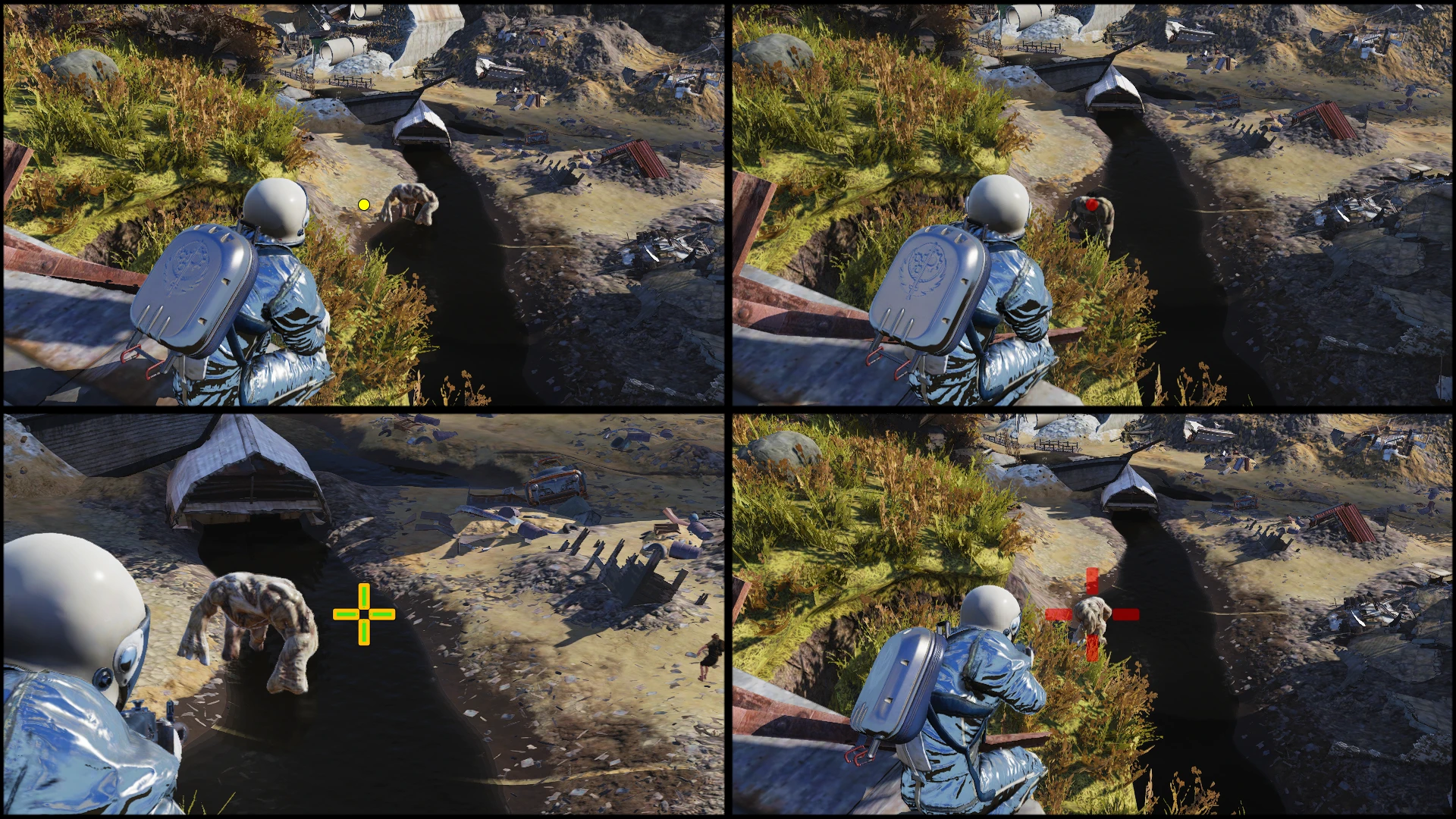
Makes elements on the map menu pops up more with gradients and colorful colors.
I edited the svg files of the marker and did some retouch with Jpexs.
This mod is compatible with all other mods that doesn't touch interface/mapmenu.swf.
Only other mod I know is TZMap markers and my green one which isn't updated.
❣ Installation
1. Put "ColorfulMapMarkers.ba2" inside your data folder of Fallout76 installation directory.
2. Inside "Documents\My Games\Fallout 76" folder, edit or add "Fallout76Custom.ini"
3. Edit "Fallout76Custom.ini" to include this mod.
- Example of edit for running only this mod:
sResourceArchive2List=ColorfulMapMarkers.ba2
- Example of edit for running multiple mods (mod1, mod2, mod3):
sResourceArchive2List=mod1.ba2, mod2.ba2, mod3.ba2
? Compatibility
The only other mod interacting with mapmenu I know are the one from TZMap.
The compass and cursor is compatible if you load this one after but I recommend checking my mouse cursor mods
In bref, load this mod after TZ one.
⟳ Versioning
➢ X = Major update. When a lot of stuff change to my interpretation.
➢ Y = Feature update.
➢ Z = Compatibility and bug fixes update.
➢ Each letter gets incremented once per update.
♠ Tools used in the creation of this mod
https://github.com/jindrapetrik/jpexs-decompiler
➢ Archive2 which comes with fallout 4 creation kit. Downloadable for free on the Bethesda launcher.
? Recommended mods
→ My compatible cursor mod
↳https://www.nexusmods.com/fallout76/mods/666
→ My compatible compass mod
↳https://www.nexusmods.com/fallout76/mods/792
→ TZmap (Map texture and markers)
↳https://www.nexusmods.com/fallout76/mods/419
→ Perk Loadout Manager (PLM)
↳https://www.nexusmods.com/fallout76/mods/124
→ Improved Health Bars
↳https://www.nexusmods.com/fallout76/mods/368
→ Text Chat
↳https://www.nexusmods.com/fallout76/mods/151
→ Better Inventory
↳https://www.nexusmods.com/fallout76/mods/32
→ Save everything
Colorful Map Markers is a UI mod for Fallout 76 that recolors quest and player markers with gradients for better visibility, reduces team marker size, and adds a transparent background to the public team icon. It has 267 endorsements and 6,078 downloads, last updated June 2024.
✨ Key Features
📊 Pros & Cons
✅ Pros
- Community-approved with 267 endorsements and over 6,000 downloads.
- Simple, focused improvements to map readability.
- Recently updated (June 2024) — likely compatible with current game version.
⚠️ Cons
- Limited to map markers only — no other UI changes.
- May require manual file placement, which could be tricky for some users.
For Fallout 76 players who struggle to see quest markers on the map and want a quick visual upgrade. Also for those who find team markers too large and distracting. Skip if you're looking for a full UI overhaul — this only touches map markers.
💡 Beginner Tips
- If you're using a mod manager, check if it supports Fallout 76 mods — otherwise, you'll need to manually place files in the game's Data folder.
- Since this mod changes map marker colors, test it in a dense area like a city to see if the new colors stand out enough.
- If you play with other UI mods, load order might matter — try placing this one last to ensure it overrides correctly.
📊 Mod Details
- Game
- Fallout 76 Mods
- Author
- SkyOps117
- Version
- 1.2.2
- Downloads
- 6,078
- Endorsements
- 267
- Category
- User Interface
- Created
- 10/24/2020
- Updated
- 6/19/2024
🔧 How to Install Fallout 76 Mods
Use Vortex. Place .ba2 files in Data folder. Use cautiously online.
📖 Full step-by-step install guide for Fallout 76 →
Visit the official mod page for specific installation instructions for this mod.
🎮 Need cheat codes or console commands? Check ur gaming wiki for Fallout 76 commands, item IDs, and more.
Keep browsing — more Fallout 76 mods await