Texture Improvement Project
⚪ Last updated 2014Preview
🔍 Analysis
- 👍 3.6% endorsement rate — high engagement, a strong quality signal
- 🏆 #2 of 241 Models and Textures mods in this game by downloads
📋 About This Mod
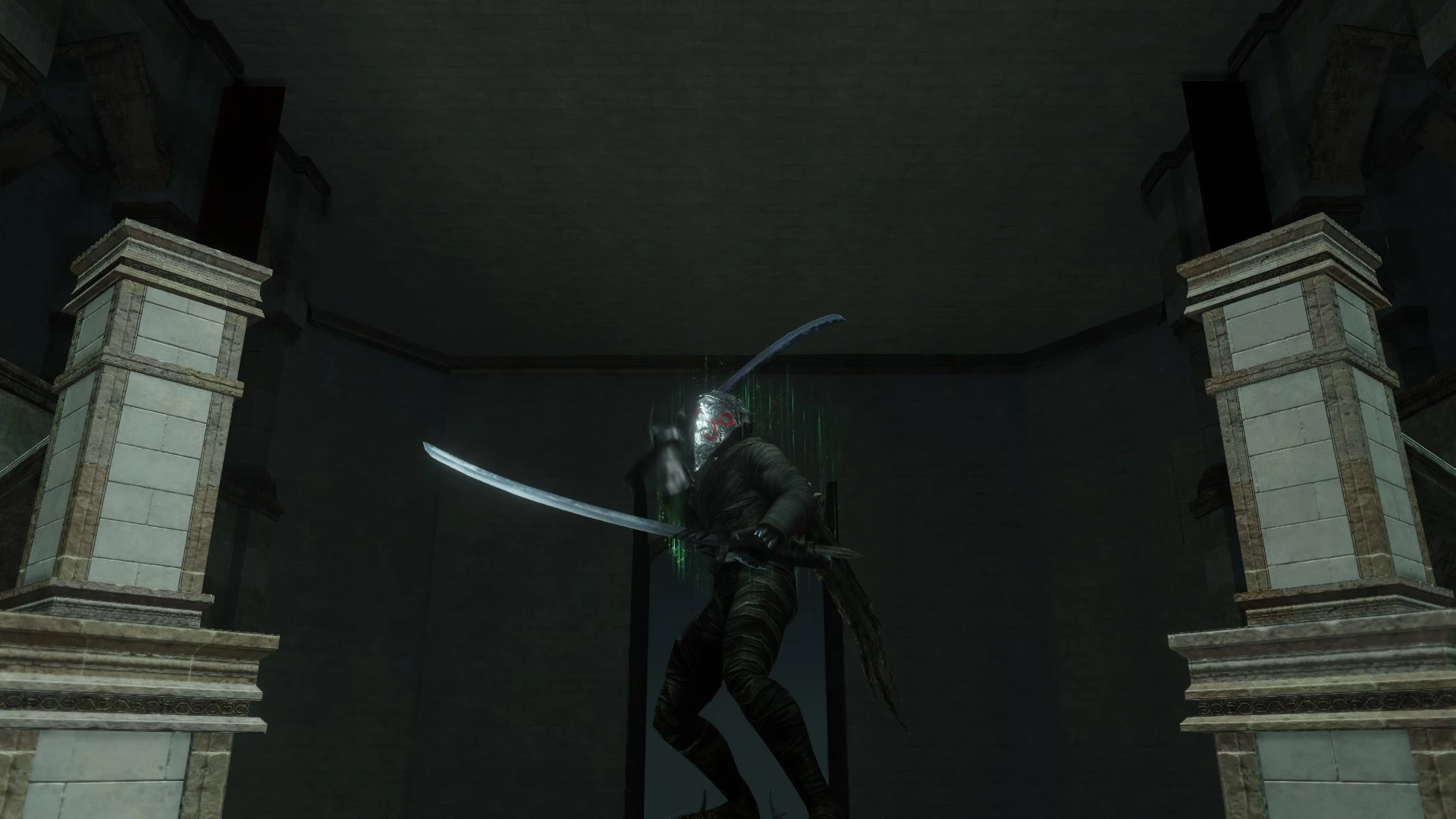
This mod replaces the environmental textures in various locations throughout Dark Souls 2 in an attempt to remove any glaring ugliness from the locations you explore.
All assistance and contributions are greatly appreciated.
Texture Improvement Project ended up in 2nd place for file of the month for August 2014. I'm really happy that my mod got that far, and if anything I actually think BloodyGoreSouls was more deserving of 1st place anyways. Big thanks to everyone who voted!
A great big thanks to everyone for 260+ endorsements! It means a lot to me! I'll ensure to continue support for this mod for as long as I can find new things to improve within my abilities.
INSTALLATION INSTRUCTIONS:
To install, put the DDS files in Steam\steamapps\common\Dark Souls II\Game\textures\DarkSoulsII\override (or whatever directory GeDoSaTo is located in), and make sure that "enableTextureOverride" is set to "true" in GeDoSaTo.ini and that GeDoSaTo is enabled when you launch Dark Souls 2.
If you're a regular user and don't care about all the details or choice and just want improved textures, just go to "Texture Improvement Project\For Users\Quick Installation" within the main file you can download and copy and past all the DDS files into the directory mentioned above and you'll be fine. Quick Installation always includes the most up-to-date and recommended files.
If you don't want to change the textures in certain areas for whatever reason or just want to know which files belong to which location, go to the "Custom Installation" folder also in the "For Users" section. Optional files and variants of other textures are also available here, but are not recommended.
The optional file contains the raw extracted TGA files and is intended for use by other mod developers.
NOTICE: Remove the file "00afe41e" if you're having stuttering in Brume Tower. The improvement didn't do much and causes stuttering, so it's not recommended.
NOTICE: If you do not like the very smooth texture of Eleum Loyce walls, remove "a0cdcbb2 and fd3f66a5" to restore the original bump maps.
WHY I MADE IT:
I was always annoyed ever since the beta by the sheer amount of tiling textures in the game, everywhere from Drangleic Castle to the Dragon Aerie to the Forest of Fallen Giants and Shaded Woods, even being apparent in the otherwise spectacular DLCs. It's distracting and harms the deep immersion the Souls series is so known for.
Repeating textures were something I've heard complaints about since the early reviews and impressions from the TGS gameplay reveal. Of course, it was never fixed in either the PC release or updates.
Some mods already exist to fix the tiling with the Shaded Ruins moss texture and are fantastic, but other eyesores still need tending to.
Texture Improvement Project by Cavou is a Dark Souls 2 mod that revises environmental textures to reduce visible tiling, aiming to improve lazy art direction. With 1,009 endorsements and 28,354 downloads, it's a popular cosmetic enhancement for players bothered by repetitive textures.
✨ Key Features
📊 Pros & Cons
✅ Pros
- Community-approved with 1,009 endorsements and 28,354 downloads.
- Directly addresses a common visual annoyance—tiling textures—making environments look more natural.
- Lightweight cosmetic mod that doesn't alter gameplay, so it's safe for purists.
⚠️ Cons
- Last updated in 2014, so it may not be compatible with the Scholar of the First Sin edition or later patches.
- Only covers environmental textures, so character models and items remain untouched.
- Potential conflicts with other texture overhaul mods that modify the same files.
For Dark Souls 2 players who notice and dislike repetitive tiling in environments and want a quick visual upgrade without changing gameplay. Skip if you're using Scholar of the First Sin or other texture overhauls that might conflict.
💡 Beginner Tips
- If you're playing Scholar of the First Sin, check if the mod has a compatible version—this one is from 2014.
- Use a mod manager like Nexus Mod Manager to easily uninstall if you encounter issues.
- Back up your original texture files before overwriting, just in case you want to revert.
📊 Mod Details
- Game
- Darksouls2 Mods
- Author
- Cavou
- Version
- 2.75
- Downloads
- 28,354
- Endorsements
- 1,009
- Category
- Models and Textures
- Created
- 8/21/2014
- Updated
- 10/8/2014
🔧 How to Install Dark Souls 2 Mods
Download from Nexus Mods.
📖 Full step-by-step install guide for Dark Souls 2 →
Visit the official mod page for specific installation instructions for this mod.
🎮 Need cheat codes or console commands? Check ur gaming wiki for Dark Souls 2 commands, item IDs, and more.
Keep browsing — more Dark Souls 2 mods await