UI Trade Analytics
🟡 Updated this yearPreview
🔍 Analysis
- 👍 1.6% endorsement rate — high engagement, a strong quality signal
- ✅ Updated 49 days after the latest game patch — actively maintained
- 🏆 #1 of 115 User Interface mods in this game by downloads
📋 About This Mod
UI: Trade analytics
https://www.nexusmods.com/x4foundations/mods/764
v9. 0. 0. 10, 29 Jul 2026:
- Bug-fix: Sometimes the Transaction Log menu failed because of a bug in the lua code.
Mod effects
===========
Trade analytics, Station behaviour profiles, and other quality-of-life changes.
Requirements
============
SirNukes Mod Support APIs mod (https://www.nexusmods.com/x4foundations/mods/503)
Kuertee's UI Extensions mod (https://www.nexusmods.com/x4foundations/mods/552)
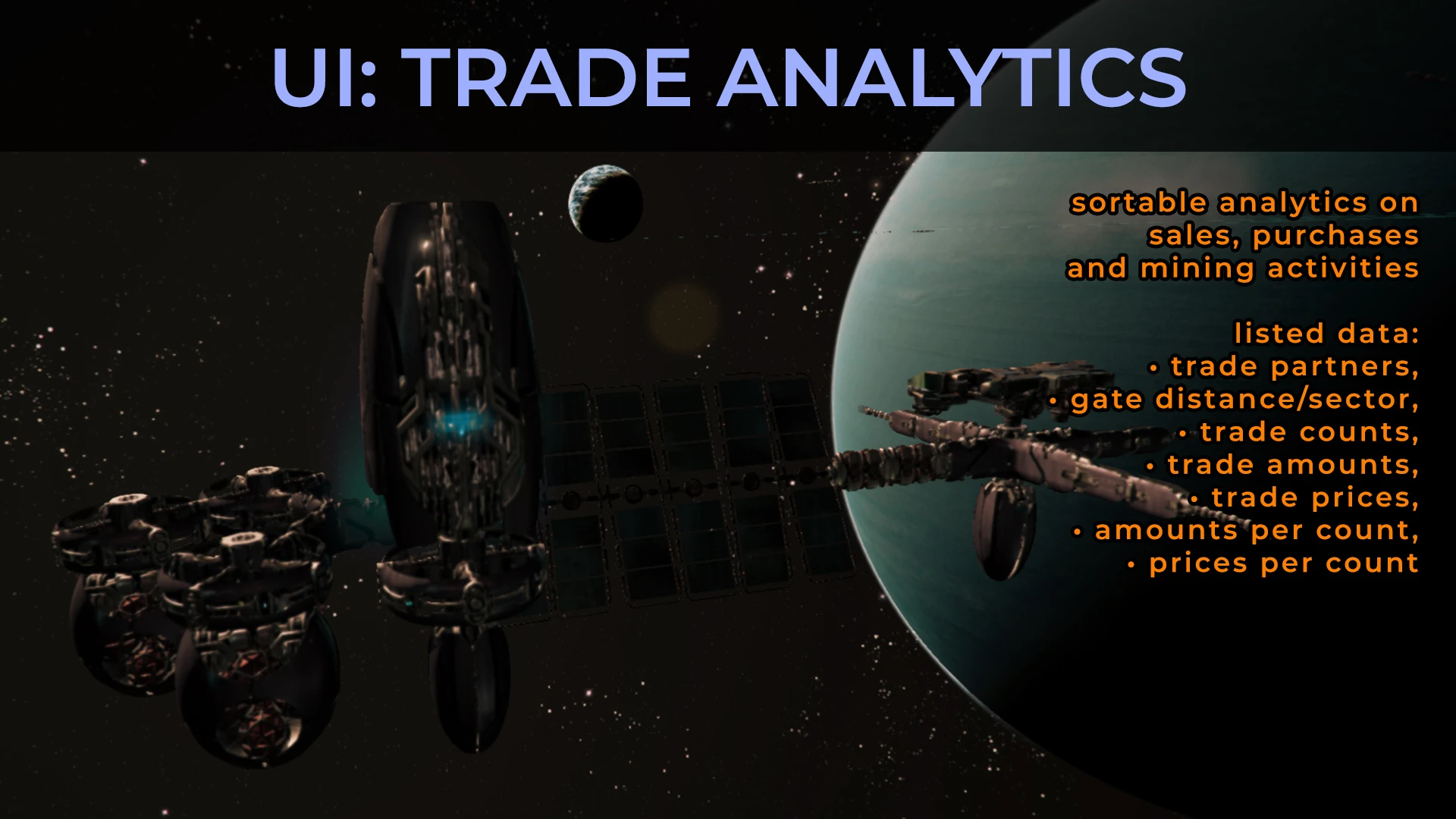
Adds sortable analytics in the Transaction Log screen.
Analytics on sales, purchases, and mining activities are listed and can be viewed by total trades, by wares, or by trading ship.
Note that the transaction log of the base game only contains data on purchases and sales.
Data on supply lines (i.e. data on stations purchased from and sold to) are not logged by the base game.
This mod does. But the analytics of player-to-player trades will only be from after the mod is installed.
Station behaviour profiles
==========================
For factories to sell to other factions, set their profiles to Factory Outlet.
For factories that only sell to your other stations and build projects, set their profiles to Factory.
For a centralised trading station that sell to other factions: Trading Station profile.
For a centralised storage that distributes to your other stations and build projects: Distribution Centre or Supply Warehouse.
Detailed description:
A station's buy and sale behaviours are determined by the best price it finds for the amount they need.
Supply lines are controlled by setting each station's buy and sale percentages (from their min and max prices) and by their faction restrictions.
Set a station's behaviour by selecting one of the profiles listed below from either its Overview Menu or its Interact Menu.
Not all profiles are required.
E.g. Factories will always sell their produced goods to Trading Stations. And all stations are Trading Stations by default.
But the other profiles allow for more control of supply lines.
1. Restrict other faction's traders from entering your sector by setting your factories to sell to a Factory Outlet in a different sector.
2. Or set a Factory Outlet near the gate of your home sector. All station set as Factories will sell to that Factory Outlet. And all factions will only buy from that Factory Outlet.
2. Have a store of essential wares for your building projects far from your base sector by building a Supply Warehouse 3 sectors away from a Distribution Centre.
Factory profile:
Buy: disabled
Sell: 0%, restricted (sell to player-owned stations only)
Generally sells to D
UI Trade Analytics by kuertee adds sortable trade analytics to the Transaction Log, tracking sales, purchases, and mining by total, ware, or ship, plus station behaviour profiles for controlling supply lines. Requires SirNukes Mod Support APIs and Kuertee's UI Extensions. Popular with 698 endorsements and frequent updates.
✨ Key Features
📊 Pros & Cons
✅ Pros
- Community favorite with 698 endorsements and over 42k downloads—clearly a mod people trust.
- The analytics are a game-changer for empire management: sortable by ware or ship, and it even logs supply lines the base game misses.
- Station behaviour profiles give you precise control over your logistics, letting you set factories to sell only to your own stations or open to factions.
⚠️ Cons
- Requires two other mods (SirNukes Mod Support APIs and Kuertee's UI Extensions), so you need to grab those first.
- Player-to-player trade analytics only start after installation—past trades won't show up.
- As a UI mod, it might clash with other UI overhauls or mods that alter the Transaction Log, so test for conflicts.
For X4: Foundations players who live and breathe trade empires and want deep data on their logistics. If you're tired of guessing which ships are profitable or need to fine-tune station supply, this is for you. Skip if you're a combat-focused player who never touches the trade screen.
💡 Beginner Tips
- Install the two required mods first, then this one, and make sure they're all active in the extension menu before loading your save.
- For factories that should only supply your own stations, set the profile to 'Factory'—this prevents them from selling to other factions at the best price.
- Check the Transaction Log after a few hours of play to see the new analytics; remember that data only accumulates from the moment you install the mod.
📊 Mod Details
- Game
- X4foundations Mods
- Author
- kuertee
- Version
- 9.0.0.10
- Downloads
- 42,894
- Endorsements
- 698
- Category
- User Interface
- Created
- 9/9/2021
- Updated
- 7/29/2026
🧩 Commonly Used Together
Users add these mods to the same collections — a real compatibility signal, not an AI guess.
🔧 How to Install X4: Foundations Mods
Download from Nexus Mods.
📖 Full step-by-step install guide for X4: Foundations →
Visit the official mod page for specific installation instructions for this mod.
🎮 Need cheat codes or console commands? Check ur gaming wiki for X4: Foundations commands, item IDs, and more.
Keep browsing — more X4: Foundations mods await