UI Extensions and HUD
🟡 Updated this yearPreview
🔍 Analysis
- 👍 1.4% endorsement rate — high engagement, a strong quality signal
- ✅ Updated 67 days after the latest game patch — actively maintained
- 🏆 #1 of 28 Modders Resources mods in this game by downloads
📋 About This Mod
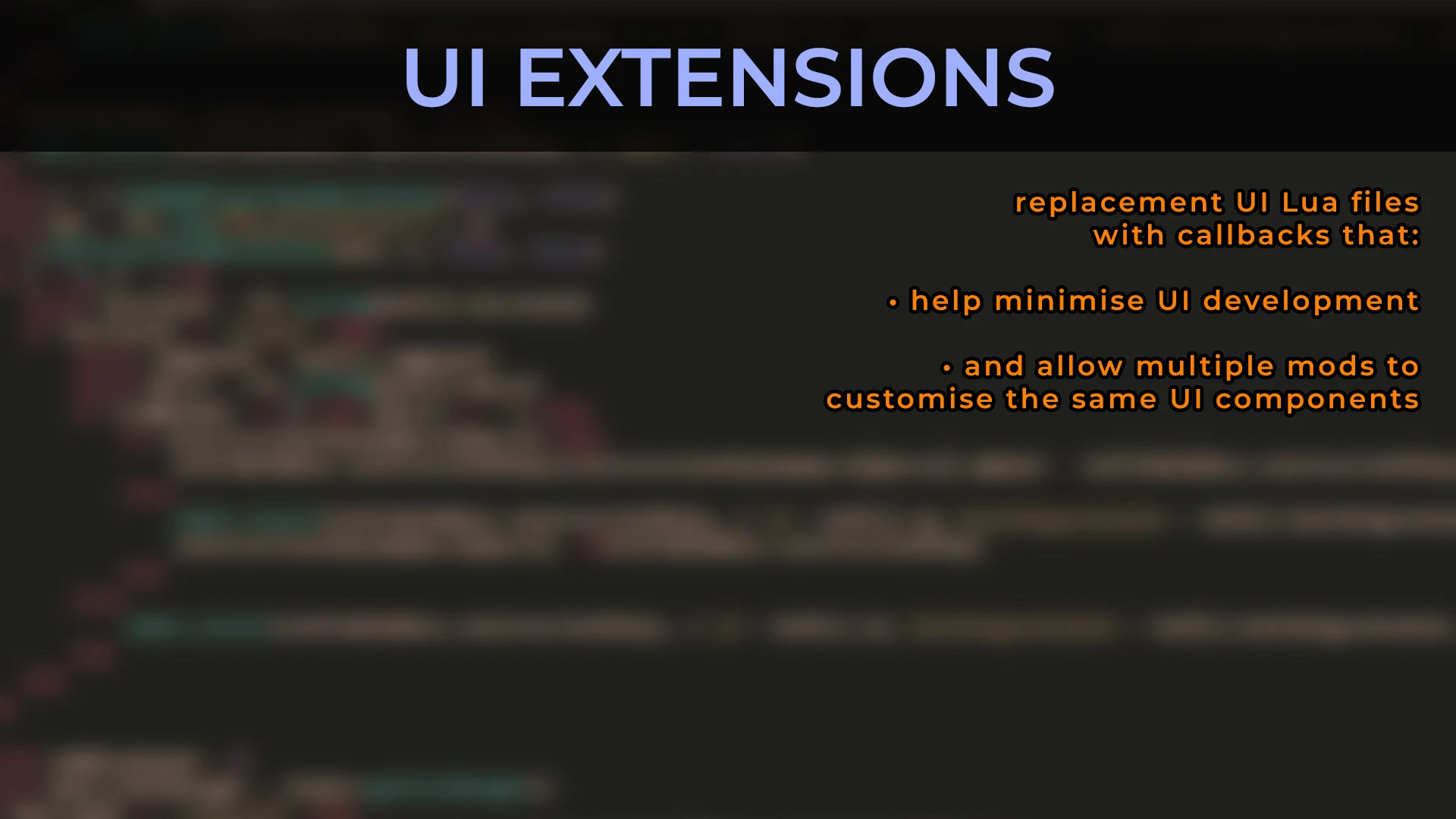
UI Extensions and HUD
https://www.nexusmods.com/x4foundations/mods/552
Code: https://github.com/kuertee/x4-mod-ui-extensions
by kuertee.
Contributors: Alakeram, AlexandreTK, ChemODun, Damonya, DrWhoKnows,
DmytroK, Erixon, Faremen, Forleyor, HYLT2233,
IALuir, Mycu, Orbika, Runekn, sticeIO.
v9. 0. 0. 12, 17 Aug 2026:
FOR PLAYERS:
- New feature: ChemODun's station selector in the Logical Overview menu and the Transaction Log menu.
Protected UI Mode
=================
I've been playing with Protected UI Mode active with no adverse effects. I recommend that this mode is active and that the pop-up message about disabling it is ignored. Only deactivate this mode if you experience something unexpected.
Unfortunately, because of how this mod is built, disabling or enabling Protected UI Mode WHILE the mod is active will prevent the menus from reloading.
1. Activate/deactivate the mod and then restart the game at the operating system level. E.g. Task Manager, Steam, etc.
2. Activate/deactivate Protected UI Mode BEFORE this mod is activated.
Instructions for players
========================
- Install UI Extensions as normal.
- Leave Protected UI Mode active. Ignore the pop-up message about disabling it.
- When extracting the package from github, ensure that the folder you install the mod to is: "(X4 game)/extensions/kuertee_ui_extensions/". Extracting the package from Nexus Mods will extract it to "(X4 game)/extensions/kuertee_ui_extensions/". But be sure it does anyway.
- Read the "CHANGES BUILT INTO THIS MOD (for players)" section.
Instructions for developers
===========================
An overview on how to mod for UIX:
1. Install the mod as a player.
2. Copy the "(X4 game)/extensions/kuertee_ui_extensions/ui" folder into the "(X4 game)/ui" folder. This will overwrite UIX's XPL files into the game.
3. Launch the game with the "-prefersinglefiles" option. This will make the game use UIX XPL files instead of the base game's corresponding files that are in its cat/dat files.
4. Examine one of the callbacks in any of those XPL files. Search for "callback". Add any callback you need in any of the XPL files IN THE GAME FOLDER. If you need any callbacks added to a menu file that UIX doesn't have let me know (on Discord, Nexus or kuertee@gmail.com).
5. When done adding your callbacks, send me the changed XPL files.
6. I'll merge them with the master UIX files.
7. We'll coordinate release dates so that the new UIX mod with your callbacks is released near the time you release your mod.
For any questions, it's best to @ me on Egosoft's unofficial Discord modding channel: https://discord.gg/RzAGhcY
Read the CHANGES BUILT INTO THIS MOD sections.
Features
UI Extensions and HUD is a modder's resource for X4: Foundations that provides a framework for UI mods, with a recent update adding a station selector to the Logical Overview and Transaction Log menus. It has 2,644 endorsements and is actively maintained, with a large contributor team. Recommended for players and developers seeking enhanced UI functionality.
✨ Key Features
📊 Pros & Cons
✅ Pros
- Community staple with 2,644 endorsements and 196k downloads — clearly a go-to for X4 UI modding.
- Actively updated (last update July 2026) and the new station selector is a solid QoL addition for managing stations.
- Open-source on GitHub, so you can see exactly what you're installing and even contribute.
⚠️ Cons
- Protected UI Mode quirks: toggling it while the mod is active breaks menu reloads, forcing a full OS-level restart.
- Installation from GitHub requires exact folder naming — easy to mess up if you're not careful.
- As a modder's resource, it's not a standalone gameplay overhaul; you'll need other mods to see direct benefits.
For X4 players who want a better station management UI and for modders who need a solid UI framework to build on. If you're a casual player looking for flashy HUD changes, this might be too technical — but the station selector alone is worth it for fleet commanders. Skip if you prefer vanilla UI and don't want to deal with mod dependencies.
💡 Beginner Tips
- Keep Protected UI Mode active and ignore the pop-up — the author says it works fine, and disabling it mid-game causes menu issues.
- If you extract from GitHub, double-check the folder path is exactly '(X4 game)/extensions/kuertee_ui_extensions/' — a wrong folder name breaks the mod.
- For modders, copy the 'ui' folder from the mod to your own project to start building UIX-based mods.
📊 Mod Details
- Game
- X4foundations Mods
- Author
- kuertee
- Version
- 9.0.0.12
- Downloads
- 196,613
- Endorsements
- 2,655
- Category
- Modders Resources
- Created
- 8/26/2020
- Updated
- 8/16/2026
🧩 Commonly Used Together
Users add these mods to the same collections — a real compatibility signal, not an AI guess.
🔧 How to Install X4: Foundations Mods
Download from Nexus Mods.
📖 Full step-by-step install guide for X4: Foundations →
Visit the official mod page for specific installation instructions for this mod.
🎮 Need cheat codes or console commands? Check ur gaming wiki for X4: Foundations commands, item IDs, and more.
Keep browsing — more X4: Foundations mods await