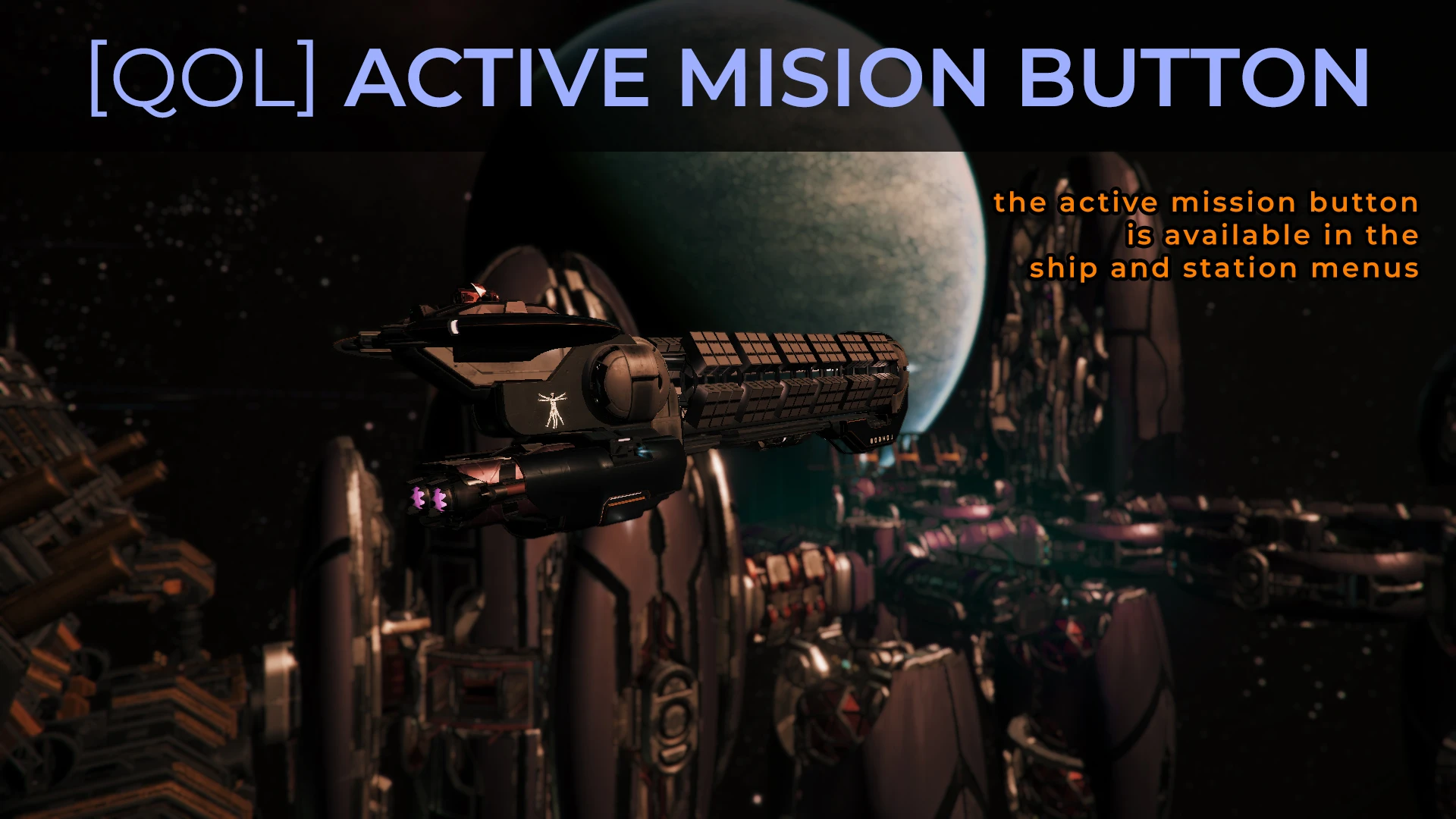
UI Active Mission Button
🟡 Updated this yearPreview
🔍 Analysis
- 👍 2.1% endorsement rate — high engagement, a strong quality signal
- ✅ Updated 19 days after the latest game patch — actively maintained
- 🏆 #9 of 115 User Interface mods in this game by downloads
📋 About This Mod
UI: Active Mission button
https://www.nexusmods.com/x4foundations/mods/518
v9. 0. 0. 6, 29 Jun 2026:
- New feature: Deactivating the mod from the Settings > Extensions menu deactivates the mod's scripts and zeroes its data. More information is in the "Uninstall" section.
- Note: Read the "Uninstall" section for important information on deactivating the mod and creating "clean" saves.
Mod effects
===========
- Adds an Active Mission button in the ship and station configuration menus that displays the active mission's description.
Requirements
============
SirNukes Mod Support APIs mod (https://www.nexusmods.com/x4foundations/mods/503)
Kuertee's UI Extensions mod (https://www.nexusmods.com/x4foundations/mods/552)
- Unzip to 'X4 Foundations/extensions/kuertee-ui-active-mission-button/'.
Summary: Load the save; Deactivate from the menu; Save the game (This is the "deactivated mod" save.); Exit the game; Load the "deactivate mod" save; Save the game (This is the "clean" save).
1. Load a game that contains the running mod.
2. Move away from nearby stations where station data is no longer shown in the Information panel.
3. Deactivate the mod from the Settings > Extensions menu. This safely removes objects (missions, npcs, etc.) the scripts created and then safely cancels the scripts. Its Extension Options, if one exists, should be blank.
4. Save the game. This is the "deactivated mod" save. This still contains the deactivated scripts and zeroed data because the mod still "exists" in the game environment. They are simply deactivated and zeroed.
5. Exit the game.
6. Load the "deactivated mod" save. The game will identify then remove the invalid scripts and data because the mod doesn't "exist" in the game environment anymore.
7. Save the game. This is the "clean" save. This doesn't contain the mod's scripts and data anymore.
Troubleshooting
===============
1. Allow the game to log events to a text file by adding "-debug all -logfile debug.log" to its launch parameters.
2. If an Extension Options entry exists for the mod, enable the mod-specific Debug Log.
3. Play for long enough for the mod to log its events. Or force the error that you are experiencing.
4. Send the log found in My Documents\Egosoft\X4\(your player-specific number)\debug.log to my e-mail (kuertee@gmail.com) with the mod name in the subject line.
v9. 0. 0. 4, 17 Jun 2026:
- Compatibility: 9. 0.
v8. 0. 0. 8, 11 Sep 2025:
- Tweak: Version number change for 8. 0.
v7. 5. 07, 29 Mar 2025:
- Bug-fix: The mod-specific debug logging was likely left on after the last update. This will disable it, if it
UI Active Mission Button adds a button to X4 Foundations' ship and station configuration menus, displaying the active mission's description. It requires SirNukes Mod Support APIs and Kuertee's UI Extensions. The mod includes a clean uninstall process via the Settings > Extensions menu, ensuring saves remain stable.
✨ Key Features
📊 Pros & Cons
✅ Pros
- Solid community backing with 429 endorsements and over 20k downloads.
- Handy QoL feature for mission-focused players who want quick access to mission details without opening the full log.
- Developer included a proper uninstall path to avoid save bloat or broken scripts.
⚠️ Cons
- Requires two other mods (SirNukes Mod Support APIs and Kuertee's UI Extensions) to function, adding setup overhead.
- Uninstall process is multi-step and easy to mess up if you skip a step, potentially leaving invalid data in saves.
- Only adds a single button—if you're looking for broader UI overhauls, this is a narrow fix.
For X4 players who constantly juggle missions and want to see the active mission's details right from the ship or station config screen. It's a small QoL boost for mission runners. Skip if you don't use missions often or prefer a full UI overhaul mod.
💡 Beginner Tips
- Make sure you install both required mods first, or the button won't appear.
- When uninstalling, follow the steps exactly: load save, deactivate, save, exit, reload, save again—this prevents corrupted saves.
- If you're using other UI mods, test this one in a separate save to avoid conflicts.
📊 Mod Details
- Game
- X4foundations Mods
- Author
- kuertee
- Version
- 9.0.0.6
- Downloads
- 20,384
- Endorsements
- 429
- Category
- User Interface
- Created
- 6/16/2020
- Updated
- 6/29/2026
🧩 Commonly Used Together
Users add these mods to the same collections — a real compatibility signal, not an AI guess.
🔧 How to Install X4: Foundations Mods
Download from Nexus Mods.
📖 Full step-by-step install guide for X4: Foundations →
Visit the official mod page for specific installation instructions for this mod.
🎮 Need cheat codes or console commands? Check ur gaming wiki for X4: Foundations commands, item IDs, and more.
Keep browsing — more X4: Foundations mods await