Ship scanner
🟡 Updated this yearPreview
🔍 Analysis
- 👍 1.9% endorsement rate — high engagement, a strong quality signal
- ✅ Updated 19 days after the latest game patch — actively maintained
- 🏆 #27 of 596 Gameplay mods in this game by downloads
📋 About This Mod
Ship scanner
https://www.nexusmods.com/x4foundations/mods/591
v9. 0. 0. 6, 29 Jun 2026:
- New feature: Deactivating the mod from the Settings > Extensions menu deactivates the mod's scripts and zeroes its data. More information is in the "Uninstall" section.
- Note: Read the "Uninstall" section for important information on deactivating the mod and creating "clean" saves.
Mod effects
===========
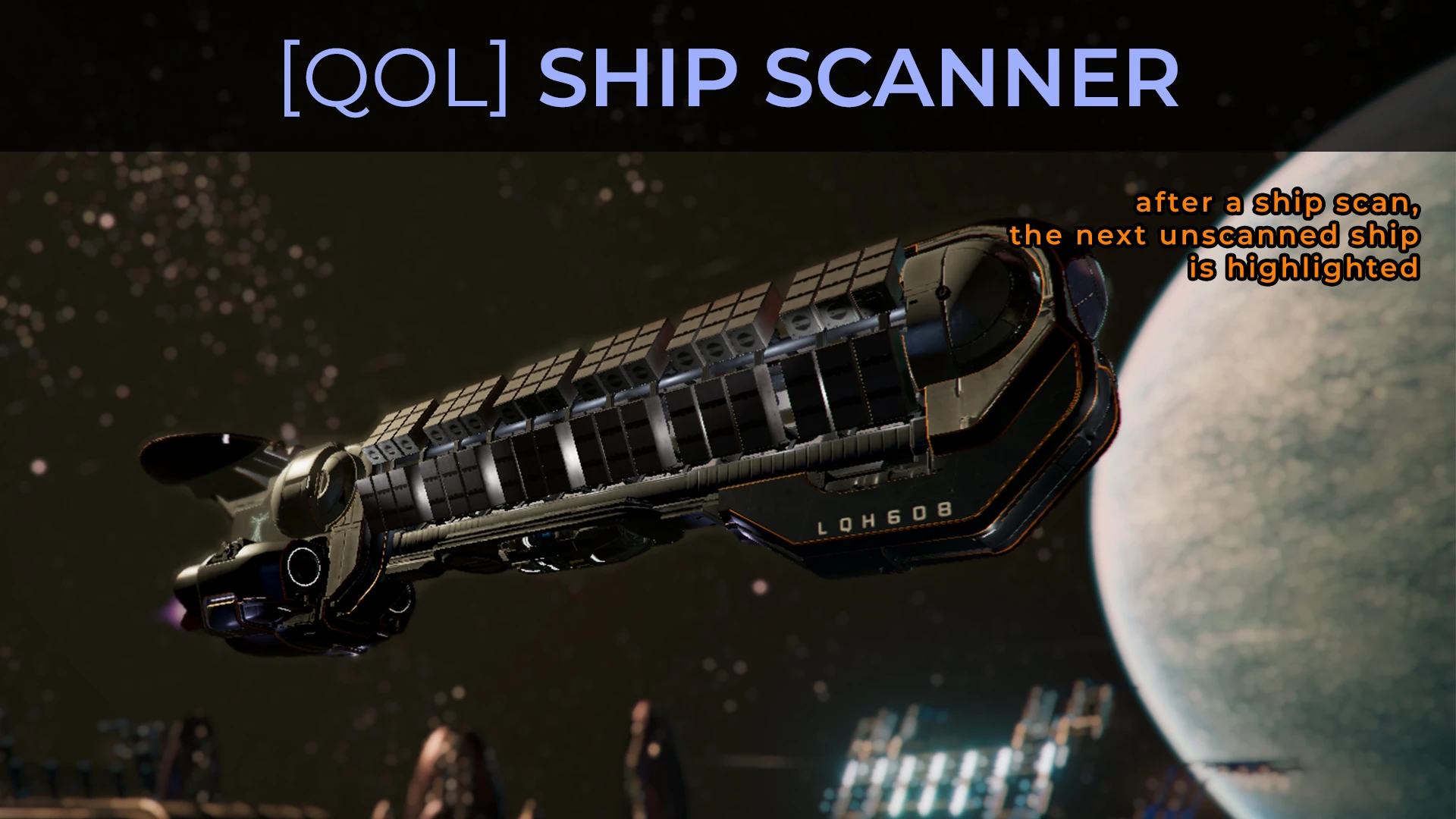
The Ship Scanner is a targeting AI that continually targets unscanned ships after the completion of a ship scan until all ships in your vicinity are scanned.
Requirements
============
SirNukes Mod Support APIs mod (https://www.nexusmods.com/x4foundations/mods/503)
Kuertee's UI Extensions mod (https://www.nexusmods.com/x4foundations/mods/552)
Recommended companion mods
==========================
Here are all my quality-of-life mods. All these mods' missions are listed in the Guidance Missions tab. Use my mod, UI extensions (https://www.nexusmods.com/x4foundations/mods/552), to enable the Set Active and Set Inactive buttons in Guidance Missions. Otherwise, you won't be able to switch between them manually.
- Loot mining (https://www.nexusmods.com/x4foundations/mods/511): During a player mining session, manually targeting loot activates the targeting AI to target all others of the same loot. After the destruction of a targeted mineable asteroid, the nearest mineable asteroid with the same loot is auto-targeted.
- Ship scanner (https://www.nexusmods.com/x4foundations/mods/591): The Ship Scanner is a targeting AI that continually targets unscanned ships after the completion of a ship scan until all ships in your vicinity are scanned.
- Signal leak hunter - increasing range (https://www.nexusmods.com/x4foundations/mods/498): Scans for and targets signal leaks and/or repair panels within an ever-increasing range.
- Station scanner (https://www.nexusmods.com/x4foundations/mods/496): When using the spaceship scanner, modules that need the spacesuit scanner are targeted. When using the spacesuit scanner, the closest module with an incomplete scan is targeted. Follow this trail of targets to scan the station.
- Surface element targeting (https://www.nexusmods.com/x4foundations/mods/710): Auto-targets the next surface element after destruction of the last. Find All surface elements of the same type.
- Waypoint field for deployments (https://www.nexusmods.com/x4foundations/mods/585): Creates waypoints that you and your wingmen can follow to deployment equipment and weapons.
How it works
============
Scan a ship. A new Guidance Mission will activate that guides you to the nearest unscanned ship. The Guidance Mission is listed in the Guidance Missions tab. It will attach itself to a relevant and active scan mission. When the original, attached mission compl
Ship scanner is a targeting AI mod for X4: Foundations that automatically targets unscanned ships after completing a scan, continuing until all nearby ships are scanned. It requires SirNukes Mod Support APIs and Kuertee's UI Extensions. The latest update adds a deactivation feature for clean saves. With 382 endorsements and nearly 20,000 downloads, it's a popular quality-of-life tool for players who scan ships frequently.
✨ Key Features
📊 Pros & Cons
✅ Pros
- Streamlines the tedious scanning process—no more manually clicking each ship.
- Community-trusted with 382 endorsements and nearly 20k downloads.
- Active development—updated June 2026 with a new deactivation feature for clean saves.
⚠️ Cons
- Requires two other mods (SirNukes APIs and UI Extensions), so setup is more involved.
- Only works if you're actively scanning ships—doesn't help with other scanning types like signal leaks.
- Potential compatibility risk with other mods that alter targeting or scanning behavior.
For X4 players who spend time scanning ships for missions or exploration and want to cut down on repetitive targeting. If you're a trader or combat-focused player who rarely scans, you can skip this. It's a pure QoL improvement, not a gameplay overhaul.
💡 Beginner Tips
- Install the required mods first—Ship scanner won't work without them.
- Use the mod manager to install and enable all three mods, then check the Extensions menu in-game to confirm they're active.
- If you want to switch between kuertee's QoL mods, use UI Extensions to enable the Set Active/Inactive buttons in Guidance Missions.
📊 Mod Details
- Game
- X4foundations Mods
- Author
- kuertee
- Version
- 9.0.0.6
- Downloads
- 19,992
- Endorsements
- 382
- Category
- Gameplay
- Created
- 12/9/2020
- Updated
- 6/29/2026
🧩 Commonly Used Together
Users add these mods to the same collections — a real compatibility signal, not an AI guess.
🔧 How to Install X4: Foundations Mods
Download from Nexus Mods.
📖 Full step-by-step install guide for X4: Foundations →
Visit the official mod page for specific installation instructions for this mod.
🎮 Need cheat codes or console commands? Check ur gaming wiki for X4: Foundations commands, item IDs, and more.
Keep browsing — more X4: Foundations mods await