Graphics Config Plus
⚪ Last updated 2021⚠️ Install Order · 1 step
Install in this order, then this mod last — most mods fail to load without their framework and dependencies in place.
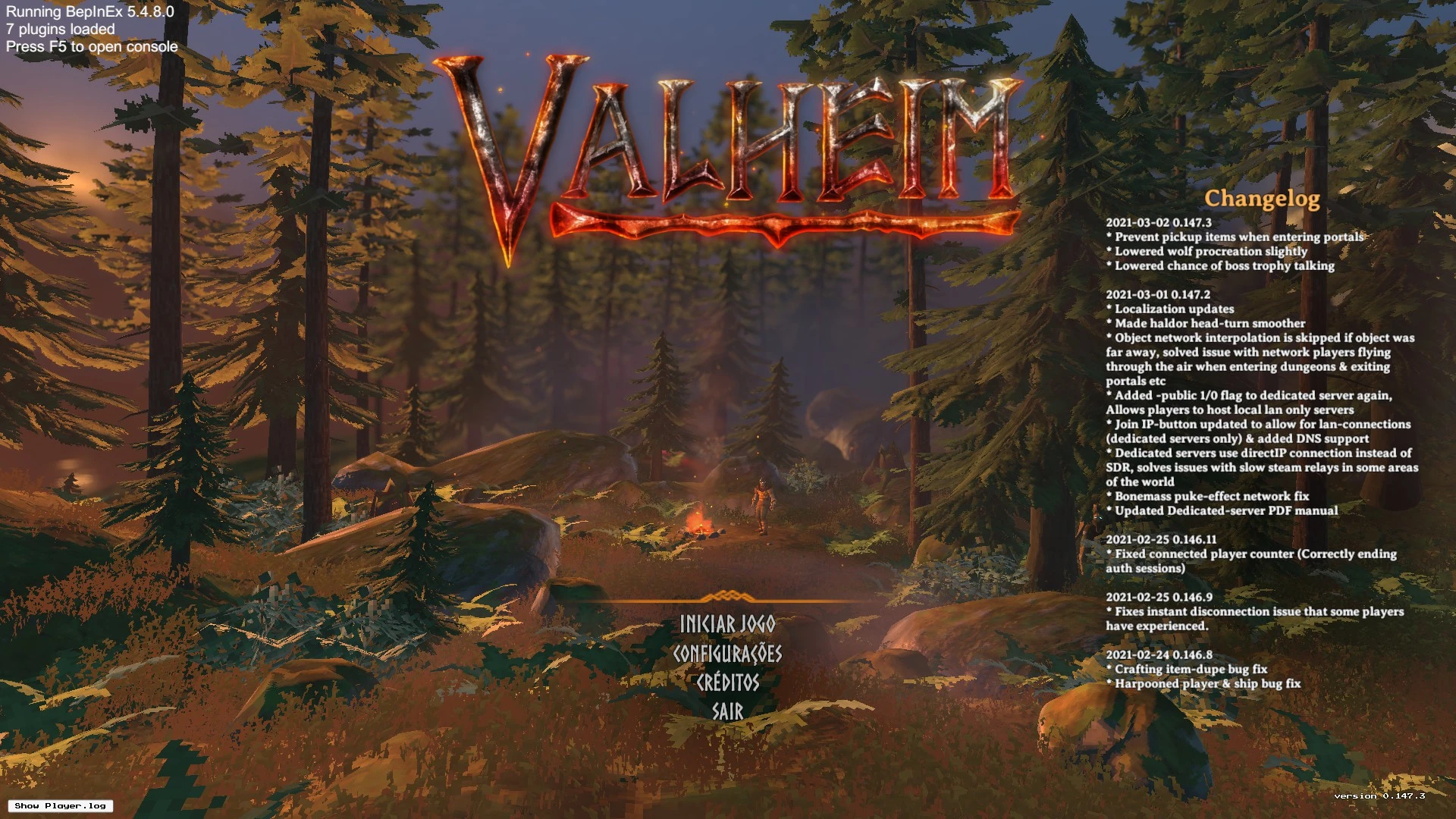
Preview
🔍 Analysis
- 👍 3.1% endorsement rate — high engagement, a strong quality signal
- 🏆 #10 of 80 Visuals and Graphics mods in this game by downloads
📋 About This Mod
About
It started as a simple mod that allows you to change the graphic settings aiming to improve performance on old pcs, now it's becoming a full granular controler over all graphics configuration. Note: the default configuration has the standard values for the game. In order to see changes you have to manually alter the config file or download one of the config files in the files tab. This mod will override shadows, vSync and distance/lod options, use the config file to change these options instead of game menu.
These settings are experimental. There are a lot of settings and we don't have time to thoroughly test all of them. If you find something that doesn't work or have any suggestion please let us know.
How to Use
-
[]Extract the mod into your BepInEx/plugins folder. WARNING: If you're updating from a version previous to 1. 1. 0 be sure to delete the GraphicsConfigPlus folder from BepInEx/plugins!
[
]Open the game to generate a config file in BepInEx/config and alter the values to your liking, OR download one of the config files in the files tab and place it into BepInEx/config.Note: You can apply any changes made to the config file while playing, just press the Home key. You can change the key in config file.Config Files
-
[]The balanced config file is used to run the game on a GTX 650Ti at 30 fps (i lock the fps with vSync option) with some effects enabled. Shadows are disabled because they coust too much for my old GPU, but by enabling SSAO with some quality changes the game doesn't become too plain.
[
]The performance config is used to play the game on i5 intel graphics notebook at 30 fps (with some drops to 20). It's not perfect and the game is kinda ugly, but it's a miracle it runs at all.[]If you are here not to increase performance but give a boost on graphics you can just start the game to create the default config file and take a look at these settings: MaxFPS or vSyncCount, ShadowResolution, ShadowDistance, SunShaftsResolution, AOsampleCount and MBsampleCount.
Available Options
-
[]Select the hot key to reload config file while playing
[]Print the original values and current values for the configurations on the BepInEx log
[]Enable or disable Anisotropic Filtering
[]Set texture size limit
[]Set max. pre-rendered frames queued up by graphics driver
[]Set particle raycast per frame
[]Set maximum number of light pixels on an object
[]Enable or disable real-time reflection probes
[]Set maximum number of bone weights that can affect a vertex
-
[]Select the hot key to reload config file while playing
-
[]The balanced config file is used to run the game on a GTX 650Ti at 30 fps (i lock the fps with vSync option) with some effects enabled. Shadows are disabled because they coust too much for my old GPU, but by enabling SSAO with some quality changes the game doesn't become too plain.
Graphics Config Plus is a simple mod that unlocks deeper graphics settings, letting you tweak performance or push beyond standard limits. With 513 endorsements and over 16,000 downloads, it's a popular choice for players wanting more control over visuals. Last updated in March 2021.
✨ Key Features
📊 Pros & Cons
✅ Pros
- Community-approved with 513 endorsements and over 16k downloads.
- Gives you extra control over graphics for performance or visual gains.
- Simple and straightforward—no complex setup mentioned.
⚠️ Cons
- Last updated in March 2021—may not be compatible with the latest game version.
- No detailed instructions or documentation provided by the author.
- Potential for misuse—pushing settings too far could cause instability.
For players who want to squeeze out extra performance or push visuals beyond vanilla limits. Great for tinkerers who enjoy tweaking config files. Skip if you prefer plug-and-play mods without manual adjustments.
💡 Beginner Tips
- Make sure to back up your original config files before applying changes.
- Start with small adjustments to avoid crashes or visual glitches.
- Check the mod's comments section for user-tested settings and compatibility notes.
📊 Mod Details
- Game
- Valheim Mods
- Author
- daccaor
- Version
- 1.2.1
- Downloads
- 16,558
- Endorsements
- 513
- Category
- Visuals and Graphics
- Created
- 3/8/2021
- Updated
- 3/20/2021
🔧 How to Install Valheim Mods
Download from Nexus.
📖 Full step-by-step install guide for Valheim →
Visit the official mod page for specific installation instructions for this mod.
🎮 Need cheat codes or console commands? Check ur gaming wiki for Valheim commands, item IDs, and more.
Keep browsing — more Valheim mods await