Custom Loading Screens
🟠 Updated over a year ago⚠️ Install Order · 1 step
Install in this order, then this mod last — most mods fail to load without their framework and dependencies in place.
Preview
🔍 Analysis
- 👍 3.6% endorsement rate — high engagement, a strong quality signal
- 🏆 #17 of 80 Visuals and Graphics mods in this game by downloads
📋 About This Mod
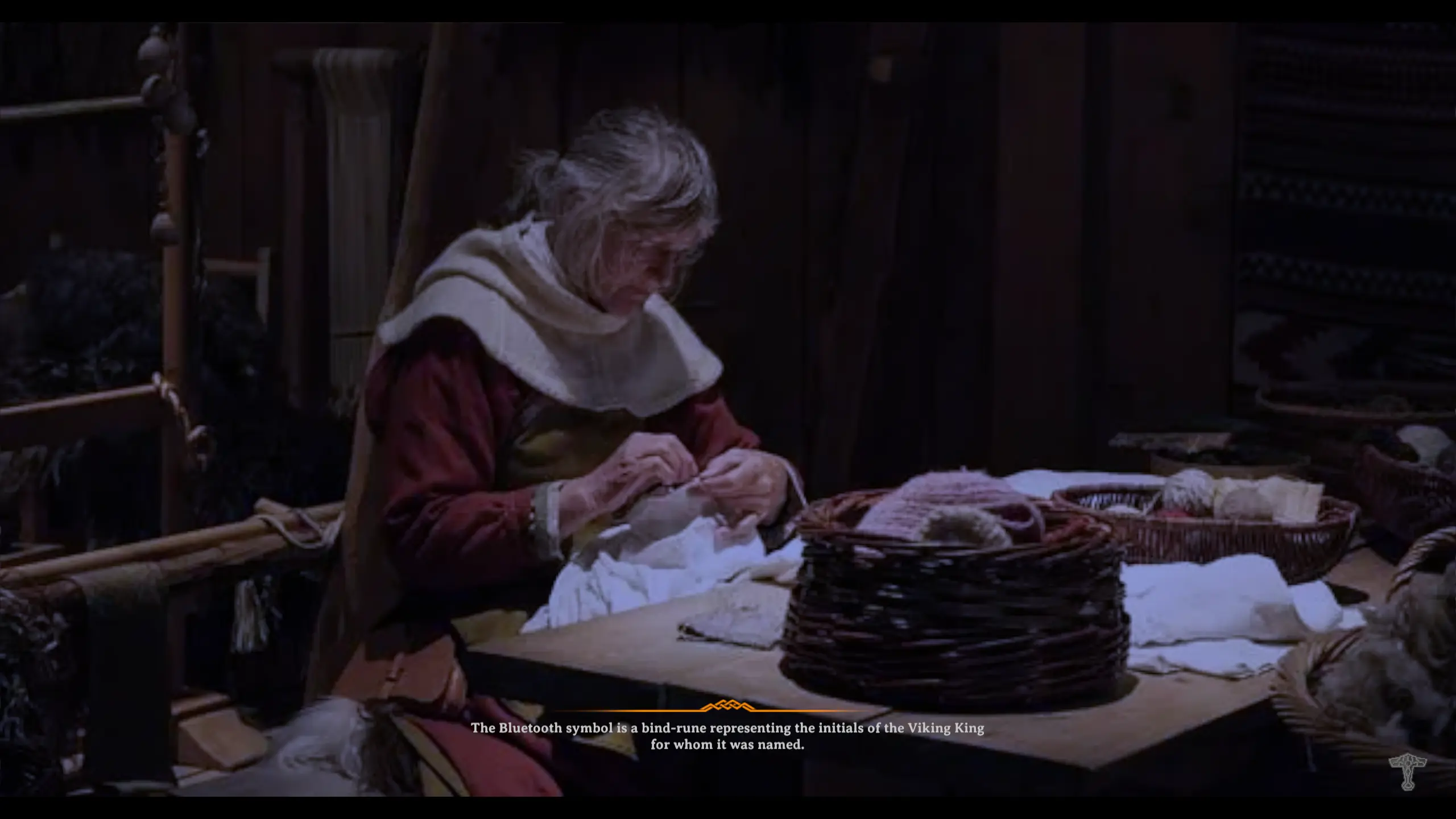
To use this mod after installing it, place as many png files as you like in BepInEx\plugins\CustomLoadingScreens\
The mod will choose one image at random for the Loading... part, and optionally another for the screen with the tips.
You can optionally add a tips.txt file with one tip per line if you want to replace the tips with your own list. Tips can be shown on both parts of the loading screen.
You can also customize the vignette, color mask, etc. in the config file.
The mod comes with an empty tips.txt file and three png files from Wikipedia vaguely related to Vikings.
The tips in the screenshots come from https://www.kickassfacts.com/viking-facts/ I make no guarantee about the veracity of the Viking facts on that site.
Config
A config file BepInEx/config/aedenthorn. CustomLoadingScreens.cfg is created after running the game once with this mod).
You can adjust the config values by editing this file using a text editor or in-game using the Config Manager.
To reload the config from the config file, type loadingscreens reset into the game's console (F5).
Technical
To install this mod, the easiest way is to just use Vortex, the Nexus Mods mod manager. It should take care of all dependencies.
To install manually, place the dll file in the BepInEx/plugins folder. You will need BepInEx.
Code is at https://github.com/aedenthorn/ValheimMods.
If you want to complain or ask for help or help me test my mods, you can visit my Discord server.
Click here for a list of all my mods for Valheim.
Custom Loading Screens by aedenthorn lets you replace the black screen and tip screen with custom PNG files and optionally your own list of tips. It's a simple visual mod with 308 endorsements and 8,641 downloads, last updated April 2025.
✨ Key Features
📊 Pros & Cons
✅ Pros
- Decent community support with 308 endorsements.
- Simple concept—just drop in your own images and tips.
- Actively maintained (last updated April 2025).
⚠️ Cons
- Only affects loading screens—no other visual changes.
- Requires you to source or create your own PNG files and tip list.
For players who want to personalize their loading screens with custom art or tips. Great for streamers or anyone who wants a more immersive feel. Skip if you're looking for major visual overhauls—this is purely cosmetic.
💡 Beginner Tips
- Make sure your PNG files are the correct resolution for your game's loading screen to avoid stretching.
- If the mod doesn't work, check that you've placed the files in the correct folder as per the mod's file structure.
- Test with a single custom image first before adding multiple to ensure the mod is working.
📊 Mod Details
- Game
- Valheim Mods
- Author
- aedenthorn
- Version
- 0.7.1
- Downloads
- 8,641
- Endorsements
- 308
- Category
- Visuals and Graphics
- Created
- 3/10/2021
- Updated
- 4/19/2025
🧩 Commonly Used Together
Users add these mods to the same collections — a real compatibility signal, not an AI guess.
🔧 How to Install Valheim Mods
Download from Nexus.
📖 Full step-by-step install guide for Valheim →
Visit the official mod page for specific installation instructions for this mod.
🎮 Need cheat codes or console commands? Check ur gaming wiki for Valheim commands, item IDs, and more.
Keep browsing — more Valheim mods await