Subnautica Mod Manager
🟡 Updated this year⚠️ Install Order · 2 steps
Install in this order, then this mod last — most mods fail to load without their framework and dependencies in place.
Preview
🔍 Analysis
- 👍 1.4% endorsement rate — high engagement, a strong quality signal
- ✅ Updated 120 days after the latest game patch — actively maintained
- 🏆 #4 of 191 User Interface mods in this game by downloads
📋 About This Mod
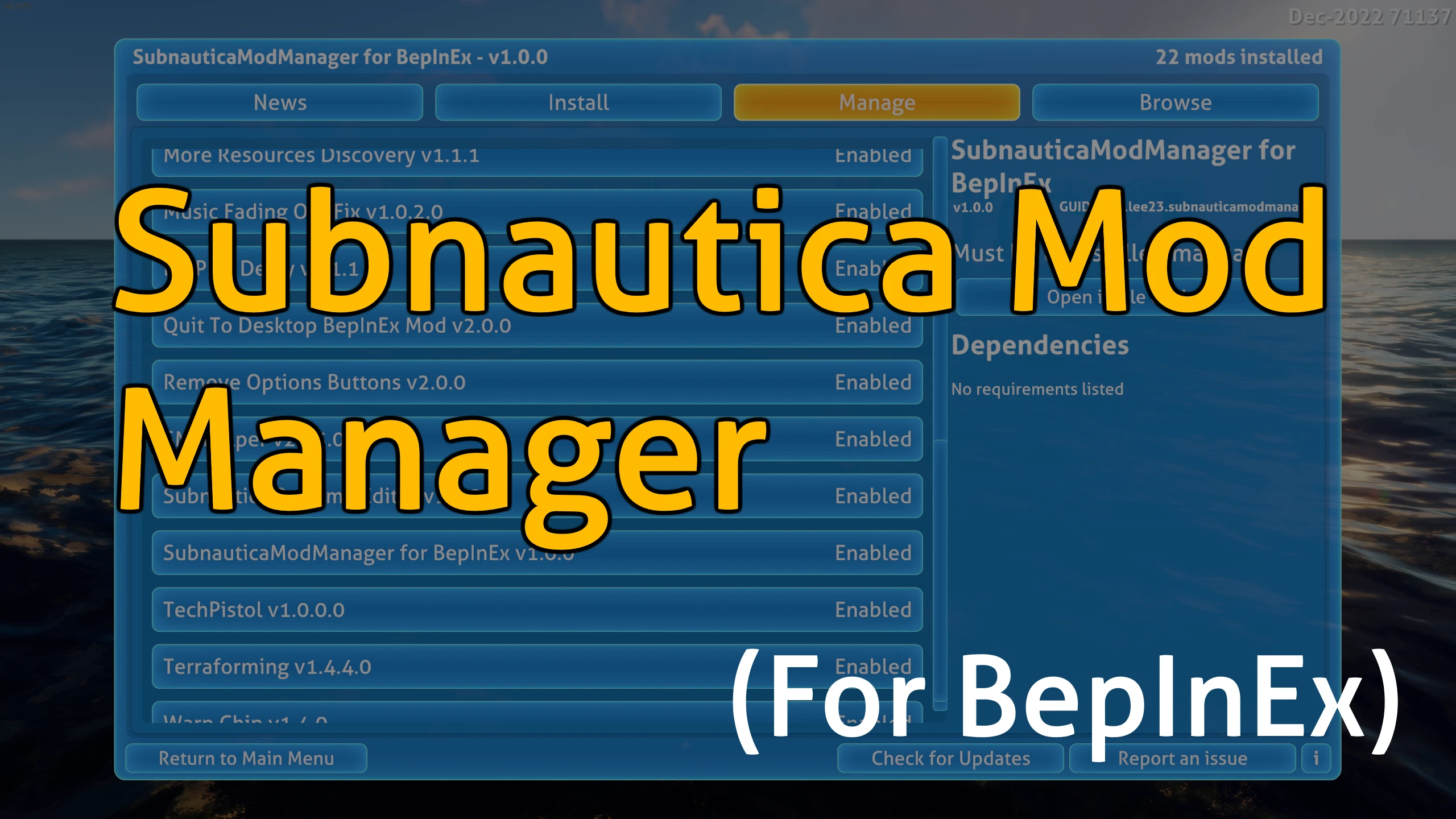
Subnautica Mod Manager (for BepInEx)
Source code | Report issues
In-game menu for installing and managing your mods more easily.
-
[]Built on BepInEx and designed for the latest version of Subnautica.
[
]Accessed through a button in the main menu.[]Designed to be compatible with any BepInEx plugins (mods) that are packaged in zip files.
Notable features:
-
[]Automatic mod installation
[]Easy enabling & disabling of mods
[]In-game Submodica integration
[]Subnautica modding news feed
[]Version & dependency checking
Installation
-
[]Make sure you have BepInEx properly setup. (Download the Subnautica BepInEx pack from Nexus Mods)
[
]Download the main zip file for this mod.[]Place that zip file into the plugins folder. The plugins folder should be directly inside of the BepInEx folder in your Subnautica directory. If there is no plugins folder, try launching Subnautica one time.
[]Open the zip file, copy the SubnauticaModManager folder inside, and paste into the plugins folder. If done correctly, you should see a folder called SubnauticaModManager in ... Subnautica\BepInEx\plugins.
- If you installed it correctly, a button titled “Mod Manager” should appear in the main menu below the Play button once you launch the game.
Supported languages
Thanks to our translators (credited above), the Mod Manager has automatic translations for the following languages:
Features
Mod installation:
You can use the Install tab to automatically install and/or update mod files that have been placed into the downloads folder. Only supports zip files, and will not install mods for the legacy branch.
-
[]Make sure you have BepInEx properly setup. (Download the Subnautica BepInEx pack from Nexus Mods)
-
[]Automatic mod installation
Subnautica Mod Manager adds an in-game menu to install, update, and manage mods, streamlining the modding experience. With 3,848 endorsements and 267,421 downloads, it's a popular tool for Subnautica players who want a simpler way to handle their mods.
✨ Key Features
📊 Pros & Cons
✅ Pros
- Huge community trust (3,848 endorsements) — this is a must-have for modding.
- Massive download count (267k) proves it's the go-to tool for Subnautica modders.
- In-game menu means no alt-tabbing to manage your mods.
⚠️ Cons
- Last updated Feb 2026 — might not support the latest game version if it's changed since.
For Subnautica players who mod heavily and want a centralized way to manage their mods without leaving the game. If you're a casual player with just a few mods, you might not need it, but it's essential for anyone juggling multiple mods.
💡 Beginner Tips
- Check if the mod manager requires any specific mod loader like BepInEx or QModManager before installing.
- Since it's a UI mod, make sure your game is updated to the latest version to avoid compatibility issues.
- Look for a config file or in-game settings to customize which mods appear in the menu.
📊 Mod Details
- Game
- Subnautica Mods
- Author
- Kallie23
- Version
- 1.2.4
- Downloads
- 267,421
- Endorsements
- 3,848
- Category
- User Interface
- Created
- 1/14/2023
- Updated
- 2/1/2026
🔗 Required By 1 Mod
These mods list this mod as a dependency.
🧩 Commonly Used Together
Users add these mods to the same collections — a real compatibility signal, not an AI guess.
🔧 How to Install Subnautica Mods
Download from Nexus.
📖 Full step-by-step install guide for Subnautica →
Visit the official mod page for specific installation instructions for this mod.
🎮 Need cheat codes or console commands? Check ur gaming wiki for Subnautica commands, item IDs, and more.
Keep browsing — more Subnautica mods await