Natural Color - ReShade
⚪ Last updated 2024⚠️ Install Order · 3 steps
Install in this order, then this mod last — most mods fail to load without their framework and dependencies in place.
Preview
🔍 Analysis
- 👍 2.0% endorsement rate — high engagement, a strong quality signal
- 🏆 #10 of 227 Visuals and Graphics mods in this game by downloads
📋 About This Mod
NATURAL COLOR
UPDATE 9
Works with last update of Stardew Valley!
A HUGE thank you to all those who downloaded my mod and offered me the 3600 Endorsements, you give me the motivation to keep improving Natural Color!
DESCRIPTION
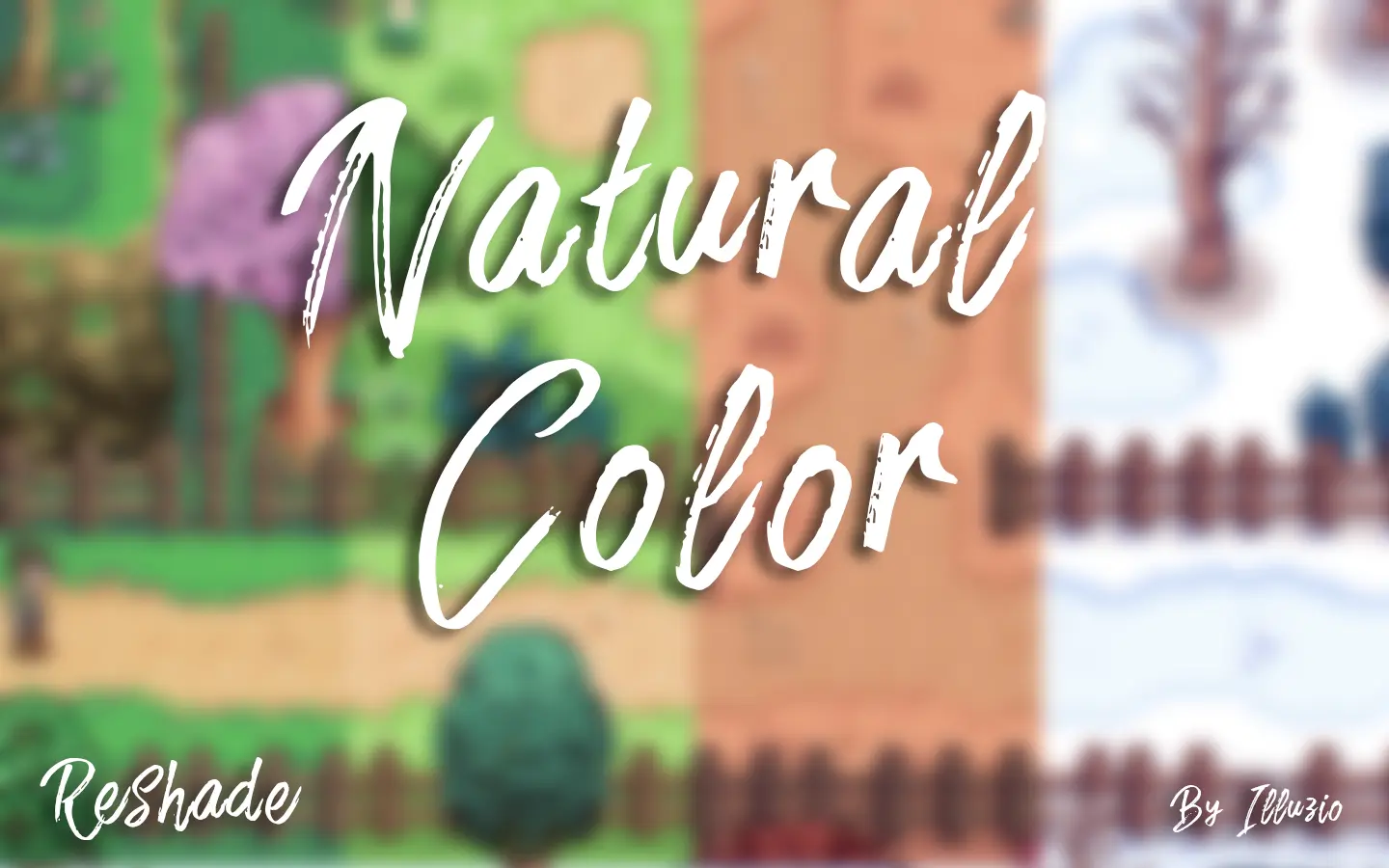
This mod changes the colors of the game to make them more natural. It uses a system that changes colors directly on the screen, which allows a HUGE compatibility with all mods and versions of Stardew Valley, it's simple I don't know any mod that is in conflict with it (except another ReShade).
The improvements are:
- The paths are less yellow
- Cherry trees are more pink
- Deeper blue water
- The night is darker
- More uniform contrast
- More vivid light
- And many other improvements...
And as a bonus a small Tilt-Shift and Chromatic Aberration effect to give a little depth!
INSTALLATION
1. Uninstall the old version of Natural Color if you already have it installed (Go to the "Options menu" and choose "Delete Natural Color").
2. Place the contents of "Natural Color.zip" in the root of the game (not in the Mods folder!):
- GOG: C:\GOG Games\Stardew Valley
- Steam: C:\Program Files (x86)\Steam\steamapps\common\Stardew Valley
3. Start Stardew Valley with Natural Color by clicking on "Natural Color - Launcher", on first use, you will be asked for setting options, select the option " Install Natural Color" and follow the steps smoothly, once finished the game will start automatically and you should see the new colours on your game screen.
If there is no change, it means that the injection of Natural Color in Stardew Valley has failed, in this case you have to change the injection method by starting "Natural Color - Launcher", press , and Install Natural Color again.
INJECTION
The Stardew Valley 1. 5. 5 update and higher allows Natural Color to be injected automatically at game startup without having to start "Natural Color - Launcher" ! If you don't have this update, the old injection methods are still available for Stardew Valley 64 and 32 bits with " Install Natural Color" option.
KEY
Natural Color - ReShade is a visual enhancement mod for Skyrim that adjusts the game's color palette to achieve a more natural look. With over 12,000 endorsements and 614,000 downloads, it's a popular choice for players seeking a subtle, realistic color overhaul without heavy performance impact. Last updated in March 2024.
✨ Key Features
📊 Pros & Cons
✅ Pros
- Huge community trust – 12k endorsements and over half a million downloads show it's a go-to for many.
- Simple concept: just changes colors to look more natural, so it's easy to understand what you're getting.
- Last updated in March 2024, so it's still maintained and likely compatible with current Skyrim versions.
⚠️ Cons
- Requires ReShade to be installed separately, which adds an extra step for setup.
- Since it's a ReShade preset, it may affect performance on lower-end systems, though the impact is usually minimal.
For Skyrim players who want a more natural color palette without overhauling the entire game's look. If you're tired of the default saturated colors and want a subtle, realistic change, this is for you. Skip if you're looking for major graphical overhauls or gameplay changes – this is purely a color tweak.
💡 Beginner Tips
- Make sure you have ReShade installed and set up for Skyrim before adding this preset – the mod page doesn't provide instructions.
- After installing, use the in-game ReShade menu to toggle the preset on and off to see the difference and adjust intensity if needed.
- If you're using an ENB, this preset might conflict – test it with your ENB disabled first to see if they work together.
📊 Mod Details
- Game
- Stardew Valley Mods
- Author
- Illuzio
- Version
- 9.3
- Downloads
- 614,960
- Endorsements
- 12,073
- Category
- Visuals and Graphics
- Created
- 6/2/2017
- Updated
- 3/22/2024
🔧 How to Install Stardew Valley Mods
Download from Nexus.
📖 Full step-by-step install guide for Stardew Valley →
Visit the official mod page for specific installation instructions for this mod.
🎮 Need cheat codes or console commands? Check ur gaming wiki for Stardew Valley commands, item IDs, and more.
Keep browsing — more Stardew Valley mods await