Improved Graphics
🟠 Updated over a year ago⚠️ Install Order · 1 step
Install in this order, then this mod last — most mods fail to load without their framework and dependencies in place.
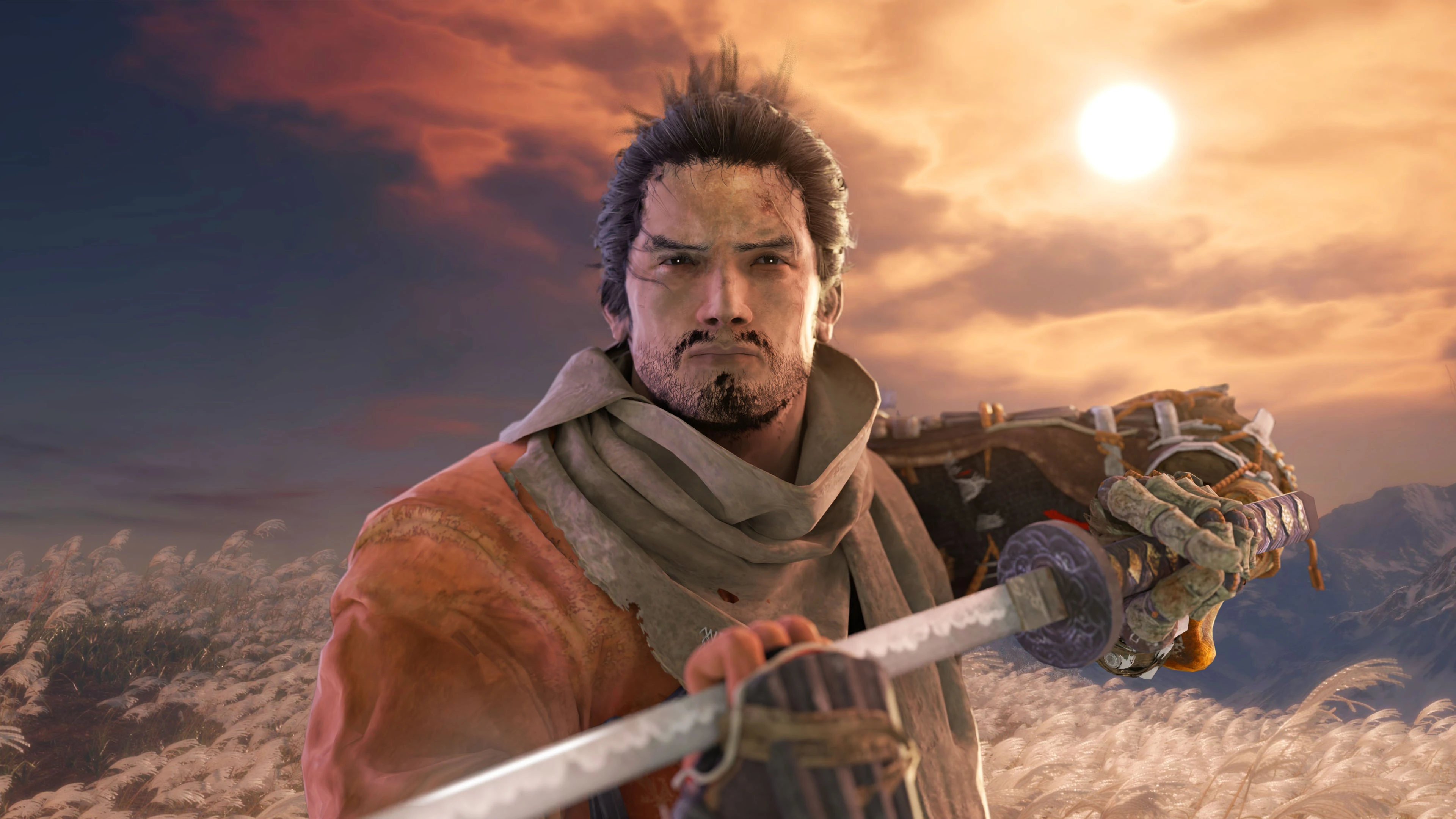
Preview
🔍 Analysis
- 👍 2.3% endorsement rate — high engagement, a strong quality signal
- 🏆 #11 of 138 Visuals and Graphics mods in this game by downloads
📋 About This Mod
kNxovCEdpL4
Installation
1. Install Sekiro Mod Engine
2. Copy Improved Graphics 'mods' folder to the Sekiro folder: \SteamLibrary\steamapps\common\Sekiro
Installation with other mods
Remove this file from Improved Graphics if using another mod that contains this file: \mods\param\gameparam\gameparam.parambnd.dcx
This will remove Draw Distance/LOD changes, but changes to other graphics settings will remain.
Shadow Quality
Low Shadows - Replaced with vanilla Max Shadows
Medium Shadows - Quality increased by 2x over base Max Shadows
High Shadows - Quality increased by 3x over base Max Shadows
Max Shadows - Quality increased by 4x over base Max Shadows
Volumetrics
Low Volumetrics - Unchanged
Medium Volumetrics - Replaced with vanilla Max Volumetrics
High Volumetrics- Quality increased by 2x over base Max Volumetrics
Max Volumetrics - Further increased quality, adjusted draw distance and shadow sample count
Motion Blur (can be disabled if preferred)
Low Motion Blur - Replaced with vanilla High Motion Blur (Max setting)
Medium Motion Blur - Sample count increased by 2x over base High Motion Blur
High Motion Blur - Sample count increased by 3x over base High Motion Blur
Level of Detail
Draw distance adjusted to range between 2x and 3x
LOD changes can be removed by deleting this file: \mods\param\gameparam\gameparam.parambnd.dcx
Recommended settings for more optimised performance
High Shadows (drop to Medium if higher performance is needed)
High Volumetrics
Mod made with Smithbox
aarpQrujVkw
gztTVuL351I
Improved Graphics is a compact visual enhancement mod for an unspecified game, focusing on shadows, volumetrics, motion blur, and level of detail quality. With 244 endorsements and over 10,000 downloads, it's a modestly popular choice for players seeking quick graphical improvements. Last updated in December 2024, it remains relatively recent.
✨ Key Features
📊 Pros & Cons
✅ Pros
- Solid download count (10,391) shows it's been tried by many.
- 244 endorsements from a niche audience—decent community support.
- Covers multiple visual aspects in one package, so you get a broad improvement.
⚠️ Cons
- Only one update since release—might not be actively maintained.
- No before/after screenshots or detailed settings, so you're flying blind on what exactly changes.
For players who want a quick visual boost without diving into complex ENB or reshade setups. If you're a graphics enthusiast looking for a simple tweak to shadows and LOD, this is worth a shot. Skip if you need detailed customization or gameplay changes—this is purely cosmetic.
💡 Beginner Tips
- Check if your game version matches the mod's last update (December 2024) to avoid conflicts.
- If you're using other visual mods, test this one last to see if it overrides or conflicts.
- Look for a config file or in-game settings to adjust the intensity of effects to your liking.
📊 Mod Details
- Game
- Sekiro Mods
- Author
- GPUnity
- Version
- 1.0
- Downloads
- 10,391
- Endorsements
- 244
- Category
- Visuals and Graphics
- Created
- 12/20/2024
- Updated
- 12/20/2024
🔧 How to Install Sekiro Mods
Download from Nexus.
📖 Full step-by-step install guide for Sekiro →
Visit the official mod page for specific installation instructions for this mod.
🎮 Need cheat codes or console commands? Check ur gaming wiki for Sekiro commands, item IDs, and more.
Keep browsing — more Sekiro mods await