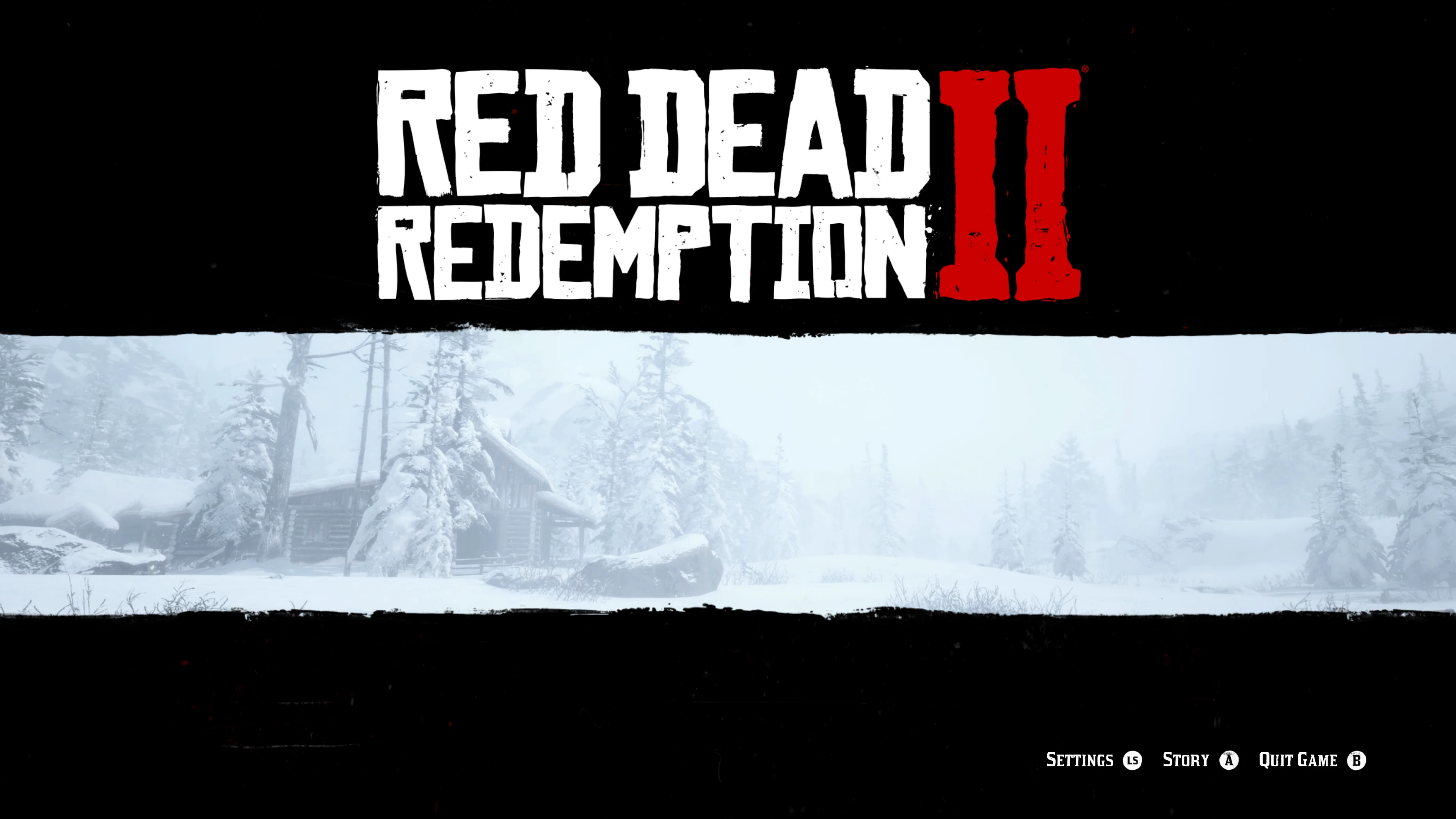
Remove Online-Social Club from Landing Screen Menu
⚪ Last updated 2023⚠️ Install Order · 1 step
Install in this order, then this mod last — most mods fail to load without their framework and dependencies in place.
Preview
🔍 Analysis
- 👍 1.4% endorsement rate — high engagement, a strong quality signal
- 🏆 #17 of 37 User Interface mods in this game by downloads
📋 About This Mod
-UPDATE-
There was an issue with removing the switch to online buttons on the landing page when multiplayer was the last game mode played. On next start up with mod applied you'd end up on the online menu landing screen with no way to change back over to story as the buttons had been removed. The problem was not the file responsible for the removal of the switch to online or story, which is the filter.ymt. The filter.ymt file only removes the function, the contents within the file can actually be completely empty and the file being blank inside would still function exactly the same. The issue turns out to be a completely different file responsible and so I changed the launcher for the landing page to end up on story menu even when online was last game mode played. I hope this sorts out the issue raised in the comments and thank you again for the support.
-INSTALL-
- First you need to install Lenny's Mod Loader correctly.
- Then Just place the 'lml' folder in your game directory for your Red Dead Redemption 2.
- Enjoy the single player feeling as you start the game.
-NOTES-
I have created an alternative version which has unlocked the 4k Standalone Landing screen within the game. It has the trailer button unlocked with 4K trailers and has it's own legal menu skip with many other options to customise to your taste.
Please try it out and I hope you enjoy it and don't forget to endores it if you think it really is a beautiful single player menu. Thank you again and happy gaming.
'Standalone Landing Screen 4K Edition' - https://www.nexusmods.com/reddeadredemption2/mods/2867
This UI mod for Grand Theft Auto V removes the 'Switch to Online' buttons from the top right of the landing menu and the Social Club button from the bottom right. It's a simple quality-of-life tweak for players who prefer offline play. With 258 endorsements and a recent update, it's a popular choice for cleaning up the main menu.
✨ Key Features
📊 Pros & Cons
✅ Pros
- Clean UI without the online clutter – perfect for solo players.
- Community-approved with 258 endorsements and over 17k downloads.
- Recently updated (Oct 2023) to fix issues, so it's actively maintained.
⚠️ Cons
- Purely cosmetic – doesn't change gameplay or performance.
- May conflict with other UI mods that alter the landing menu.
- If Rockstar updates the game, this mod might break until patched.
For GTA V players who never touch Online and want a cleaner main menu. Also great for modders who prefer a streamlined launch screen. Skip if you play Online regularly – you'll need those buttons.
💡 Beginner Tips
- Make sure to replace the original files in your mods folder – don't just drop them in the base game directory.
- If you use a mod manager like OpenIV, use it to install to avoid file conflicts.
- Test the mod after launching the game to ensure the buttons are gone; if not, re-check file placement.
📊 Mod Details
- Game
- RDR2 Mods
- Author
- PlayRedThenStayDead
- Version
- Final
- Downloads
- 17,813
- Endorsements
- 258
- Category
- User Interface
- Created
- 4/6/2023
- Updated
- 10/10/2023
🧩 Commonly Used Together
Users add these mods to the same collections — a real compatibility signal, not an AI guess.
🔧 How to Install RDR2 Mods
Install Script Hook RDR2 first. Most mods go in game directory.
📖 Full step-by-step install guide for RDR2 →
Visit the official mod page for specific installation instructions for this mod.
🎮 Need cheat codes or console commands? Check ur gaming wiki for RDR2 commands, item IDs, and more.
Keep browsing — more RDR2 mods await