NorthernUI (Oblivion Style)
⚪ Last updated 2023⚠️ Install Order · 2 steps
Install in this order, then this mod last — most mods fail to load without their framework and dependencies in place.
Preview
🔍 Analysis
- 👍 0.4% endorsement rate
- 🏆 #35 of 96 User Interfaces mods in this game by downloads
📋 About This Mod
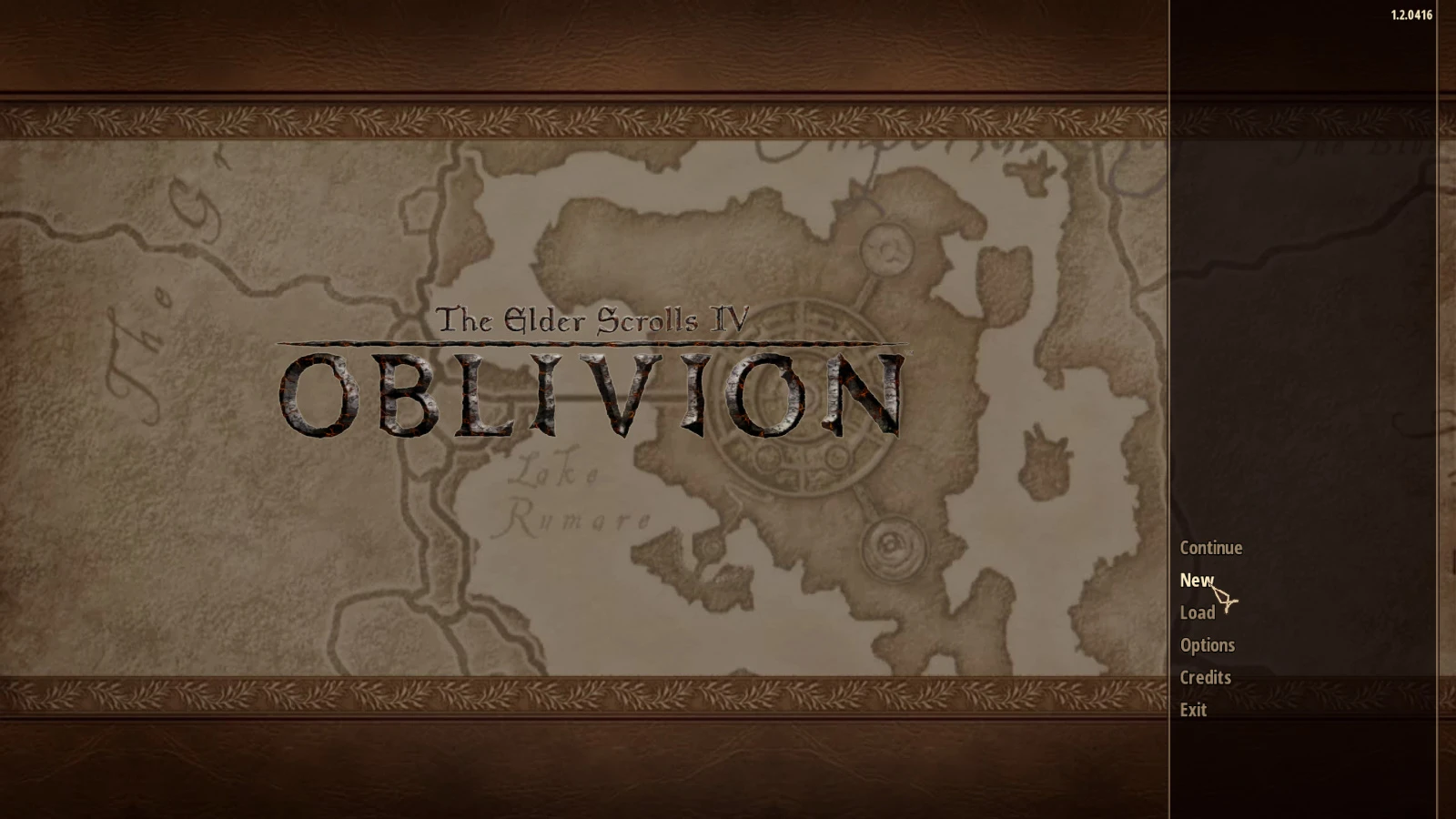
A complete redesign of the well-known and popular interface, in the warm colors of Oblivion.
The elegant modern look of the Northern UI menu (Oblivion Style) replicates the look and feel of the official Skyrim menu while keeping the same color scheme as the vanilla Oblivion game.
What's new in 'Oblivion Style':
- Complete redrawing of interface textures in warmer colors of the vanilla game.
- Multiple changes in xml-files, to give the appropriate shades in the display of text.
- Added semi-transparency for many HUD elements (compass, clock, status indicators, etc.)
- Changed the appearance of the "hot keys selection" block - to match the interface theme.
- Correction (adding) display of the number of arrows with a bow equipped.
- You can choose from three types of cursor sizes (in percentage terms), - keep in mind that the default size is 75.
- You can change the display of crosshair and status bar for Stealth.
- You can change the appearance and location of the EnemyHealthBar - as is done in Skyrim.
- You can change the appearance of the crosshair - as done in the "Dot Crosshair" mod.
- You can change the in-game font - as done in the "Imperial Theme for NorthernUI" mod.
- An optional patch that changes the color of the text in the settings menu of the LINK mod.
- An optional patch that changes the text color in the messages and menus of the Oblivion XP Update mod.
- An optional patch that slightly corrects text color, background and scrollbar_marker for the LootMenu mod.
Attention! To install this mod, you must first install the original mod NorthernUI.
David J Cobb for this awesome Northern UI mod.
Half-Dead for the changed font from the Imperial Theme for Northern UI mod.
PuppetVaysa for the modified scope from the Dot Crosshair mod.
juju81500 - one texture I took from his mod Loot Menu - NorthernUI Edition
You can also check out my other UI mod. OA_Dark Transparent UI.
NorthernUI is a complete interface redesign for Skyrim that brings the warm color scheme of Oblivion to the game. With 306 endorsements and over 70,000 downloads, it's a popular choice for players seeking a nostalgic UI overhaul. Last updated in February 2023, it remains a solid option for those wanting a different look.
✨ Key Features
📊 Pros & Cons
✅ Pros
- Huge download count (70,895) shows it's a go-to for UI overhauls.
- Warm Oblivion colors give a nostalgic vibe that many players love.
- Active development as of early 2023, so it's likely compatible with recent Skyrim versions.
⚠️ Cons
- Only 306 endorsements compared to downloads—some players may not have vouched for it.
- UI overhauls can conflict with other mods that modify menus—check compatibility.
For Skyrim players who miss Oblivion's warm interface and want a fresh look without changing gameplay. Perfect for modders who enjoy visual overhauls and don't mind tweaking load order. Skip if you prefer the vanilla UI or want gameplay changes—this is purely cosmetic.
💡 Beginner Tips
- Use a mod manager like Vortex or MO2 to install and manage NorthernUI easily.
- If you use other UI mods, place NorthernUI lower in your load order to ensure it overrides them.
- Check the mod's posts section for any known conflicts with popular UI frameworks like SkyUI.
📊 Mod Details
- Game
- Oblivion Mods
- Author
- allexa
- Version
- 1.01
- Downloads
- 70,895
- Endorsements
- 306
- Category
- User Interfaces
- Created
- 1/18/2023
- Updated
- 2/6/2023
🔧 How to Install Oblivion Mods
Download from Nexus.
📖 Full step-by-step install guide for Oblivion →
Visit the official mod page for specific installation instructions for this mod.
🎮 Need cheat codes or console commands? Check ur gaming wiki for Oblivion commands, item IDs, and more.
Keep browsing — more Oblivion mods await