Fast Text View
🟡 Updated this year⚠️ Install Order · 1 step
Install in this order, then this mod last — most mods fail to load without their framework and dependencies in place.
Preview
🔍 Analysis
- 👍 3.3% endorsement rate — high engagement, a strong quality signal
- 🏆 #10 of 43 Tweaks & Fixes mods in this game by downloads
📋 About This Mod
Updated for "NMS-Voyagers / Expedition 20: Breach 6. 12 + latest Experimental branch." Still fits in: NMS The Swarm 6. 4+
... and maybe upcoming versions as so often before.
This mod is conform within the latest officially updated developer packing structure. Coding was done in a minimalistic invasive manner. So indefinable strange side effects should be reduced to zero.
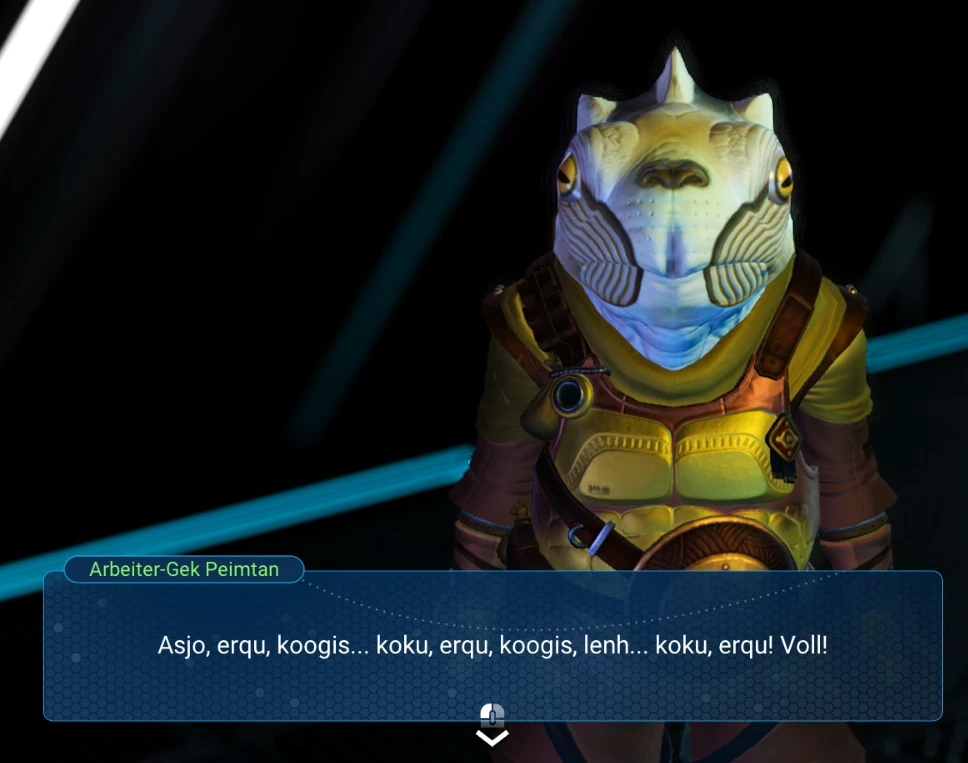
I've done this Mod for my personal use, but decided to share it with people which are tired like me of this crazy destructive heavy-mouse-button-multiple-click-fingersport orgy, to speed up all the comunication/dialog text messages display. No more need of crazy mouse clicking!
Please consider to Endorse and/or to Vote for "Fast Text View" if you like it. It shows that you appreciate that Modders/Coders share their private work with you. Cheers!
ATTENTION > Updated install instructions:
Extract (Unzip) file into your MODS folder, somewhere there ... X:\... Steam...\steamapps\common\No Man's Sky\GAMEDATA\MODS
If no MODS Folder exist, then create it and name it exactly MODS
If you have problems after installing mods in general try to delete the Binaries\SETTINGS\GCMODSETTINGS. MXML file. When you launch NMS again, it will recreate the file.
Now delete or rename the DISABLEMODS. TXT file in the same PCBANKS folder.
For example into "noDISABLEMODS. TXT" or "ENABLEMODS. TXT" or ... whatever
But remember: Any new official game update will re-add a new DISABLEMODS. TXT file too. You have to redelete/rename this file once
again!
File coding was done in ...\METADATA\UI\SPECIALTEXTPUNCTUATIONDELAYDATA. MBIN files only. It conflicts with other mods which modify the same file too (which is very very rare).
Thanks to monkeyman192 consistently updating his MBINCompiler and making modding NMS possible!
Fast Text View is a No Man's Sky tweak that removes the need to click through dialogue text by speeding up text display. Updated for the Voyagers expedition and compatible with The Swarm 6.4+, it modifies only the SPECIALTEXTPUNCTUATIONDELAYDATA.MBIN file, minimizing conflicts. With 762 endorsements and 22,827 downloads, it's a popular quality-of-life fix for players tired of excessive mouse clicking.
✨ Key Features
📊 Pros & Cons
✅ Pros
- Community-approved with 762 endorsements and over 22k downloads — clearly a mod players trust.
- Saves your fingers from that destructive heavy-mouse-button-multiple-click-fingersport orgy — a real QoL win.
- Minimal invasive coding means it's unlikely to cause weird side effects, and it only touches one file.
⚠️ Cons
- Conflicts with other mods that modify the same SPECIALTEXTPUNCTUATIONDELAYDATA.MBIN file, though the author says that's very rare.
- Requires manual installation and you must delete/rename DISABLEMODS.TXT after every official game update — a bit of a hassle.
- No explicit compatibility guarantee beyond The Swarm 6.4+ and the latest experimental branch; future updates might break it.
For No Man's Sky players who are tired of clicking through dialogue and want a smoother, faster text display. If you're a modder or someone who installs multiple UI tweaks, be aware of the rare file conflict. Skip if you prefer the original click-through pace or don't mind the vanilla text speed.
💡 Beginner Tips
- Make sure you create the MODS folder exactly as named in GAMEDATA, and if you have issues, delete the GCMODSETTINGS.MXML file to reset mod settings.
- After any official NMS update, remember to delete or rename the DISABLEMODS.TXT file again — the update will re-add it.
- If you're using other mods, check if they also modify SPECIALTEXTPUNCTUATIONDELAYDATA.MBIN to avoid conflicts.
📊 Mod Details
- Game
- No Mans Sky Mods
- Author
- AndiPro66 aka UserPro66
- Version
- 6.1x
- Downloads
- 22,827
- Endorsements
- 762
- Category
- Tweaks & Fixes
- Created
- 11/6/2020
- Updated
- 11/9/2025
🔧 How to Install No Man\ Mods
Create /MODS/ folder in /GAMEDATA/PCBANKS/. Delete DISABLEMODS.TXT.
📖 Full step-by-step install guide for No Man\ →
Visit the official mod page for specific installation instructions for this mod.
🎮 Need cheat codes or console commands? Check ur gaming wiki for No Man\ commands, item IDs, and more.
Keep browsing — more No Man\ mods await