Menu Search
⚪ Last updated 2023⚠️ Install Order · 5 steps
Install in this order, then this mod last — most mods fail to load without their framework and dependencies in place.
Preview
🔍 Analysis
- 👍 0.4% endorsement rate
- 🏆 #13 of 173 User Interfaces mods in this game by downloads
📋 About This Mod
Description
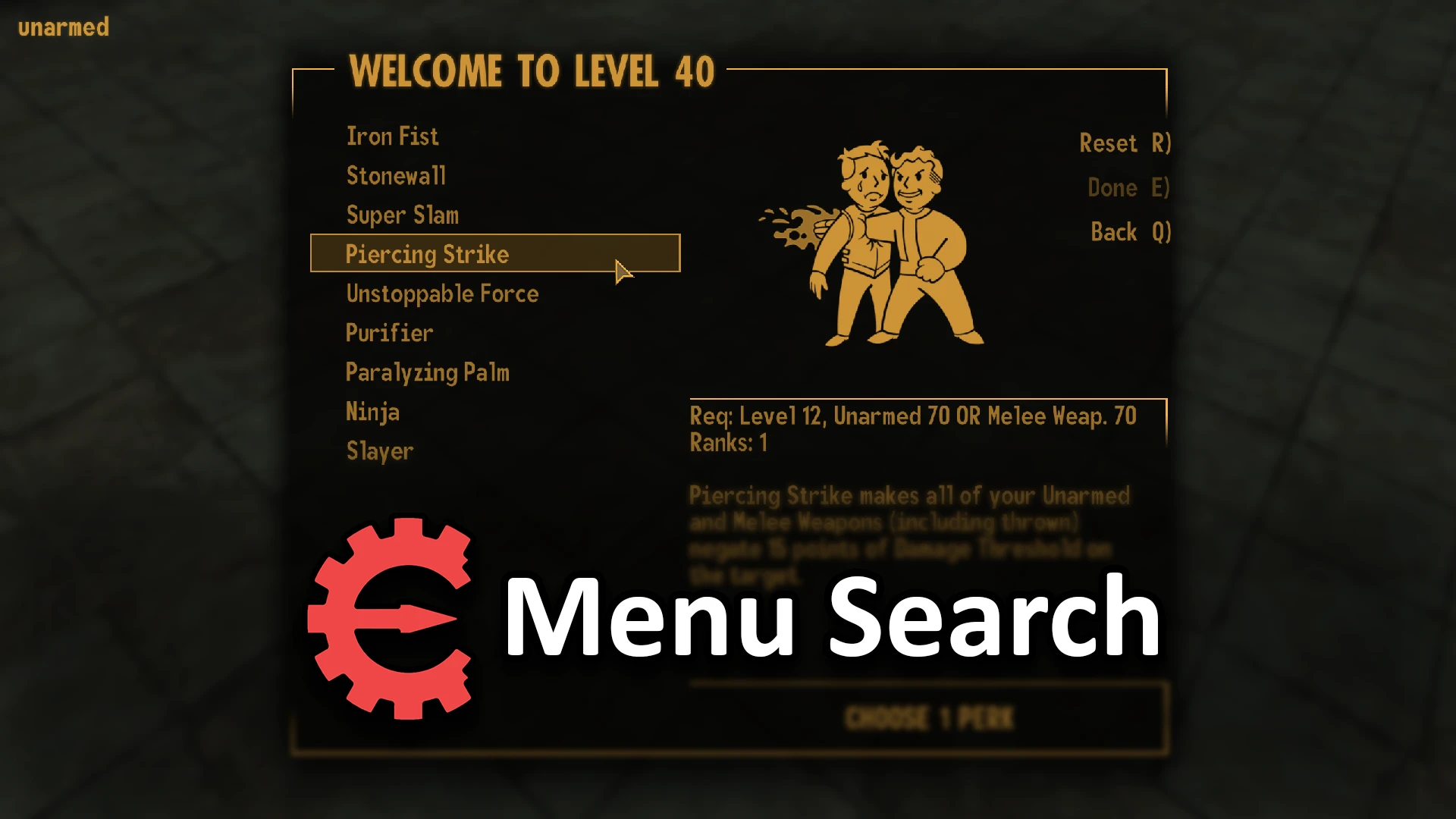
Add a search bar to the PipBoy, Container, Barter, Recipe, Levelup Perks and Save/Load menus. Simply hit CTRL-F and type to filter the menu, CTRL-F again to cancel and CTRL-R to reset the search field.
Installation
Use Mod Organizer 2/Nexus Mod Manager/FOMM, or manually extract the .zip file into your Fallout New Vegas 'Data' folder and install lStewieAl's Tweaks.
Enable 'bMenuSearch' in the Pause->Settings->Tweaks menu.
KPqQ5lQNf_0
Uninstallation
Disable 'bMenuSearch' in the Pause->Settings->Tweaks menu.
See lStewieAl's Tweaks' code.
If you feel like donating:
Menu Search adds Ctrl-F search functionality to six core Fallout 4 menus: PipBoy, Container, Barter, Recipe, Levelup Perks, and Save/Load. With 4,725 endorsements and 1.2 million downloads, it's a highly popular quality-of-life tool for inventory management. Last updated in August 2023, it remains a staple for players who want to find items quickly.
✨ Key Features
📊 Pros & Cons
✅ Pros
- Massive community trust: 4,725 endorsements and 1.2M downloads show this is a must-have for many players.
- Saves real time when you're drowning in loot and need to find that one specific weapon or aid item.
- Works across six key menus, so you're not just getting search in one place—it's a full QoL upgrade.
⚠️ Cons
- Last updated in August 2023, so it might not be tested with the latest Fallout 4 updates or DLC—check compatibility before installing.
- Only adds search to six menus; if you want search in other UI screens (like the map or settlement workshop), you'll need additional mods.
- No detailed documentation provided, so you'll have to figure out the exact keybind and any potential conflicts on your own.
For Fallout 4 players who hate scrolling through endless inventory lists and want instant access to items. Perfect for hoarders, completionists, and anyone who mods their game for convenience. Skip if you prefer a vanilla experience or rarely use those menus.
💡 Beginner Tips
- Make sure you have the latest game patch installed, as the mod was last updated in 2023 and may need a compatibility patch for newer versions.
- If you use a mod manager like Vortex or MO2, install through that to keep track of load order and avoid conflicts with other UI mods.
- Test the search in a save where you have a lot of items to see how it handles large lists—it should be instant, but if not, check for conflicts.
📊 Mod Details
- Game
- New Vegas Mods
- Author
- lStewieAl
- Version
- 1.0
- Downloads
- 1,189,425
- Endorsements
- 4,725
- Category
- User Interfaces
- Created
- 8/27/2023
- Updated
- 8/27/2023
🧩 Commonly Used Together
Users add these mods to the same collections — a real compatibility signal, not an AI guess.
🔧 How to Install New Vegas Mods
Download from Nexus.
📖 Full step-by-step install guide for New Vegas →
Visit the official mod page for specific installation instructions for this mod.
🎮 Need cheat codes or console commands? Check ur gaming wiki for New Vegas commands, item IDs, and more.
Keep browsing — more New Vegas mods await