Auto-Save Manager
⚪ Last updated 2023⚠️ Install Order · 6 steps
Install in this order, then this mod last — most mods fail to load without their framework and dependencies in place.
Preview
🔍 Analysis
- 👍 0.4% endorsement rate
- 🏆 #13 of 57 Utilities mods in this game by downloads
📋 About This Mod
Description
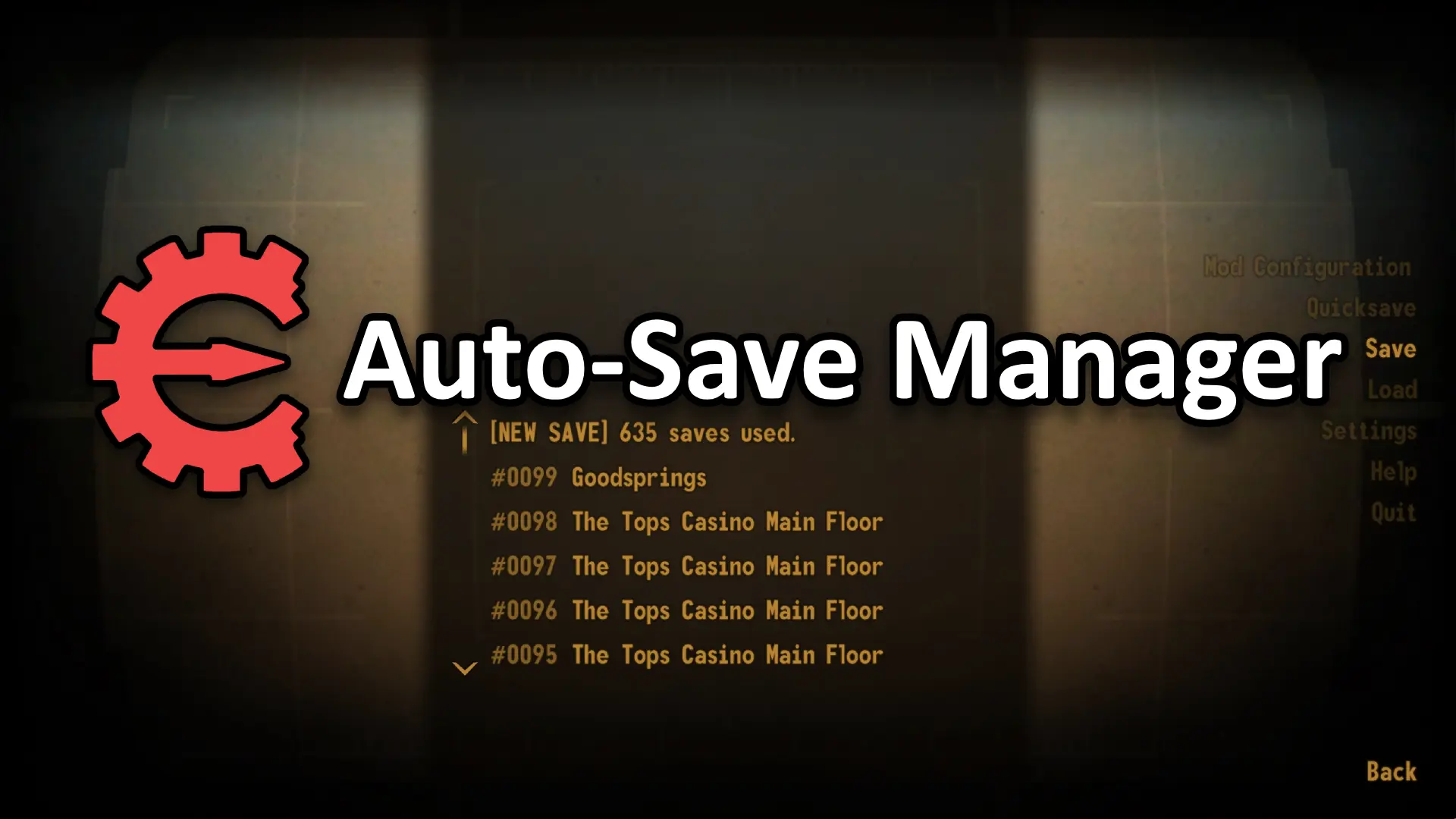
Fixes crashes with vanilla autosaves and adds timed and event-based saving, as well as more autosave+quicksave slots.
- hotkey to reload the current loaded save
- hotkeys to create a named save or a rotating slot save
- configurable timed autosaves
- configurable number of auto and incremental save slots
- options to occasionally create named saves every N autosaves
- option to hide the mod and vanilla autosave messages
- event based saves on: location discovery, question completion, pickpocketing, crafting, pre-levelup, and exiting the game
- configurable minimum interval to prevent autosaves occuring right after other saves
- configurable save overwriting to only increase the incremental save slot counter after some time interval e.g. when set to 60 seconds, any saves made within 0-60s of the first save in a slot will all overwrite each other - after that 60s a new slot is used
- option to prevent autosaving in combat, prevent scripted saves and prevent timed autosaves while godmode is active
- option to replace the pause menu's 'Continue' button with a 'Quick Save' button to create an incremental save
Installation
Use Mod Organizer 2/Nexus Mod Manager/FOMM, or manually extract the .zip file into your Fallout New Vegas 'Data' folder and install lStewieAl's Tweaks.
Enable 'bImprovedAutosave' in the Pause->Settings->Tweaks menu.
Uninstallation
Disable 'bImprovedAutosave' in the Pause->Settings->Tweaks menu.
See lStewieAl's Tweaks' code.
If you feel like donating:
Auto-Save Manager is a lightweight NVSE plugin for Fallout: New Vegas that adds timed autosaves, save slots, and incremental/full save hotkeys. With over 5,300 endorsements and 1.2 million downloads, it's a popular utility for players who want more control over their save system without performance impact.
✨ Key Features
📊 Pros & Cons
✅ Pros
- Huge community trust: 5,323 endorsements and 1.2M downloads.
- Lightweight and performance-friendly—no esp, no FPS hit.
- Hotkeys for incremental saves are a lifesaver for permadeath runs.
⚠️ Cons
- Requires NVSE, so you'll need to set that up first.
- Last updated in 2023—might not be compatible with future game patches.
- No in-game menu; you'll need to remember the hotkeys.
For Fallout: New Vegas players who want more control over their saves, especially modders and permadeath enthusiasts. If you're tired of losing progress or want quick save slots, this is a must-have. Skip if you're on a vanilla playthrough and don't mind the default save system.
💡 Beginner Tips
- Make sure NVSE is installed correctly—launch the game through NVSE's loader, not the default exe.
- Set up your hotkeys in the ini file before starting a playthrough to avoid mid-game confusion.
- Use incremental saves for quick checkpoints, and full saves for major milestones.
📊 Mod Details
- Game
- New Vegas Mods
- Author
- lStewieAl
- Version
- 2.0
- Downloads
- 1,212,848
- Endorsements
- 5,323
- Category
- Utilities
- Created
- 7/6/2019
- Updated
- 8/27/2023
🧩 Commonly Used Together
Users add these mods to the same collections — a real compatibility signal, not an AI guess.
🔧 How to Install New Vegas Mods
Download from Nexus.
📖 Full step-by-step install guide for New Vegas →
Visit the official mod page for specific installation instructions for this mod.
🎮 Need cheat codes or console commands? Check ur gaming wiki for New Vegas commands, item IDs, and more.
Keep browsing — more New Vegas mods await