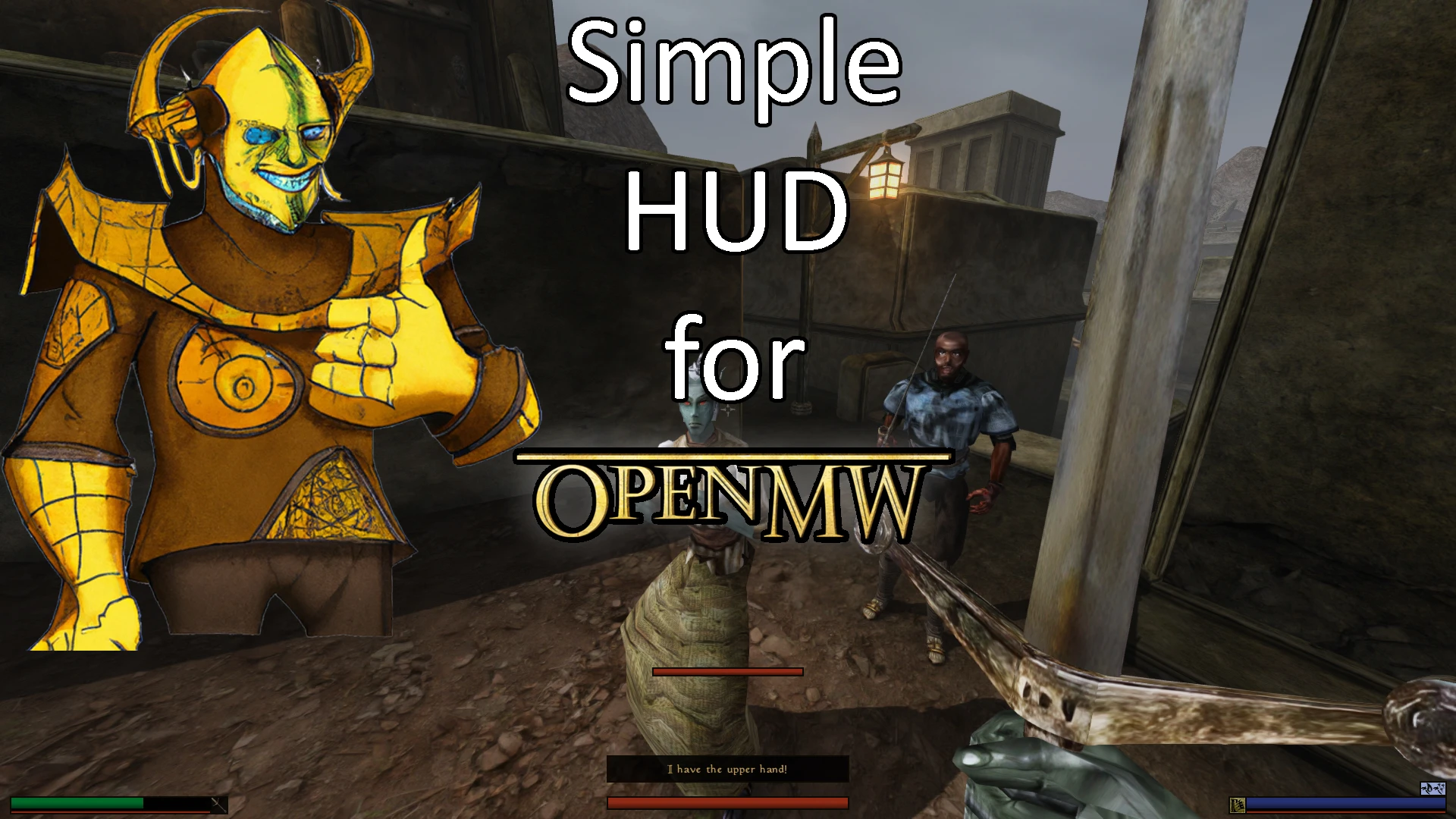
Simple HUD for OpenMW (with compass or minimap)
⚪ Last updated 2023⚠️ Install Order · 2 steps
Install in this order, then this mod last — most mods fail to load without their framework and dependencies in place.
Preview
🔍 Analysis
- 👍 0.5% endorsement rate
- 🏆 #7 of 102 User Interface mods in this game by downloads
📋 About This Mod
Info
There are five different versions now. Every version includes:
-
[]A better breath meter (removed the dialog box style)
[
]A better sneak icon (eye around the crosshair)[]A better enemy health bar (repositioned and recoloured)
Pick the version you like the best:
-
[]01 - immersive vanilla: Vanilla HUD with 🧭Compass instead of a MiniMap
[]02 - immersive compact: Vanilla-like HUD with 🧭Compass instead of a MiniMap
[]03 - immersive skyrim: Skyrim-like HUD with 🧭Compass instead of a MiniMap
[]04 - compact with map (x2 size)
[]05 - skyrim with map (x2 size)
Also consider Simple HUD - Mixed Layout from gormleif, which is a cross between my Skyrim and Compact versions!
Requirements
-
[]OpenMW 0. 48 RC
[
]Should work with 0. 49+ as well, please let me know if you encounter any issues.Recommended UI Mods
-
[]Chocolate UI
[
]Small Skyrim CrosshairKnown issues
-
[](won't fix) Morrowind can mess with HUD positions in certain situation (example: sneak icon is in another place until you leave the tutorial area) - not an issue in 99. 9% of the playthrough
[
](won't fix) Disabling HUD elements from the inventory doesn't always work well (depending on the chosen version)[]OpenMW 0. 49 seems to have a bug that can cause HUD mods to bug out with black textures. Please read the sticky post in the discussion tab; the problem can be fixed by reinstalling OpenMW.
Plans for the future
-
[]Static replacement for the map in the inventory menu
[]Fade UI elements when not needed
[]Different compass skins
[]Different sneak eye skins
Compatibility
Should be compatible with almost anything.
Not compatible with:
-
[]OpenHUD
[
]SkyHUD
FAQ
"How can I disable the minimap/compass?"
-> There is a vanilla function to do that. Open the inventory and click on the button to the top right of the world map. You can also disable the inventory world map by clicking on the minimap/compass.
-
[]OpenHUD
-
[]Static replacement for the map in the inventory menu
-
[](won't fix) Morrowind can mess with HUD positions in certain situation (example: sneak icon is in another place until you leave the tutorial area) - not an issue in 99. 9% of the playthrough
-
[]Chocolate UI
-
[]01 - immersive vanilla: Vanilla HUD with 🧭Compass instead of a MiniMap
Simple HUD for OpenMW 0.48 offers a customizable HUD with multiple styles including compass, vanilla, compact, and Skyrim-like. With 475 endorsements and over 96k downloads, it's a popular UI overhaul for OpenMW players seeking a fresh look.
✨ Key Features
📊 Pros & Cons
✅ Pros
- Huge download count (96k+) shows it's a go-to HUD mod for OpenMW
- Four different styles let you pick the look that fits your play
- Lightweight UI mod that won't bog down your game
⚠️ Cons
- Last updated in June 2023 – might not work with newer OpenMW versions
- Only for OpenMW 0.48, so if you're on a different version, you're out of luck
For OpenMW players who want a cleaner, more customizable HUD without heavy mods. If you're tired of the vanilla interface and want options like a compass or a Skyrim-style layout, this is for you. Skip if you're on a different OpenMW version or want gameplay changes – this is purely cosmetic.
💡 Beginner Tips
- Make sure you're running OpenMW 0.48 exactly – this mod is built for that version.
- Back up your current HUD settings before installing so you can revert if needed.
- Try the compass style first – it's a fan favorite for navigation.
📊 Mod Details
- Game
- Morrowind Mods
- Author
- MisterFlames
- Version
- 1.2
- Downloads
- 96,319
- Endorsements
- 475
- Category
- User Interface
- Created
- 6/8/2023
- Updated
- 6/12/2023
🔧 How to Install Morrowind Mods
Download from Nexus.
📖 Full step-by-step install guide for Morrowind →
Visit the official mod page for specific installation instructions for this mod.
🎮 Need cheat codes or console commands? Check ur gaming wiki for Morrowind commands, item IDs, and more.
Keep browsing — more Morrowind mods await