Lower First Person Sneak Mode
⚪ Last updated 2014⚠️ Install Order · 2 steps
Install in this order, then this mod last — most mods fail to load without their framework and dependencies in place.
Preview
🔍 Analysis
- 👍 3.6% endorsement rate — high engagement, a strong quality signal
- 🏆 #6 of 102 User Interface mods in this game by downloads
📋 About This Mod
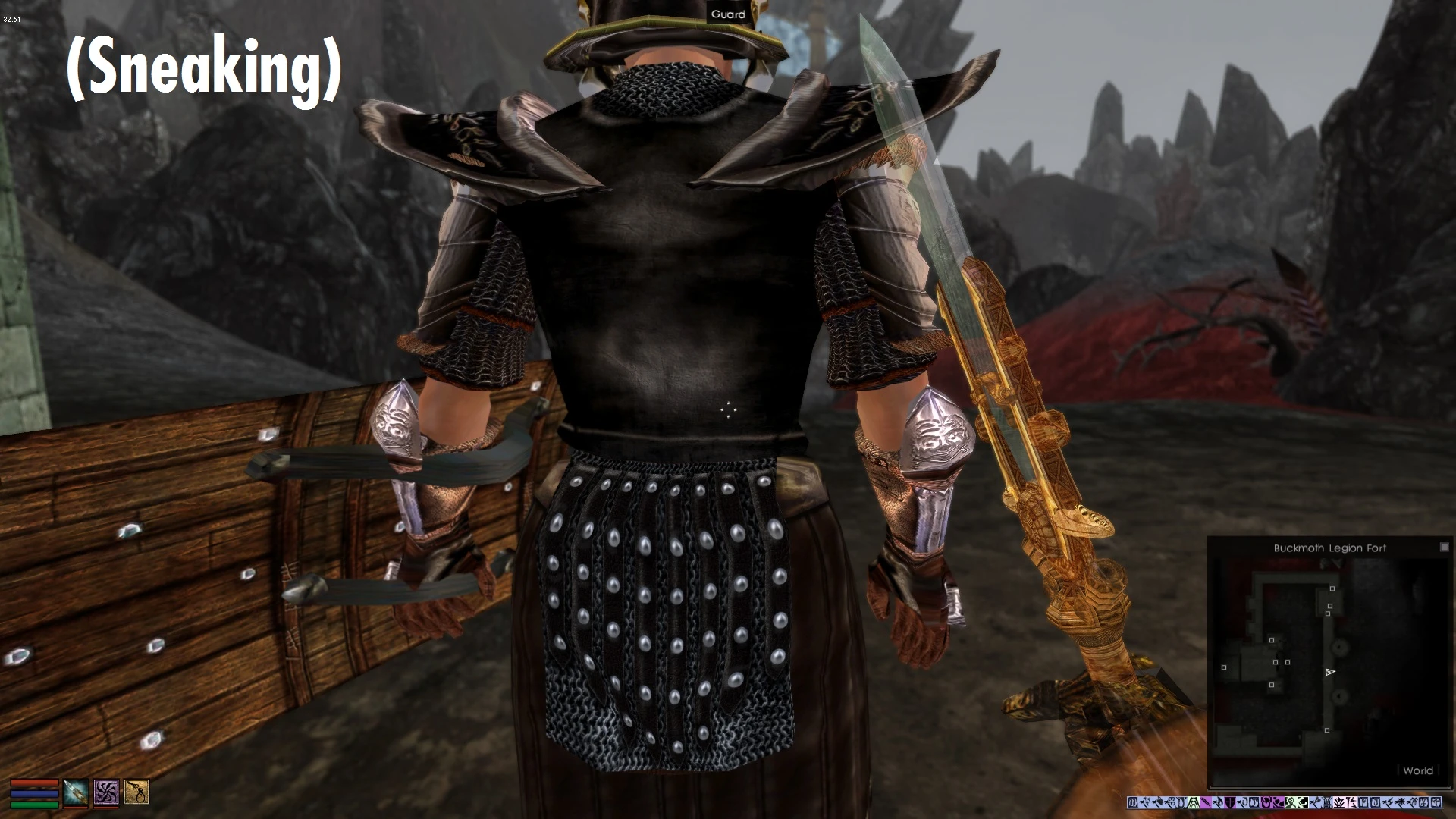
In vanilla Morrowind, the camera offset when sneaking was so subtle that it was often difficult to tell when you were in sneak mode, especially when in sneak mode but detected so that the sneak indicator is off. This mod simply modifies the parameter that controls this camera offset so that it should be more clear when you are sneaking and feel more like Oblivion or Skyrim.
Installation: Add the .esp to Morrowind/Data Files and activate. Shouldn't have any compatibility issues.
My other mods: Better Governing Attributes (http://www.nexusmods.com/morrowind/mods/43017/?) Better Fatigue Usage (http://www.nexusmods.com/morrowind/mods/43036/?) Speechcraft Rebalance (http://www.nexusmods.com/morrowind/mods/43113/?)
This simple UI mod lowers the first-person camera position when sneaking or crouching in Skyrim. It has 3,513 endorsements and 98,364 downloads, last updated in 2014. For players who want a more immersive sneaking perspective without other changes.
✨ Key Features
📊 Pros & Cons
✅ Pros
- Community favorite with 3,513 endorsements and nearly 100k downloads
- Does exactly what it says: lowers the camera for sneaking, no bloat
- Lightweight and likely compatible with most setups since it's a simple tweak
⚠️ Cons
- Last updated in 2014, so may not be compatible with the latest Skyrim versions or mods
- Purely cosmetic—if you want gameplay changes, this isn't for you
For Skyrim players who want a more immersive first-person sneaking experience without altering gameplay. Perfect for stealth archers or thieves who feel the default camera is too high. Skip if you prefer the vanilla camera or want more comprehensive UI overhauls.
💡 Beginner Tips
- Since it's a simple mod, just drop the files into your Data folder or use a mod manager like Vortex or Mod Organizer 2.
- If you're using Skyrim Special Edition, check if the mod has a compatible version or use a mod that achieves the same effect for SE.
- Test the camera height in third-person and first-person to see if it feels right for your playstyle.
📊 Mod Details
- Game
- Morrowind Mods
- Author
- Androl
- Version
- 1.0.1
- Downloads
- 98,364
- Endorsements
- 3,513
- Category
- User Interface
- Created
- 4/18/2014
- Updated
- 4/19/2014
🧩 Commonly Used Together
Users add these mods to the same collections — a real compatibility signal, not an AI guess.
🔧 How to Install Morrowind Mods
Download from Nexus.
📖 Full step-by-step install guide for Morrowind →
Visit the official mod page for specific installation instructions for this mod.
🎮 Need cheat codes or console commands? Check ur gaming wiki for Morrowind commands, item IDs, and more.
Keep browsing — more Morrowind mods await