Vault Girl Interface
🟠 Updated over a year ago🖼️ Gallery (4 images)



🔍 Analysis
- 👍 3.6% endorsement rate — high engagement, a strong quality signal
- 🏆 #21 of 116 User Interface mods in this game by downloads
📋 About This Mod
This mod implement Vault Girl UI mod from Fallout 4 "Vault Girl Mod" to Fallout 76, all credits should go to original author bigCman123.
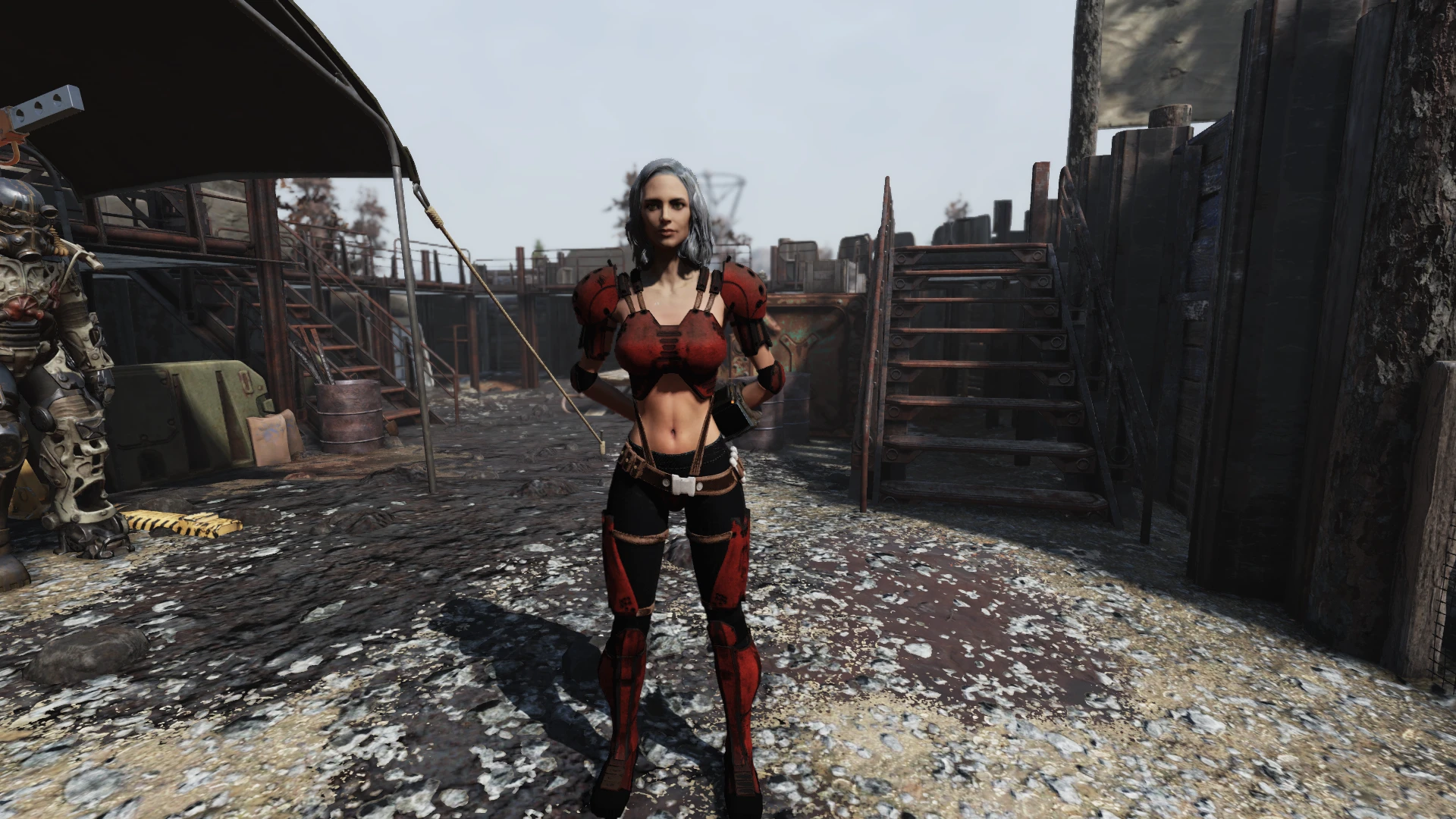
Vault Boy Pipboy UI has been changed to Vault Girl in most parts (Status, SPECIAL, Inventory and Body conditions).
Original mod is on hold and my drawing skill doesn't exist so I couldn't change any new assets, like quests and general notifications.
Vault Girl posters and signs retexture you can find here
This mod modify Pipboy_InvPage.swf file so will not work with any other mod that is making changes in this file.
To work around this you can install a stripped-down version "Vault Girl UI Lite" (without Inventory tab changes) working with other mods.
Installation
- Copy file with ba2 extension from archive to data folder of Fallout 76
- Add file name to sResourceArchive2List in Fallout76Custom.ini located in your documents folder
This mod ports the popular Vault Girl UI from Fallout 4 to Fallout 76, replacing the Vault Boy Pip-Boy interface in most menus like Status, SPECIAL, Inventory, and Body conditions. It's a cosmetic overhaul for players who want a female protagonist aesthetic, but it conflicts with other mods that modify the same SWF file.
✨ Key Features
📊 Pros & Cons
✅ Pros
- Community favorite with 1,140 endorsements and over 32k downloads.
- Gives Fallout 76 a fresh, female-focused UI that stands out from the default Vault Boy.
- Offers a Lite version to avoid conflicts with other UI mods.
⚠️ Cons
- Conflicts with any mod that modifies Pipboy_InvPage.swf, limiting compatibility.
- Original mod is on hold, and new assets like quests and notifications aren't updated.
- Requires manual ini editing, which might trip up less technical players.
For Fallout 76 players who want a more feminine Pip-Boy interface and enjoy cosmetic UI overhauls. It's perfect if you're tired of Vault Boy's grin and want something different in your menus. Skip if you rely on other UI mods that touch the same files, unless you use the Lite version.
💡 Beginner Tips
- Make sure to edit Fallout76Custom.ini in your Documents folder, not the game's default ini, and add the .ba2 filename exactly as it appears.
- If you use other UI mods, grab the Lite version to avoid breaking your inventory screen.
- Back up your original .ini file before editing so you can revert if something goes wrong.
📊 Mod Details
- Game
- Fallout 76 Mods
- Author
- bigCman123
- Version
- 1.4.2
- Downloads
- 32,072
- Endorsements
- 1,140
- Category
- User Interface
- Created
- 4/22/2020
- Updated
- 2/20/2025
🧩 Commonly Used Together
Users add these mods to the same collections — a real compatibility signal, not an AI guess.
🔧 How to Install Fallout 76 Mods
Use Vortex. Place .ba2 files in Data folder. Use cautiously online.
📖 Full step-by-step install guide for Fallout 76 →
Visit the official mod page for specific installation instructions for this mod.
🎮 Need cheat codes or console commands? Check ur gaming wiki for Fallout 76 commands, item IDs, and more.
Keep browsing — more Fallout 76 mods await