Power Armor Fast Exit and Enter (F76)
⚪ Last updated 2018This mod may not work until the author updates it. Check for an update, or see the rollback guide.
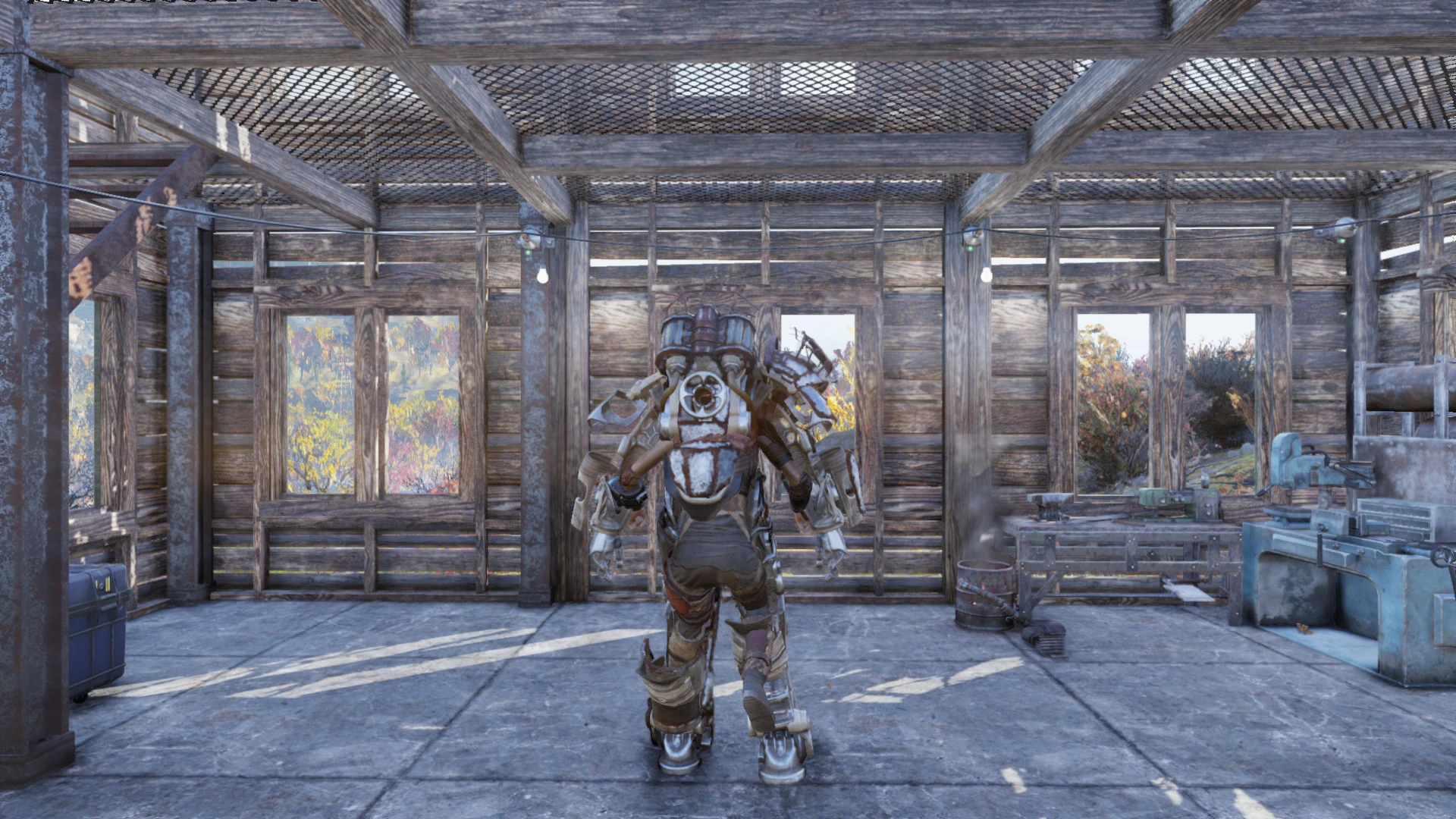
Preview
🔍 Analysis
- 👍 2.4% endorsement rate — high engagement, a strong quality signal
- 🏆 #1 of 19 Animations mods in this game by downloads
📋 About This Mod
Description:
This mod does exactly the same as what my Fallout 4 mod did: a simply swap of the animation files to use the quick exit/enter animations all the time instead of just while in combat.
-------------------------------
Disclaimer:
This could be considered a PvP advantage. Use at your own risk.
*Players without the mod installed seem to see an animation disconnect where your character simply pops out of the armor instantly.
-------------------------------
Known Bugs/Issues:
- As with my Fallout 4 mod "quick enter" does not align the paired animations correctly so it looks a bit odd. This can't be fixed without the ability to edit the plugin data or the animation itself.
-------------------------------
Installation:
1. Extract "PA_FastANIM.ba2" into your Fallout76/Data folder.
2. Add "PA_FastANIM.ba2" to the '"ResourceArchive2List" line in your Fallout76Custom.ini file so it looks like:
sResourceArchive2List = PA_FastANIM.ba2
This mod swaps Fallout 76's power armor animations to use the quick enter/exit versions at all times, not just in combat. It's a simple file swap that requires manual installation and editing the ini. With 1,840 endorsements and 77,001 downloads, it's a popular quality-of-life tweak for players who want faster transitions.
✨ Key Features
📊 Pros & Cons
✅ Pros
- Community favorite with 1,840 endorsements and 77,001 downloads
- Saves time in and out of power armor, especially during combat
- Simple file swap, no complex dependencies
⚠️ Cons
- Quick enter animation looks misaligned from a third-person perspective
- Can be considered a PvP advantage, use at your own risk
- Manual ini editing required, which might intimidate less technical players
For Fallout 76 players who spend a lot of time in power armor and want faster transitions, especially in combat. If you're a PvP player, be aware of the potential advantage. Skip if you prefer immersive, realistic animations or don't want to edit ini files.
💡 Beginner Tips
- Make sure to back up your Fallout76Custom.ini before editing, so you can revert if something goes wrong.
- After adding the line, launch the game to test; if animations don't change, double-check the file path and ini syntax.
- If you play PvP, be aware that other players might see you pop out instantly, which could be seen as an exploit.
📊 Mod Details
- Game
- Fallout 76 Mods
- Author
- Ulithium_Dragon
- Version
- 1.0
- Downloads
- 77,001
- Endorsements
- 1,840
- Category
- Animations
- Created
- 11/21/2018
- Updated
- 11/26/2018
🧩 Commonly Used Together
Users add these mods to the same collections — a real compatibility signal, not an AI guess.
🔧 How to Install Fallout 76 Mods
Use Vortex. Place .ba2 files in Data folder. Use cautiously online.
📖 Full step-by-step install guide for Fallout 76 →
Visit the official mod page for specific installation instructions for this mod.
🎮 Need cheat codes or console commands? Check ur gaming wiki for Fallout 76 commands, item IDs, and more.
Keep browsing — more Fallout 76 mods await