Intense Realistic Gun Sounds Overhaul (IRGSO) - Fallout 76 Edition
⚪ Last updated 2018Preview
🔍 Analysis
- 👍 1.9% endorsement rate — high engagement, a strong quality signal
- 🏆 #3 of 15 Audio - SFX mods in this game by downloads
📋 About This Mod
Intense Realistic Gun Sounds Overhaul by SuperTwistedGaming
~ Compatible with Appalachia Warfare mod, load this one after the Appalachia Warfare if you're going to use both.~
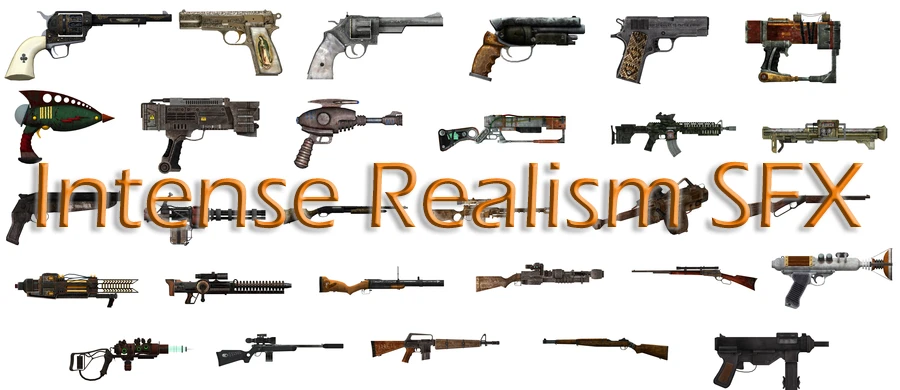
Derived from the previous mod, this overhaul replaces most of gun sounds. So far replacement consists of all bullet-based weapons, and energy weapons.
All that is left now is for pipe weapons to be finished!
These gun sounds are heavily inspired by this set of mods for a different game. I felt no other mod came close to what this intense realism brought to the game it had the mods for (Insurgency) so I felt I should bring that same feeling of realism and firefights into Fallout 76.
Installation
Just drop .ba2 into your data folder, and add IRGSO.ba2 into SResourceArchive2List listing in Fallout76Custom.ini.
Demonstration / Starting from 10:38
K8UKLNVt4TE
Thanks to..
SuperTwistedGaming for allowing me to port his mod for Fallout 76.
IRGSO replaces most gun sounds in Fallout 76 with intense, realistic audio inspired by Insurgency, covering bullet-based and energy weapons. It's a port of a popular mod, with 524 endorsements and 27,634 downloads, but pipe weapons remain unfinished. Requires manual installation via .ba2 file and ini edit.
✨ Key Features
📊 Pros & Cons
✅ Pros
- Community-approved with 524 endorsements and over 27k downloads
- Brings intense realism inspired by Insurgency, a different feel from other sound mods
- Covers most weapon categories, including energy weapons
⚠️ Cons
- Pipe weapons are unfinished, so you'll still hear vanilla sounds for those
- Last updated in 2018, so may not be compatible with current game updates
- Manual installation requires editing Fallout76Custom.ini, which can be tricky for beginners
For Fallout 76 players who want a grittier, more realistic gunfire audio experience, especially those who enjoyed Insurgency's sound design. If you're a completionist who hates inconsistent audio, wait until pipe weapons are done. Skip if you prefer vanilla or more sci-fi sound effects.
💡 Beginner Tips
- Make sure to add IRGSO.ba2 to SResourceArchive2List in Fallout76Custom.ini, not just drop it in the data folder
- If using Appalachia Warfare, load IRGSO after it to ensure proper sound replacement
- Test in a low-stakes area first to hear the new sounds before heading into combat
📊 Mod Details
- Game
- Fallout 76 Mods
- Author
- SuperTwistedGaming
- Version
- 1.1.1
- Downloads
- 27,634
- Endorsements
- 524
- Category
- Audio - SFX
- Created
- 12/18/2018
- Updated
- 12/18/2018
🧩 Commonly Used Together
Users add these mods to the same collections — a real compatibility signal, not an AI guess.
🔧 How to Install Fallout 76 Mods
Use Vortex. Place .ba2 files in Data folder. Use cautiously online.
📖 Full step-by-step install guide for Fallout 76 →
Visit the official mod page for specific installation instructions for this mod.
🎮 Need cheat codes or console commands? Check ur gaming wiki for Fallout 76 commands, item IDs, and more.
Keep browsing — more Fallout 76 mods await