Valentine Jaw Sync
⚪ Last updated 2020⚠️ Install Order · 2 steps
Install in this order, then this mod last — most mods fail to load without their framework and dependencies in place.
Preview
🔍 Analysis
- 👍 0.3% endorsement rate
- 🏆 #15 of 77 Companions mods in this game by downloads
📋 About This Mod
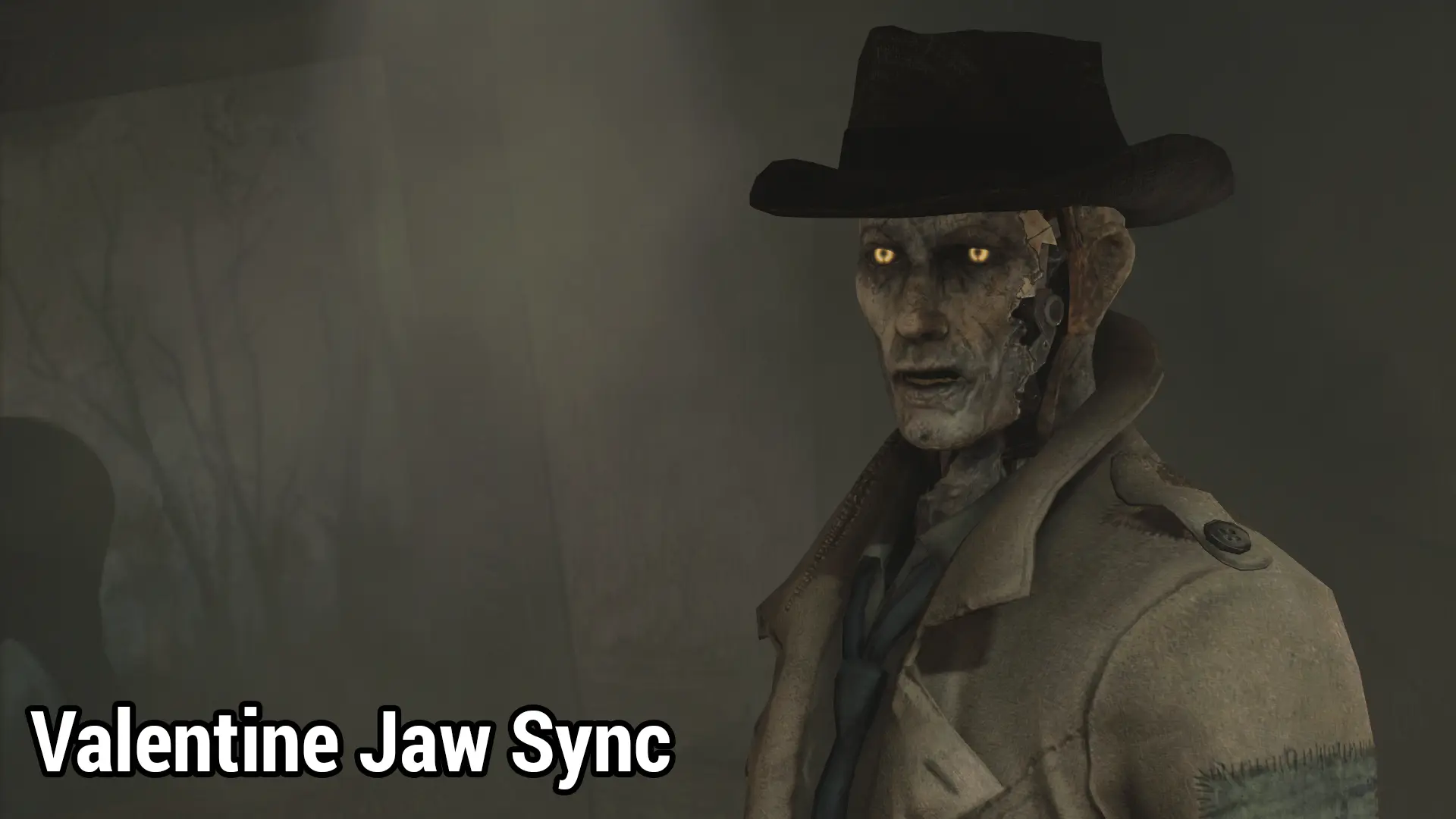
So for some reason Nick's jaw is entirely static when he talks despite the rest of his face moving. I did a thing so now it moves in sync with the rest of him when he talks.
There's really not a lot to say about it. Just look at some gifs instead. or maybe they're video. I don't know what imgur did to them. They're grainy as hell. But they move, and that illustrates this better than words could.
Should be compatible with basically everything as the only thing this edits is the hdpt entry for the inside of his face. (SynthGen2PartsValentine). ESP is flagged as an ESL/Light Plugin.
Looking for a before & after comparison? Check out this video by Ikari - it's a better clip than I could manage to get!
UdJBbNGhgZI
Join us on Discord in The Glowing Sea!
A small cosmetic fix for Fallout 4 that unsticks Nick Valentine's jaw, making his facial animations smoother. With 2,314 endorsements and nearly 780k downloads, it's a popular quality-of-life tweak for fans of the synth detective. Last updated in 2020, so it's stable for most setups.
✨ Key Features
📊 Pros & Cons
✅ Pros
- Huge community trust (2,314 endorsements, 779k downloads) — clearly a must-have for Nick fans.
- Simple, focused fix that addresses a common visual annoyance without bloat.
- No dependencies or complex setup — just drop it in and go.
⚠️ Cons
- Last updated in 2020 — might not be tested with the latest Fallout 4 patches or next-gen update.
- Only affects Nick Valentine's jaw — if you wanted more companion tweaks, this isn't it.
For Fallout 4 players who love Nick Valentine and cringe at his stiff jaw during conversations. If you're a modder or just want a more immersive companion, this is a quick win. Skip if you're looking for gameplay overhauls — this is purely cosmetic.
💡 Beginner Tips
- If you're using a mod manager like Vortex or MO2, install this as a regular mod — it's just a mesh replacer, so load order doesn't matter much.
- Check the GIFs in the description to see the before/after — it's a subtle but noticeable fix.
- Since it's from 2020, if you have the next-gen update, test it early to ensure it still works.
📊 Mod Details
- Game
- Fallout 4 Mods
- Author
- radbeetle
- Version
- 1.0
- Downloads
- 779,620
- Endorsements
- 2,314
- Category
- Companions
- Created
- 1/12/2020
- Updated
- 1/13/2020
🧩 Commonly Used Together
Users add these mods to the same collections — a real compatibility signal, not an AI guess.
🔧 How to Install Fallout 4 Mods
Download from Nexus.
📖 Full step-by-step install guide for Fallout 4 →
Visit the official mod page for specific installation instructions for this mod.
🎮 Need cheat codes or console commands? Check ur gaming wiki for Fallout 4 commands, item IDs, and more.
Keep browsing — more Fallout 4 mods await