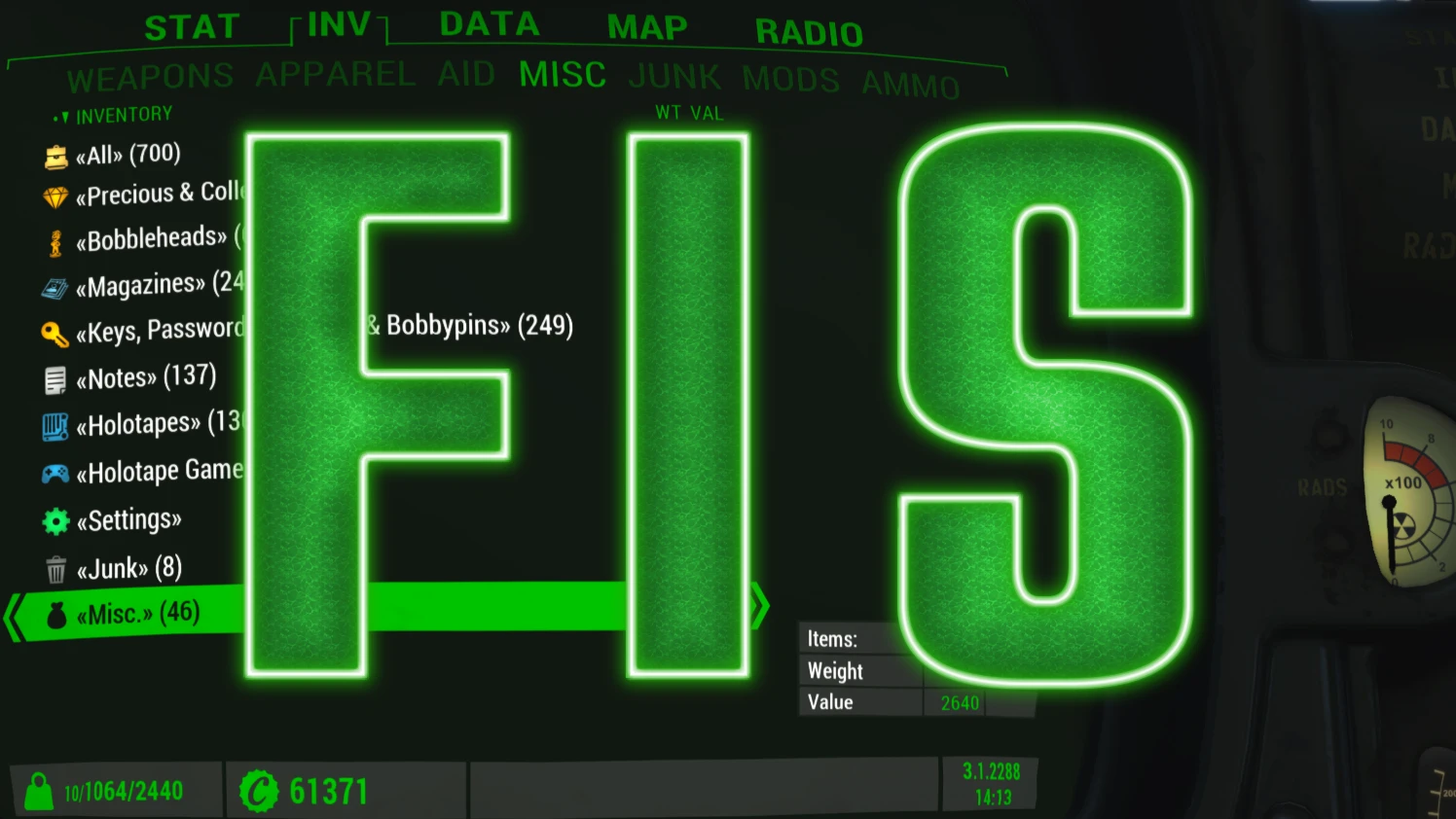
FIS - The NEW FallUI Item Sorter
⚪ Last updated 2022⚠️ Install Order · 4 steps
Install in this order, then this mod last — most mods fail to load without their framework and dependencies in place.
Preview
🔍 Analysis
- 👍 0.9% endorsement rate
- 🏆 #15 of 110 User Interface mods in this game by downloads
📋 About This Mod
FIS - The NEW FallUI Item Sorter
The official new Item Sorter for the FallUI mods.
Make use of the new features now possible with the new FallUI item sorting, like auto-tagging and configuration of categories and variations via MCM. Also this mod can be easily extended with add-ons, which can add tags, add icons (even NEW icon libraries), change categorization and more!
The main goal if this item sorting mod is to provide a well-arranged item overview with a appealing presentation using easily distinguishable icons and smarter item naming with subtitles.
Also this is the first item sorter which can work without any ESP (called light mode).
Modes
(can be selected in the installer)
Light: Don't use any sorting ESP (only using in-game auto-tagging).
Basic: For nicer names there exist an optional basic naming ESP (all languages), which will add more correct icon tags to weapons and also reorders the naming (with subtitles instead of loooong item names). That ESP only includes INNR records, so this is highly compatible with other mods.
Pro: If you want to make full usage with a complete and correct sorting, there exist a Complex Sorter plugin in the FOMOD installer, which allows you to automatically tag all your mods at once (and without resetting your records like pre-made patches, and of course in your language).
[]Clear simple well-arranged item presentation
[]Auto-tagging support for usage without ESP (item index available for all languages)
[]Make use of the new FallUI - Icon Library, allowing to customize your icons in the way you like it
[]Covers all items in Fallout 4 and all DLCs, also many mod-added items - even without ESP plugin
[]Display weapon extra properties as subtitle instead of prepending the property to the name.
[]Clear item grouping in Pipboy and in container/barter interfaces using categories and subcategories.
[]Unique and easily distinguishable icons for all items. Including different weapon types (pistol, rifle, plasma rifle,....) and apparel types (hat, google, ring, ..., armor icon by set type, different icon for clothes wearable under armor,... etc.)
[]Advanced full customization via XML files possible. You can change EVERYTHING. (See the FIS - Howto Modify And Extend)
[]Can use multiple icon libraries (even existing def_ui icon libraries) at the same time!
[]Complete backward compatible to the old legacy FallUI Item Sorter (So you can use FIS1 item sorting esps)
[*]Make usage of composing existing icons together, like armor icon with faction sub-icon, also dynamically adds color. So much less base icons are needed, improving
FIS - The NEW FallUI Item Sorter is the official item sorting system for FallUI mods, offering auto-tagging, MCM-configurable categories, and a clear overview. With 16,461 endorsements and 1.9M downloads, it's a highly popular UI enhancement for Fallout 4 players seeking better inventory management.
✨ Key Features
📊 Pros & Cons
✅ Pros
- Massive community trust with 16,461 endorsements and 1.9M downloads.
- Seamless integration with FallUI mods, making it a must-have for FallUI users.
- Auto-tagging saves time and reduces manual sorting effort.
⚠️ Cons
- Last updated in 2022, so may have compatibility issues with newer game patches or mods.
- Requires MCM (Mod Configuration Menu) and FallUI framework, adding dependency complexity.
- Not standalone—only useful if you're already using FallUI mods.
For Fallout 4 players who use FallUI mods and want a powerful, customizable item sorter. Ideal for modders and players who value efficient inventory management. Skip if you don't use FallUI or prefer simpler sorting solutions.
💡 Beginner Tips
- Install FIS after FallUI and MCM, and let it overwrite any conflicting files.
- Use the MCM to tweak category settings to match your playstyle.
- Check the FIS page on Nexus Mods for compatibility notes with other sorting mods.
📊 Mod Details
- Game
- Fallout 4 Mods
- Author
- m8r98a4f2
- Version
- 2.1
- Downloads
- 1,926,049
- Endorsements
- 16,461
- Category
- User Interface
- Created
- 5/19/2022
- Updated
- 6/4/2022
🔧 How to Install Fallout 4 Mods
Download from Nexus.
📖 Full step-by-step install guide for Fallout 4 →
Visit the official mod page for specific installation instructions for this mod.
🎮 Need cheat codes or console commands? Check ur gaming wiki for Fallout 4 commands, item IDs, and more.
Keep browsing — more Fallout 4 mods await