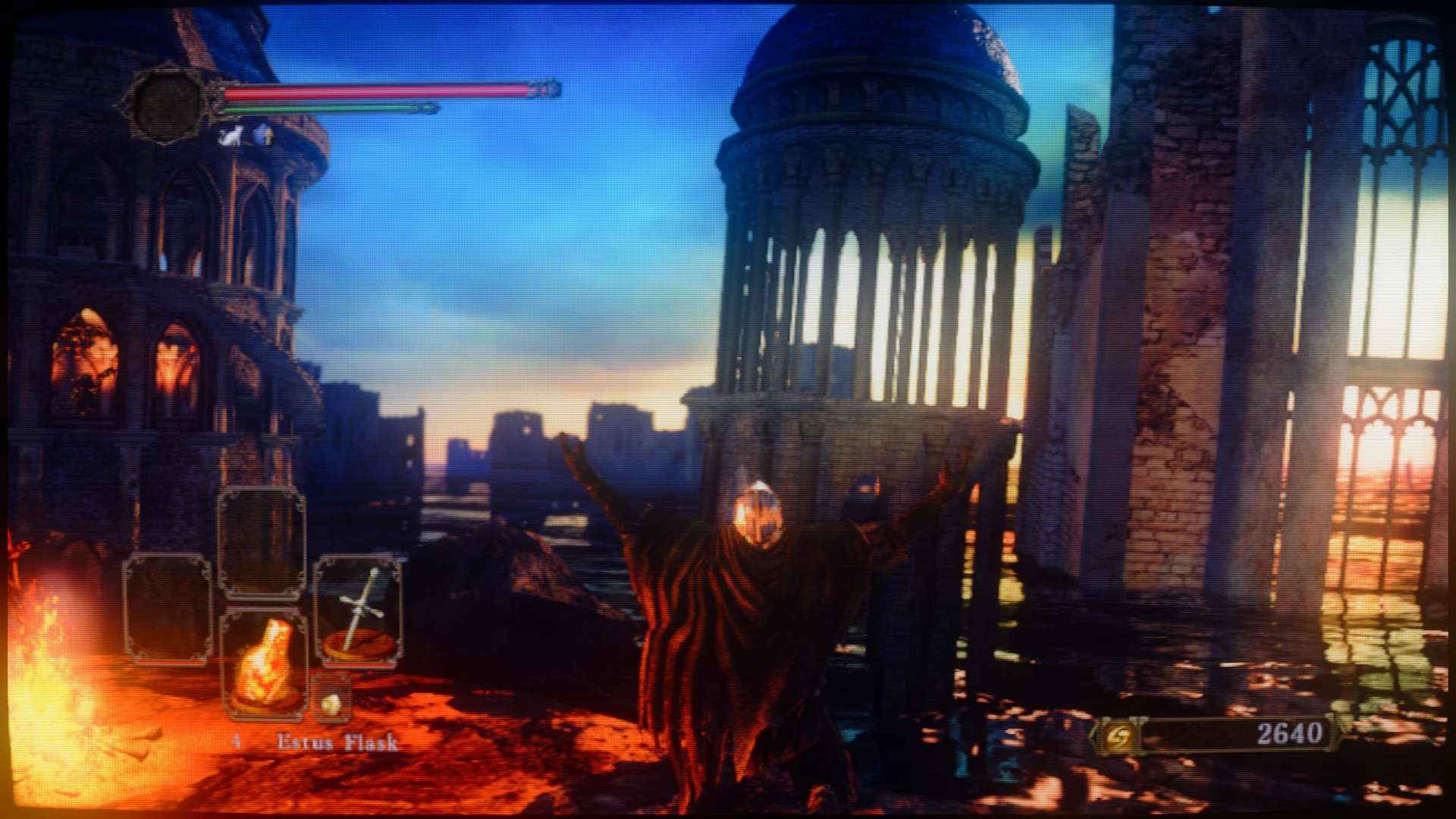
Failure's DS2 Retro and RTX Reshade Presets
⚪ Last updated 2022Preview
🔍 Analysis
- 🏆 #22 of 26 ReShade Preset mods in this game by downloads
📋 About This Mod
A group of presets for making dark souls II look Retro and look really good (rtx)
Installation tutorial:
-install reshade to dark souls 2.
-set the rendering engine to directx 11
-install all plugins just in case (minus the vr one)
-download mod
OPTIONAL: put the preset/s into a special directory, perhaps in your dark souls II directory
-open dark souls 2
-reshade may take some time to install for the first time on startup, be patient.
-when it's finished, press home
OPTIONAL: go through reshade tutorial
-click the bar at the top that says reshadepreset
-find the reshade preset you wanna use
-that's it!
-If you are using one of the RTX presets, make sure to swap to the dark areas one in... dark areas.
📊 Mod Details
- Game
- Darksouls2 Mods
- Author
- Lucina Failure
- Version
- 1.10
- Downloads
- 439
- Endorsements
- 18
- Category
- ReShade Preset
- Created
- 4/22/2022
- Updated
- 4/29/2022
🔧 How to Install Dark Souls 2 Mods
Download from Nexus Mods.
📖 Full step-by-step install guide for Dark Souls 2 →
Visit the official mod page for specific installation instructions for this mod.
🎮 Need cheat codes or console commands? Check ur gaming wiki for Dark Souls 2 commands, item IDs, and more.
Keep browsing — more Dark Souls 2 mods await