Double Click and Borderless QOL
⚪ Last updated 2020Preview
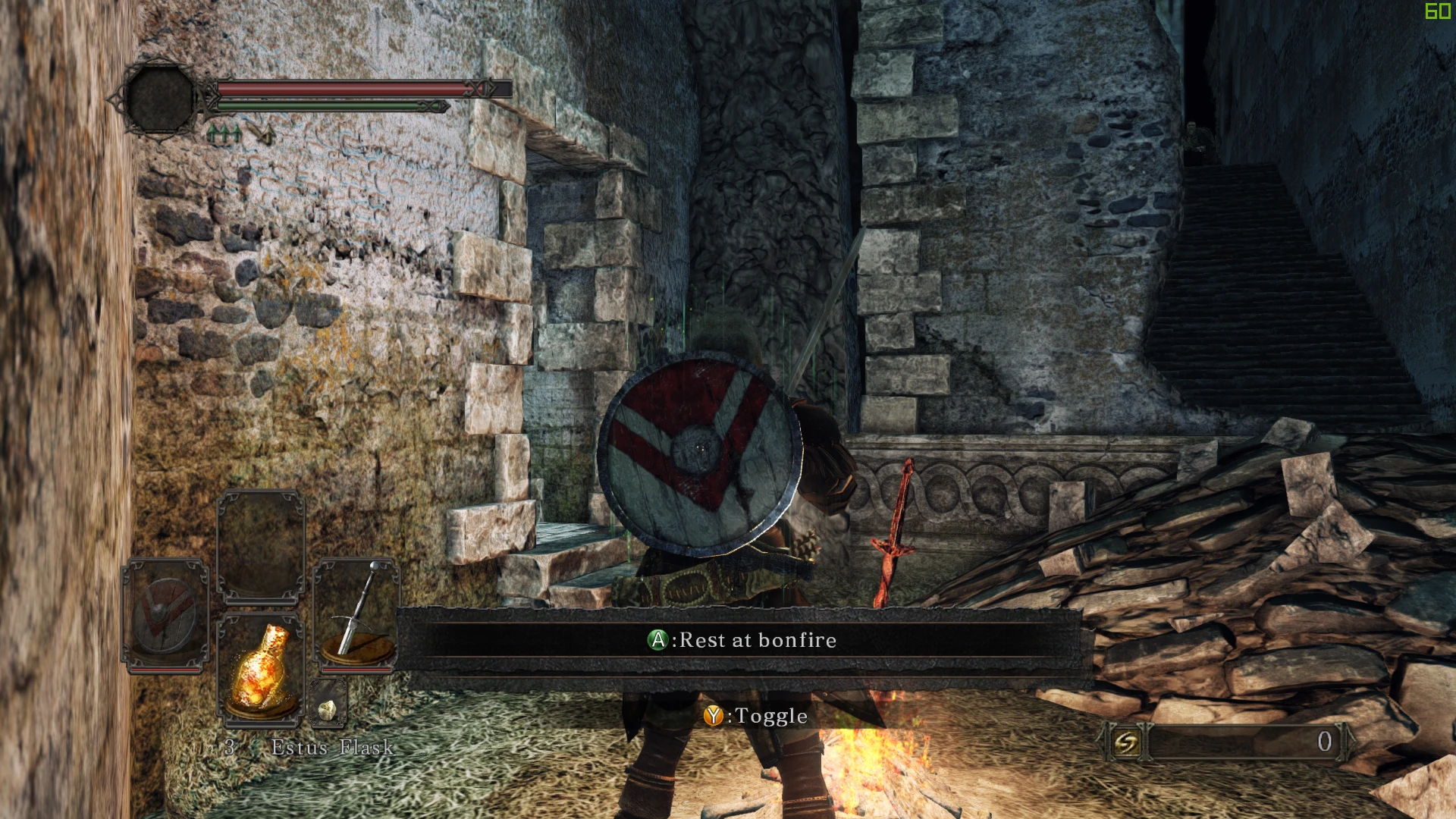
🔍 Analysis
- 👍 2.7% endorsement rate — high engagement, a strong quality signal
- 🏆 #7 of 61 Miscellaneous mods in this game by downloads
📋 About This Mod
The usual "this may get You banned" (but most likely will not) clause still applies - as with any mod, You use it at Your own risk. If You want to take my word for it then I've been using this mod since December and didn't get softbanned.
Mod was based and tested on the Scholar Of The First Sin version - i cannot guarantee whether it'll work for the base game (most likely it won't, it may even cause crashes and/or unexpected behavior)
This mod is a simple Quality Of Life hands free fix for issue with "Disable double click" setting not applying after rebooting the game and automated windowed borderless setup.
The fix part works by force-setting specific value in memory that game actually reads as the setting being on/off (regardless of value you have in your save file / settings menu), it means that with fix installed this setting cannot be disabled.
Borderless part simply force scales the window to be same as your desktop resolution and removes the border. It doesn't seem to be possible to utilize this for SSAA as the game automatically adjusts render resolution to be same as window resolution so downscaling/upscaling won't work. I would also recommend setting the game to windowed mode before installing this mod.
Since version 1. 2 to enable borderless functionality, You need to launch the game with -borderless startup parameter.
Installation is straightforward: extract dinput8.dll file to steamapps\common\Dark Souls II Scholar of the First Sin\Game and run the game, as simple as that.
To uninstall simply remove the dinput8.dll file.
A lightweight proxy DLL for 7 Days to Die that fixes the 'Disable double click' setting not persisting after restart and simplifies enabling windowed borderless mode. With 207 endorsements and 7,666 downloads, it's a community-trusted QOL fix for a common annoyance.
✨ Key Features
📊 Pros & Cons
✅ Pros
- Community-approved fix with 207 endorsements and 7,666 downloads.
- Targets a real annoyance—double click setting resetting—so you set it once and forget it.
- Lightweight proxy DLL, no bloat or extra features to fiddle with.
⚠️ Cons
- Last updated in 2020, so it may not be compatible with newer game versions.
- As a DLL injection, it could trigger antivirus false positives or EAC issues if not whitelisted.
- Limited to two specific QOL fixes—if you need more, you'll have to look elsewhere.
For 7 Days to Die players who are tired of the double-click setting resetting every restart and want a hassle-free borderless window. Perfect for streamers or multi-taskers who alt-tab often. Skip if you're on the latest experimental build or prefer native settings over third-party DLLs.
💡 Beginner Tips
- If you're playing with EAC enabled, you may need to disable it or add the DLL to exceptions, as proxy DLLs can be flagged.
- Place the DLL in your game's root folder (where the .exe is) to ensure it loads correctly.
- After installing, verify the double-click setting sticks by restarting the game once—if it doesn't, check your antivirus quarantine.
📊 Mod Details
- Game
- Darksouls2 Mods
- Author
- SkacikPL
- Version
- 1.2
- Downloads
- 7,666
- Endorsements
- 207
- Category
- Miscellaneous
- Created
- 12/31/2019
- Updated
- 2/3/2020
🔧 How to Install Dark Souls 2 Mods
Download from Nexus Mods.
📖 Full step-by-step install guide for Dark Souls 2 →
Visit the official mod page for specific installation instructions for this mod.
🎮 Need cheat codes or console commands? Check ur gaming wiki for Dark Souls 2 commands, item IDs, and more.
Keep browsing — more Dark Souls 2 mods await