Bloat Begone (Remove Unwanted Menu Elements and Ads)
⚪ Last updated 2023⚠️ Install Order · 6 steps
Install in this order, then this mod last — most mods fail to load without their framework and dependencies in place.
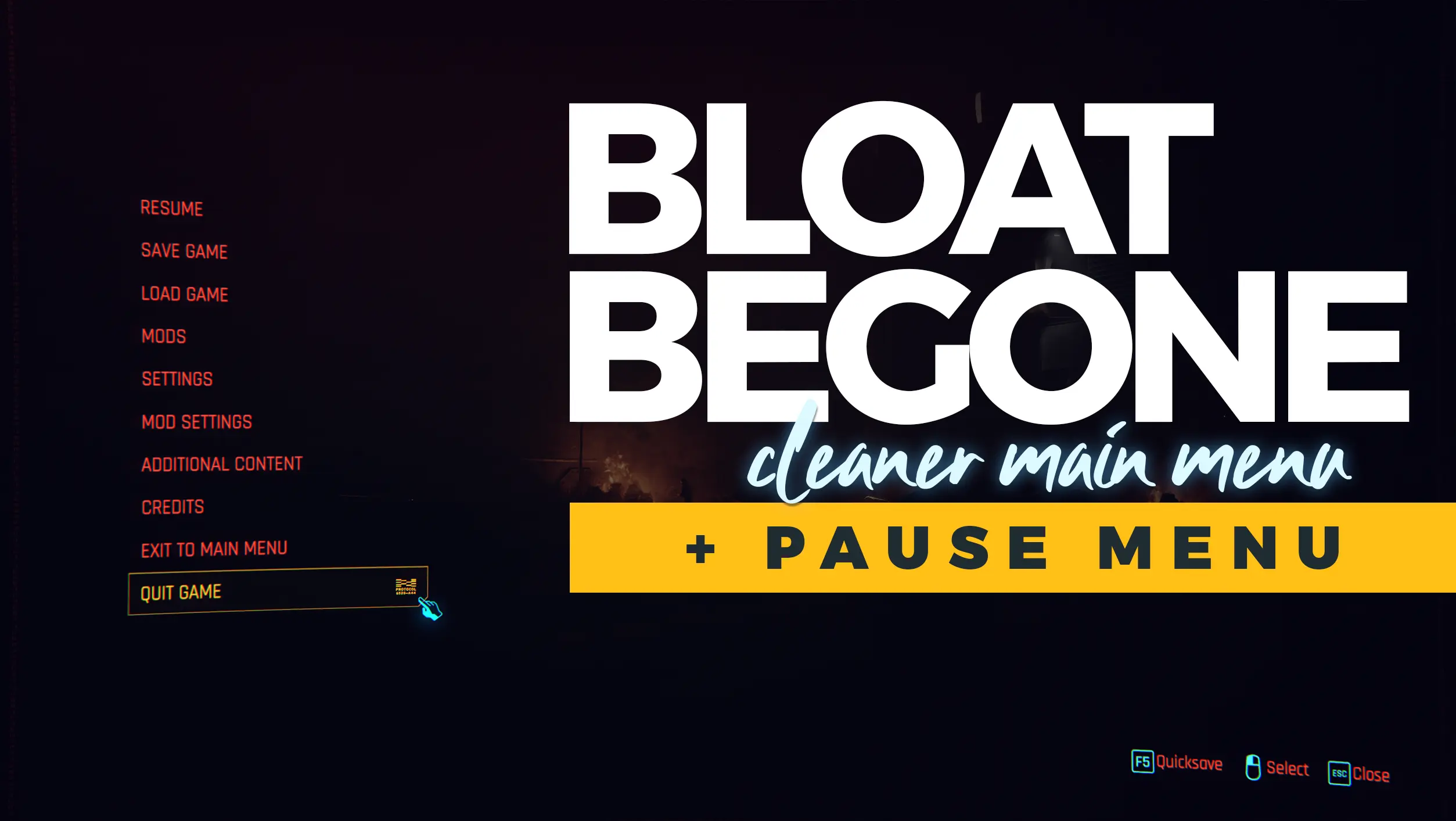
Preview
🔍 Analysis
- 👍 0.5% endorsement rate
- 🏆 #76 of 100 User Interface mods in this game by downloads
📋 About This Mod
This removes the annoying menu bloat (and soon to be in game menu bloat) to clean up your workspace.
It has no prerequisites so you're free to install without worrying about CET or RedScript.
Pairs nicely with Load Begone. 😉
Installation:
Use Vortex (recommended) or manually install by just dragging and dropping the contents of the zip to the Cyberpunk 2077 root folder.
-
[]For GOG it should be something like "C:\Games\Cyberpunk 2077\
[
]For Steam it should be something like "C:\Games\Steam\steamapps\common\Cyberpunk 2077\
Bloat Begone is a lightweight UI mod for Cyberpunk 2077 that removes the Phantom Liberty banner ad, game version display, and rewards from the main menu. With over 1,100 endorsements and 215,000 downloads, it's a popular quality-of-life fix for players tired of menu clutter. No requirements needed.
✨ Key Features
📊 Pros & Cons
✅ Pros
- Huge community trust (1,167 endorsements) — this is a proven fix.
- Zero dependencies — just drop it in and go.
- Cleans up the menu without touching gameplay or performance.
⚠️ Cons
- Only targets three specific elements — if you want broader UI tweaks, look elsewhere.
- Last updated in October 2023 — may not cover newer menu additions from later patches.
For Cyberpunk 2077 players who are annoyed by the Phantom Liberty ad and other menu clutter. If you want a clean, distraction-free main menu without extra features, this is for you. Skip if you're looking for a full UI overhaul or gameplay changes.
💡 Beginner Tips
- Place the extracted files into your Cyberpunk 2077 'archive' folder (typically 'Cyberpunk 2077\archive\pc\mod').
- If you use a mod manager like Vortex, you can install it with one click — but manual works fine too.
- Make sure you have the latest game patch installed, as older mods may not work with newer versions.
📊 Mod Details
- Game
- Cyberpunk 2077 Mods
- Author
- CyanideX
- Version
- 1.5.0e
- Downloads
- 215,532
- Endorsements
- 1,167
- Category
- User Interface
- Created
- 9/22/2023
- Updated
- 10/20/2023
🔧 How to Install Cyberpunk 2077 Mods
Download from Nexus.
📖 Full step-by-step install guide for Cyberpunk 2077 →
Visit the official mod page for specific installation instructions for this mod.
🎮 Need cheat codes or console commands? Check ur gaming wiki for Cyberpunk 2077 commands, item IDs, and more.
Keep browsing — more Cyberpunk 2077 mods await