NVIDIA Ansel Utilities
⚪ Last updated 2018Preview
🔍 Analysis
- 👍 5.2% endorsement rate — high engagement, a strong quality signal
- 🏆 #37 of 37 Camera mods in this game by downloads
📋 About This Mod
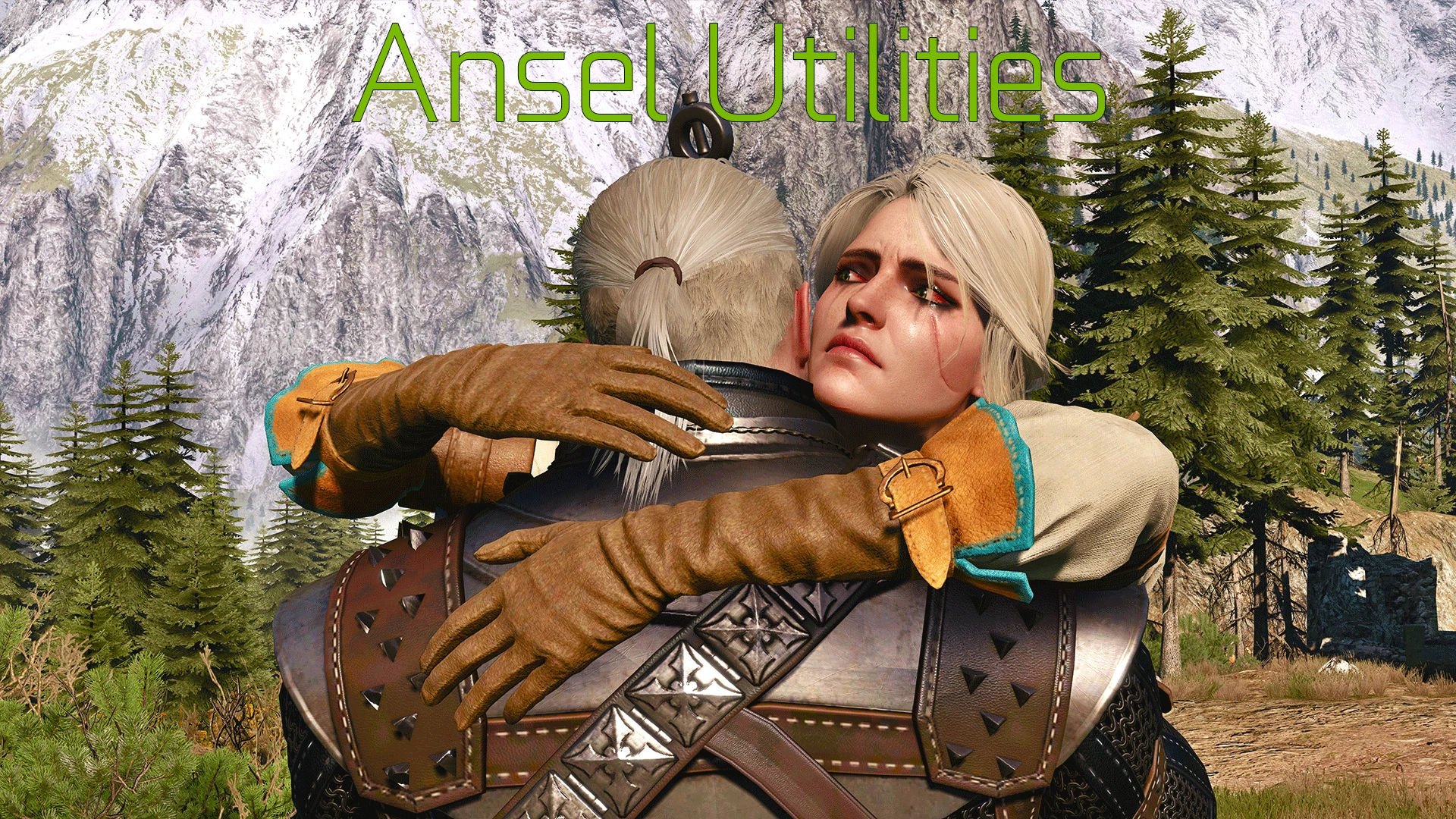
Pack of utility console commands to extend and streamline work with NVIDIA Ansel
- []Full player model manipulation(position, rotation, scale, appearance) []Spawning NPC actors and NPC actor model manipulation(position, rotation, scale, appearance) []Playing particle effects on NPC actor and player []Enabling mimics (facial animations) for NPC actors []Animation controls for player and NPC actor (including mimics) []Synchronized animation playback between player and NPC actor []Loading custom environment presets []Ability to spawn objects []Fully featured green screen []High resolution actor shadows (enabled by default)
- Creating and manipulating both point and spot lights (color,brightness,radius,inner/outer angles and shadow casting)
Installation: This mod requires you to have console enabled, this can be achieved by either installing a debug console enabler mod OR by editing general.ini located in your The Witcher 3 Wild Hunt\bin\config\base directory, find section and add following line in this section DBGConsoleOn=true. This will have same effect as having debug console mod installed. By default console is called by pressing "~"(tilde key), this may prove problematic on certain language specific keyboards.
If you have console enabled, first and last step is to unzip contents of the zip file to your Witcher 3 installation directory, allowing extraction to overwrite both DLC and mods folder, to avoid issues, make sure you are not unzipping entire file into mods folder and that you do not have any empty folders inside DLC folder.
For commands list and usage instructions read the readme file! Default player tag is PLAYER and npc spawned actor is ANSELACTOR
📊 Mod Details
- Game
- Witcher3 Mods
- Author
- SkacikPL
- Version
- 1.01
- Downloads
- 4,837
- Endorsements
- 251
- Category
- Camera
- Created
- 8/16/2016
- Updated
- 1/8/2018
🔧 How to Install The Witcher 3 Mods
Download from Nexus Mods.
📖 Full step-by-step install guide for The Witcher 3 →
Visit the official mod page for specific installation instructions for this mod.
🎮 Need cheat codes or console commands? Check ur gaming wiki for The Witcher 3 commands, item IDs, and more.
Keep browsing — more The Witcher 3 mods await