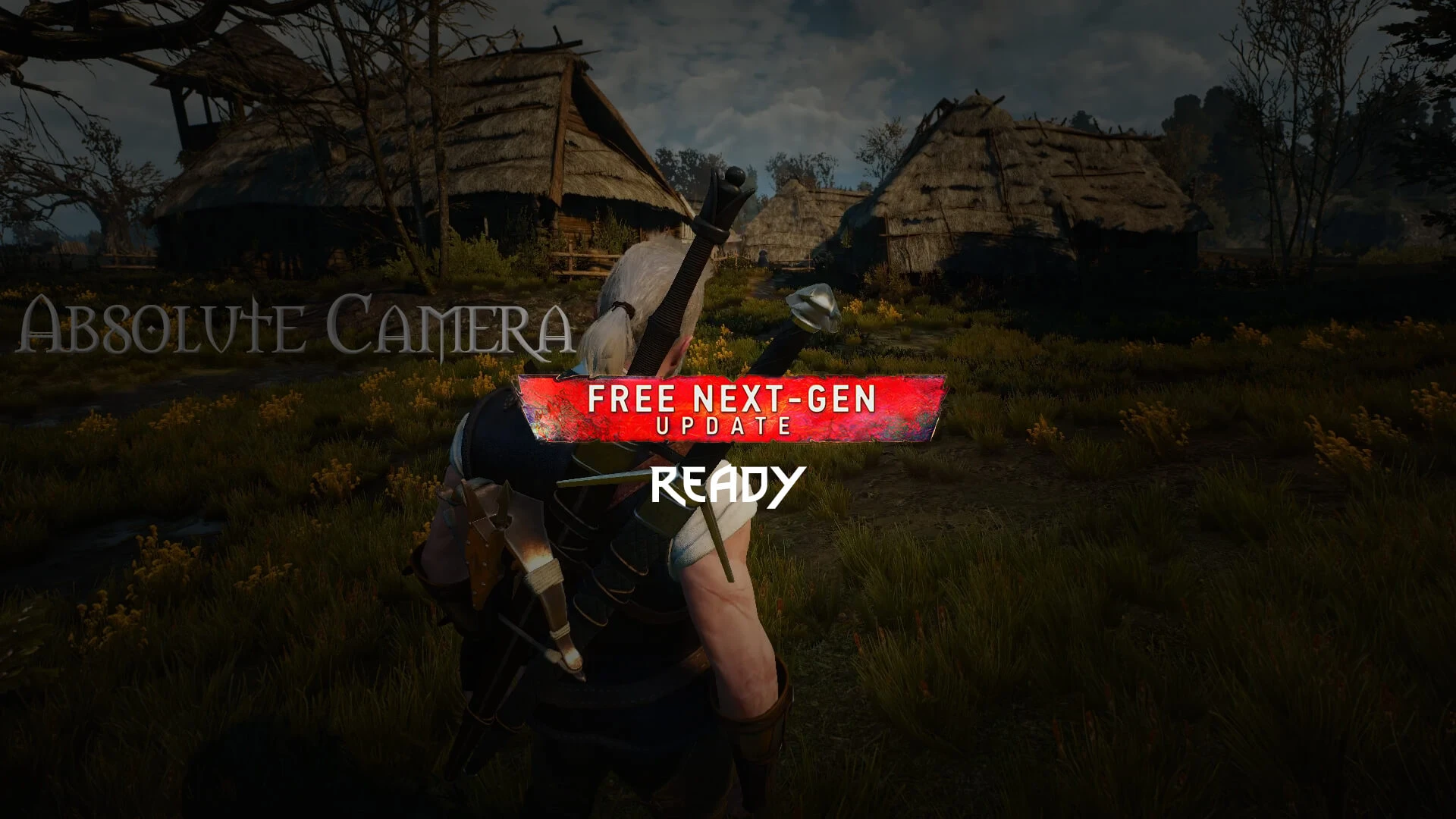
Absolute Camera
⚪ Last updated 2022Preview
🔍 Analysis
- 👍 2.1% endorsement rate — high engagement, a strong quality signal
- 🏆 #2 of 37 Camera mods in this game by downloads
📋 About This Mod
Define your preferred cameras.
Installation
1 - Unzip to game directory;
2 - Add line "modAbsoluteCameraMenu.xml;" to files "dx11filelist.txt" and "dx12filelist.txt" in folder <Witcher 3>\bin\config\r4game\user_config_matrix\pc
3 - (Optional) Add keybinds. They can be found in a file under optional files.
Uninstall
1 - Delete folder "modAbsoluteCamera" in folder <Witcher 3>\mods;
2 - Remove line "modAbsoluteCameraMenu.xml;" in files "dx11filelist.txt" and "dx12filelist.txt" in folder <Witcher 3>\bin\config\r4game\user_config_matrix\pc and delete the XML itself.
Info below is old and may be out of date.
The Witcher 3 Mod Manager Mod Page
📊 Mod Details
- Game
- Witcher3 Mods
- Author
- pMarK
- Version
- 4.0
- Downloads
- 371,557
- Endorsements
- 7,694
- Category
- Camera
- Created
- 10/18/2015
- Updated
- 12/17/2022
🔧 How to Install The Witcher 3 Mods
Download from Nexus Mods.
📖 Full step-by-step install guide for The Witcher 3 →
Visit the official mod page for specific installation instructions for this mod.
🎮 Need cheat codes or console commands? Check ur gaming wiki for The Witcher 3 commands, item IDs, and more.
Keep browsing — more The Witcher 3 mods await