Smooth GUI - HD Reworked Project Compatible Patch
🟠 Updated over a year ago⚠️ Install Order · 4 steps
Install in this order, then this mod last — most mods fail to load without their framework and dependencies in place.
Preview
🔍 Analysis
- 👍 2.8% endorsement rate — high engagement, a strong quality signal
- 🏆 #94 of 155 User Interface mods in this game by downloads
📋 About This Mod
What's the purpose?
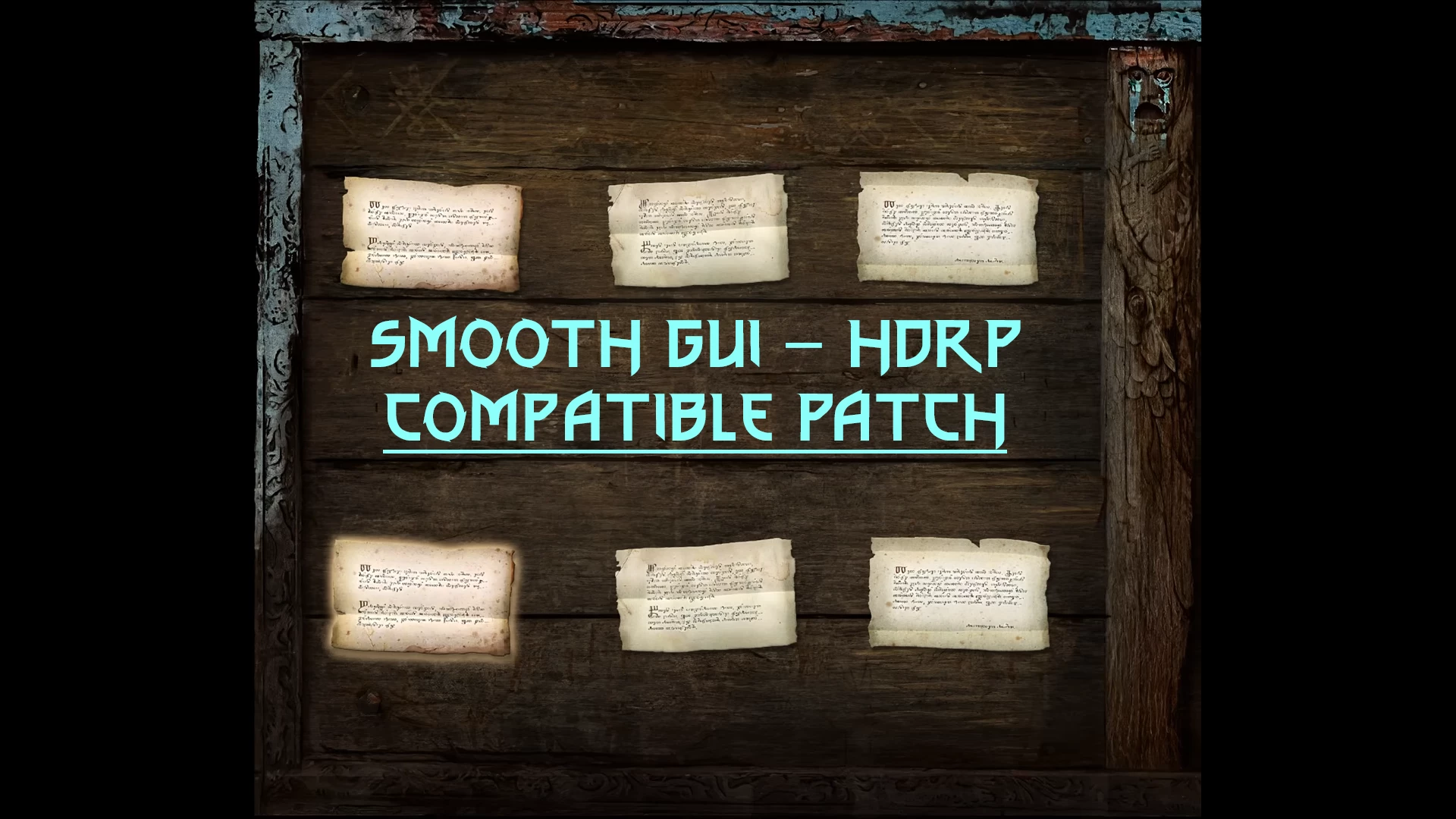
This is a compatible patch between Smooth GUI and HD Reworked Project. Both authors grant me permission to do so.
Now you may enjoy a smooth 60fps while having a high-quality notice board.
4. 04 Next-Gen AND 1. 32 Classic Compatible!
Installation
For newcomers/beginners: I invite you to read The Tome of Witcher 3 Modding
0 DON'T USE VORTEX!!
1. Install both Smooth GUI and HD Reworked Project.
2. Use Witcher 3 Mod Manager, or extract the files in your "Mods" folder of the game's directory, Witcher 3 Wild Hunt GOTY Edition.
3. Launch Script Merger. Make sure it has the (alphabetical) higher priority.
How to uninstall?
Delete the folder "mod000000aHDRP_SGUI".
Compatibility and Conflict
Reminder: Next-Gen AND Classic Compatible!
This is a redsfw mod that affect the following files:
- gameplay\gui_new\swf\noticeboard\panel_noticeboard.redswf
Make sure the compatible has a higher priority than the original mods.
Recommended Mod
Below is the list of mods I recommend with mine:
- All Quest Objectives On Map: Most Recommended. Show all objectives on the map.
- Colored Map Markers: Most Recommended. Make all map pins coloured.
- Community Patch - World Map. Make all map mods compatible with each other.
- Sort Everything: Allow sorting inventory, bestiary, crafts, etc. in the way you want.
- Gwent Opponent Names And Portraits: Add the opponent name and portrait when playing Gwent.
My other Mod
The Witcher 1 Enhanced Editions
The Witcher 2 Assassin of King
The Witcher 3 Wild Hunt
Special Thanks
Ferroxius and HalkHogan, for their permission.
Tools used: WolvenKit, JPEXS Free Flash Decompiler
Andrzej Sapkowski (Author) and CD Projekt Red (Game Studio) for the creation of The Witcher universe.
Find me on Discord:
You like it?
A compatibility patch that makes Smooth GUI and HD Reworked Project work together, ensuring both mods function without conflicts. For players using both UI and texture overhauls, this patch is essential. With 349 endorsements and recent updates, it's a reliable bridge between two popular mods.
✨ Key Features
📊 Pros & Cons
✅ Pros
- Essential for anyone running both mods — prevents crashes and visual glitches
- Active maintenance (updated Nov 2024) means it's likely up-to-date with latest patches
- Solid community trust with 349 endorsements and over 12k downloads
⚠️ Cons
- Only useful if you have both Smooth GUI and HD Reworked Project installed — niche audience
- Requires both base mods to be installed first, adding setup complexity
For modders who want to combine Smooth GUI's sleek interface with HD Reworked Project's texture improvements. If you're running both mods, this patch is a no-brainer. Skip if you only use one of them — you don't need it.
💡 Beginner Tips
- Install Smooth GUI and HD Reworked Project first, then overwrite with this patch to ensure proper file merging.
- Check the mod's posts tab for any load order advice from the author — patches like this often need to load after both base mods.
- If you're using a mod manager, let it handle the file conflicts automatically to avoid missing files.
📊 Mod Details
- Game
- Witcher 3 Mods
- Author
- Ferroxius - Halk Hogan PL
- Version
- 1.0
- Downloads
- 12,407
- Endorsements
- 349
- Category
- User Interface
- Created
- 11/25/2024
- Updated
- 11/25/2024
🔧 How to Install Witcher 3 Mods
Download from Nexus.
📖 Full step-by-step install guide for Witcher 3 →
Visit the official mod page for specific installation instructions for this mod.
🎮 Need cheat codes or console commands? Check ur gaming wiki for Witcher 3 commands, item IDs, and more.
Keep browsing — more Witcher 3 mods await