Open menu during dialogues and cutscenes
⚪ Last updated 2016⚠️ Install Order · 2 steps
Install in this order, then this mod last — most mods fail to load without their framework and dependencies in place.
Preview
🔍 Analysis
- 👍 4.1% endorsement rate — high engagement, a strong quality signal
- 🏆 #51 of 155 User Interface mods in this game by downloads
📋 About This Mod
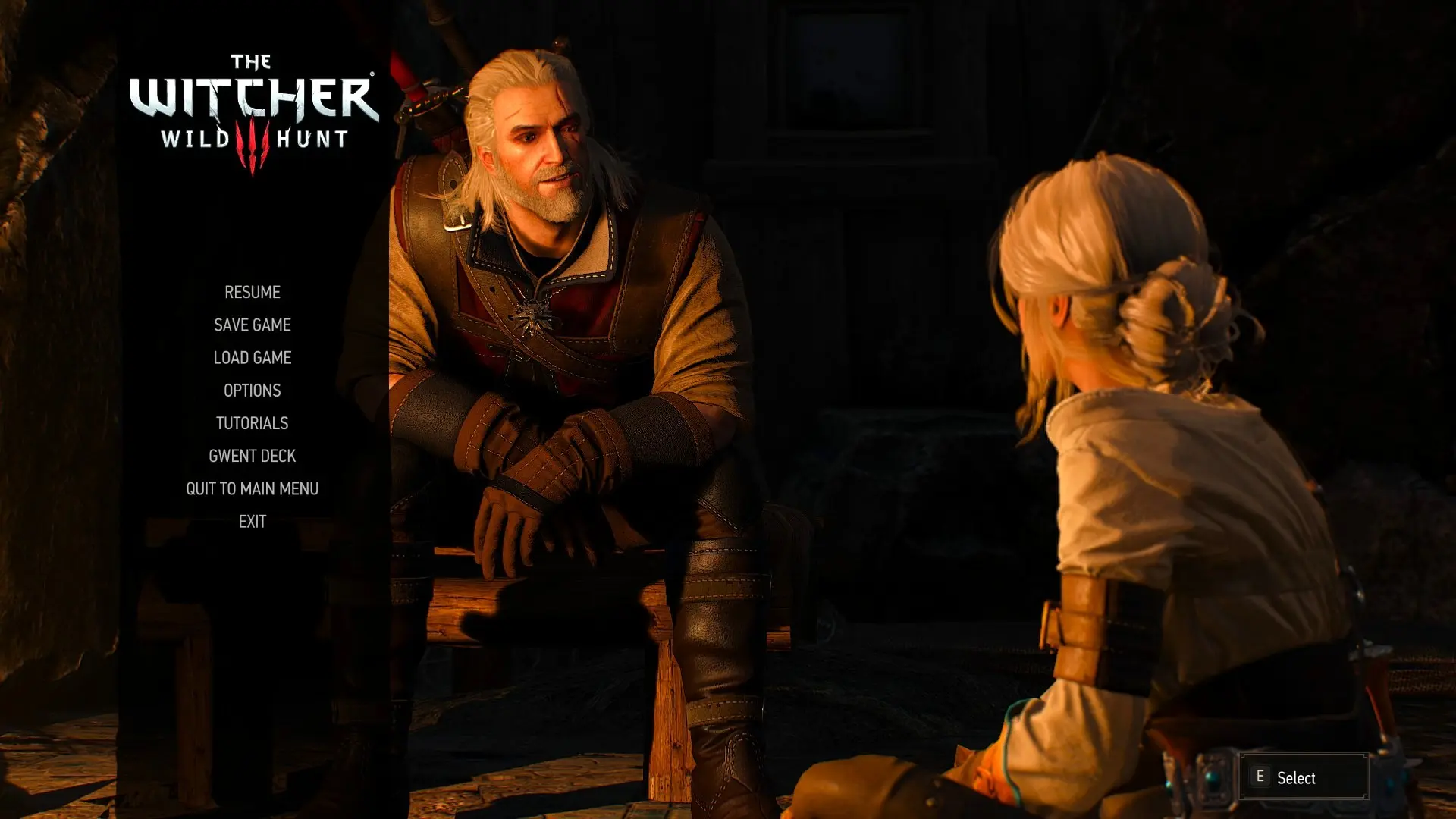
Description With this mod you can open the menu and pause the game during dialogues and cutscenes, by pressing Escape. You can open the menu during the movies too, but the movies don't get paused.
Thanks to Gundamzeppelin for including this mod in his video (begins at 4:35):
0O4uAoeWhGg InstallationDownload the right file for the game version you own:
- []Open menu during dialogues and cutscenes (Steam) - if you own the Steam patch 1. 31 version []Open menu during dialogues and cutscenes (GoG non-GOTY) - if you own the GoG non-GOTY patch 1. 31 version []Open menu during dialogues and cutscenes (GoG GOTY) - if you own the GoG GOTY patch 1. 31 version
Go to the Witcher 3 folder inside your Documents (My Documents) folder and open the input.settings file with a text editor, such as Notepad. Just below the line that contains the text add the this line: IK_Escape=(Action=IngameMenu). If you're using a gamepad you could also add this line: IK_Pad_Back_Select=(Action=IngameMenu) (thanks to mainrouge for pointing this out).
As pointed out by sup2069 you may need to place the IK_Escape=(Action=IngameMenu) line under the section too, if the mod is not working.
Troubleshooting If the mod doesn't work or you get compilation errors, please make sure you first check all the items on the list below.
- []Make sure you download the correct version of the mod for the game version you own. []Make sure you don't end up with an additional folder when extracting the mod to the "mods" folder. You should end up with a folder structure like mods/modXXX and not mods/modXXX/modXXX. []Make sure you haven't missed the second step from the installation instructions.
- If you're using other mods you may have to use Script Merger to resolve the conflicts with the mods altering the same files.
This UI mod lets you open the pause menu during dialogues and cutscenes, allowing you to pause the game at any moment. It's a simple quality-of-life tool for players who want to take breaks or adjust settings without missing story moments. With over 2,000 endorsements, it's a proven favorite.
✨ Key Features
📊 Pros & Cons
✅ Pros
- Community favorite with 2,056 endorsements and 50k downloads
- Perfect for pausing mid-conversation to grab a snack or answer the door
- Lightweight and focused—does exactly what it says
⚠️ Cons
- Last updated in 2016—might not work with the latest game patches
- Could break with certain mods that alter dialogue or cutscene systems
For players who hate missing dialogue because they need to pause. Also great for streamers or parents who need to step away mid-cutscene. Skip if you never pause during story moments.
💡 Beginner Tips
- Check if your game version is compatible since the mod is from 2016
- If you use other UI mods, test for conflicts after installing
- Consider using a mod manager to easily enable/disable if issues arise
📊 Mod Details
- Game
- Witcher 3 Mods
- Author
- Fluffy82
- Version
- 1.0
- Downloads
- 50,249
- Endorsements
- 2,056
- Category
- User Interface
- Created
- 9/27/2016
- Updated
- 9/29/2016
🔧 How to Install Witcher 3 Mods
Download from Nexus.
📖 Full step-by-step install guide for Witcher 3 →
Visit the official mod page for specific installation instructions for this mod.
🎮 Need cheat codes or console commands? Check ur gaming wiki for Witcher 3 commands, item IDs, and more.
Keep browsing — more Witcher 3 mods await