No Velen Lighting
⚪ Last updated 2024⚠️ Install Order · 2 steps
Install in this order, then this mod last — most mods fail to load without their framework and dependencies in place.
Preview
🔍 Analysis
- 👍 0.4% endorsement rate
- 🏆 #61 of 264 Visuals and Graphics mods in this game by downloads
📋 About This Mod
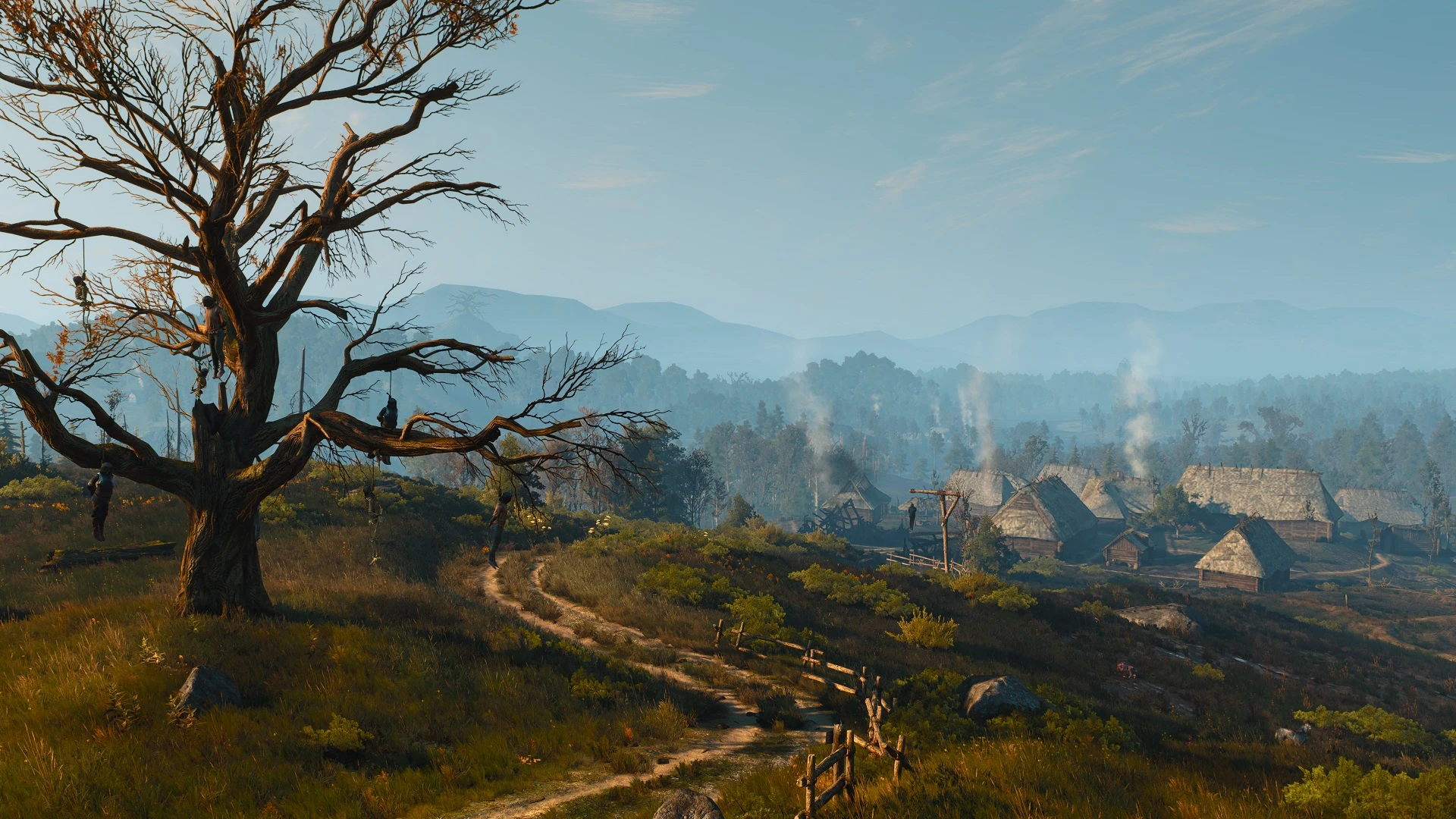
Reupload of a popular mod of mine that was made on request. Removes the Velen lighting/env, so that the lighting doesn't change once you cross a river, and for those of you that prefer the standard Novigrad lighting over the Velen one, with less green. Does not remove or edit the env file directly, only removes the trigger that loads that particular env, it also does not affect any other sub-regions within Velen, like the swamps. So it is compatible with any and every lighting mod.
Installation
1. Download the file;
2. Extract it using the unpacker of your choosing (eg. winzip/winrar/7zip);
3. Drag and drop the "modNoVelenLighting" folder into your "/The Witcher 3/Mods/" directory (if it doesn't exist, create it);
4. Play the game.
Uninstallation:
1. Remove modNoVelenLighting from the Mods folder.
No Velen Lighting is a compact visual mod for The Witcher 3 that removes the region-specific lighting in Velen, giving the area a more neutral appearance. With 358 endorsements and over 100k downloads, it's a popular choice for players seeking a subtle visual change without altering other aspects of the game.
✨ Key Features
📊 Pros & Cons
✅ Pros
- Over 100k downloads show it's a go-to for many players
- Does exactly what it says—no bloat, just removes Velen's lighting
- Lightweight and easy to install, no extra requirements
⚠️ Cons
- Only affects Velen, so if you wanted a global lighting overhaul, this isn't it
- Last updated in January 2024—might not be compatible with the latest game patches
For Witcher 3 players who find Velen's lighting too moody or dark and want a more neutral look without changing the rest of the game. Skip if you're after a full visual overhaul or if you rarely spend time in Velen.
💡 Beginner Tips
- Place the mod files in your 'Mods' folder in the game directory, and make sure the folder name matches the mod's name.
- If you're using other lighting mods, test this one in Velen first to see how they interact—load order can matter.
- Check the mod page for any updates or compatibility notes before installing, especially if you're on the latest game version.
📊 Mod Details
- Game
- Witcher 3 Mods
- Author
- ScoutBr0
- Version
- 1.0
- Downloads
- 100,655
- Endorsements
- 358
- Category
- Visuals and Graphics
- Created
- 3/22/2023
- Updated
- 1/16/2024
🧩 Commonly Used Together
Users add these mods to the same collections — a real compatibility signal, not an AI guess.
🔧 How to Install Witcher 3 Mods
Download from Nexus.
📖 Full step-by-step install guide for Witcher 3 →
Visit the official mod page for specific installation instructions for this mod.
🎮 Need cheat codes or console commands? Check ur gaming wiki for Witcher 3 commands, item IDs, and more.
Keep browsing — more Witcher 3 mods await