Loading Screen Tips Removal
⚪ Last updated 2020⚠️ Install Order · 2 steps
Install in this order, then this mod last — most mods fail to load without their framework and dependencies in place.
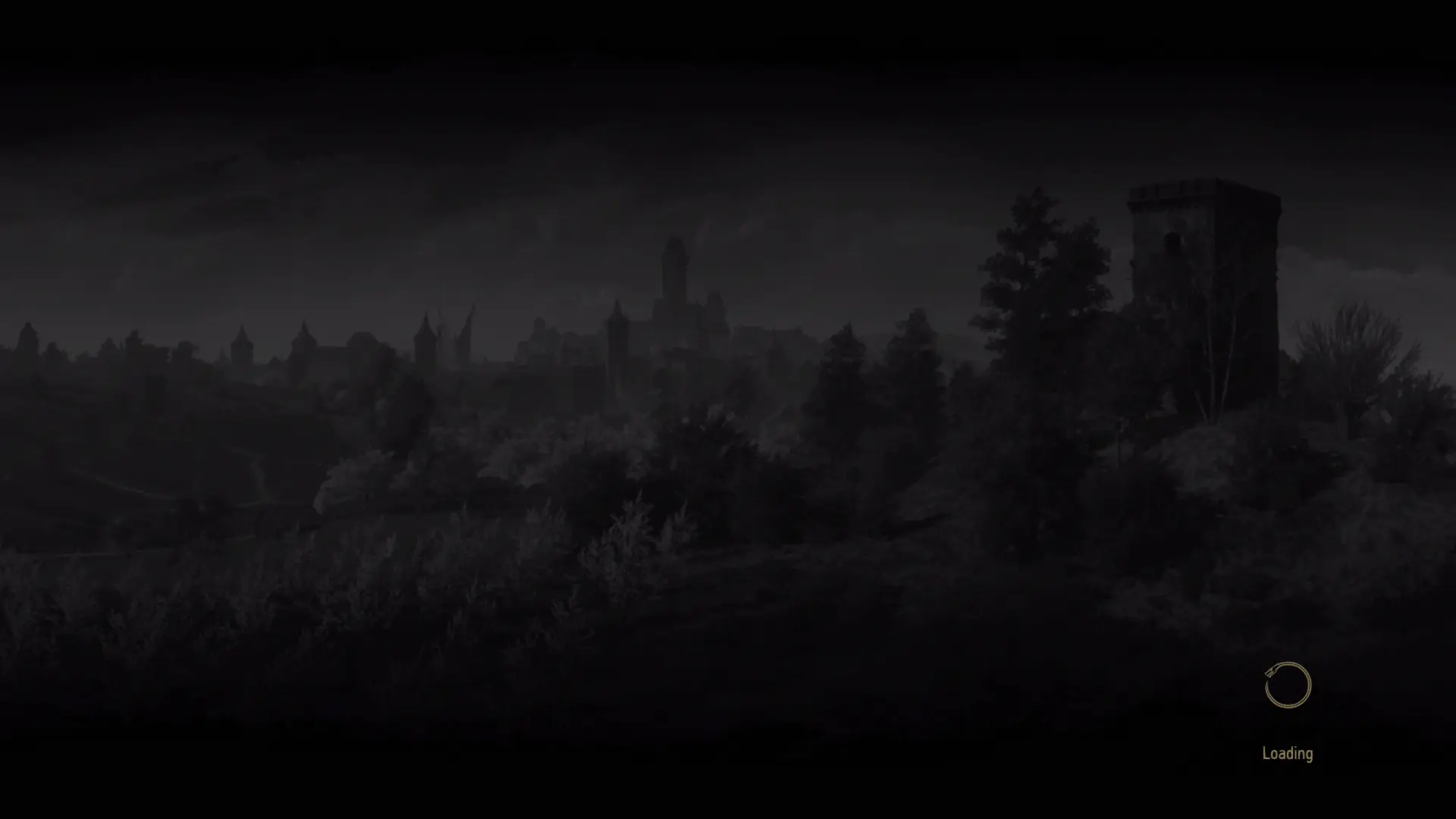
Preview
🔍 Analysis
- 👍 0.2% endorsement rate
- 🏆 #18 of 155 User Interface mods in this game by downloads
📋 About This Mod
Let's be honest, you are here, browsing for mods which means that at this point you already are a veteran on this game.
But even a fairly new player can experience the game and do pretty well without the need of seeing those tips on the loading screen.
This mod does 2 things:
- Completely removes every loading screen tip. (Read Sticky)
- (Optional file): It also removes loading screen images.
- Pick one of the main files (read their description). You can also download and install the optional along with one of the mail files.
- Install on your "Witcher 3 Game Directory"\mods
- POOF, loading screen tips are gone!
- Optional but highly recommended step: Open up your "Documents\The Witcher 3\user.settings" file and find the following line(s):
ShowProgress=true
Change the above value to ShowProgress=false
The tweak above disables the progress bar that you see on the loading screen making it a tad bit more clean.
If there is no such line on your user.settings file the add this manually at the bottom of the document.
For an even more cleaner experience, you can also use: Disable storybook videos. Download it if you don't have it already!
Boring stuff:I have been looking for a way to make those tips go away just because they were annoying me really bad. So after editing redswf files to no avail, I managed to find the .w3strings localization files and do my edits on those. But I made this mod with compatibility in mind.
Let me explain: First of all, you will notice that the main version only has a file called en.w3strings file. The initial file size was about 5 MBs, I could have made my edits on the vanilla file but instead I got each loading screen tip from the vanilla file and transferred it to a freshly made w3strings file so that this mod does not touch ANYTHING else other than the loading screen tips. I could have made my changes to the original w3strings file but if any user had a mod which does its own overrides to that file then my mod would edit those out too. In other words, this file does not touch any other text except for the loading tips.
This mod should not have any compatibility issues. The only exception being mods that also change the loading screens. If for whatever reason you decide to download the black loading screens too, then keep in mind that mods such as E3 UI etc.. are probably not gonna work with my mod.
A lightweight UI mod that removes all loading screen tips from the game, leaving a clean, uncluttered loading screen. With 318 endorsements and over 128,000 downloads, it's a popular quality-of-life tweak for players who find the tips distracting. Last updated in March 2020, it remains a simple, effective solution.
✨ Key Features
📊 Pros & Cons
✅ Pros
- Does exactly what it says—no bloat, just clean loading screens
- Huge download count (128k) proves it's a go-to for many players
- Lightweight and won't affect performance
⚠️ Cons
- Last updated in 2020—may not work with the latest game version
- If you actually like reading tips, this mod isn't for you
For players who find loading screen tips repetitive or distracting and want a cleaner, more immersive loading experience. If you're a completionist who reads every tip, skip this—it removes them all. Perfect for anyone who values a minimalist UI.
💡 Beginner Tips
- Since this mod was last updated in 2020, check if your game version is compatible before installing—if you're on a newer patch, it might not work.
- If you're using a mod manager, install it through that to keep track of it easily; otherwise, just drop the files into your game's Data folder.
- If you later want the tips back, simply remove the mod files—no save game impact.
📊 Mod Details
- Game
- Witcher 3 Mods
- Author
- Strahlimeier
- Version
- 1.1
- Downloads
- 128,054
- Endorsements
- 318
- Category
- User Interface
- Created
- 2/12/2020
- Updated
- 3/10/2020
🔧 How to Install Witcher 3 Mods
Download from Nexus.
📖 Full step-by-step install guide for Witcher 3 →
Visit the official mod page for specific installation instructions for this mod.
🎮 Need cheat codes or console commands? Check ur gaming wiki for Witcher 3 commands, item IDs, and more.
Keep browsing — more Witcher 3 mods await