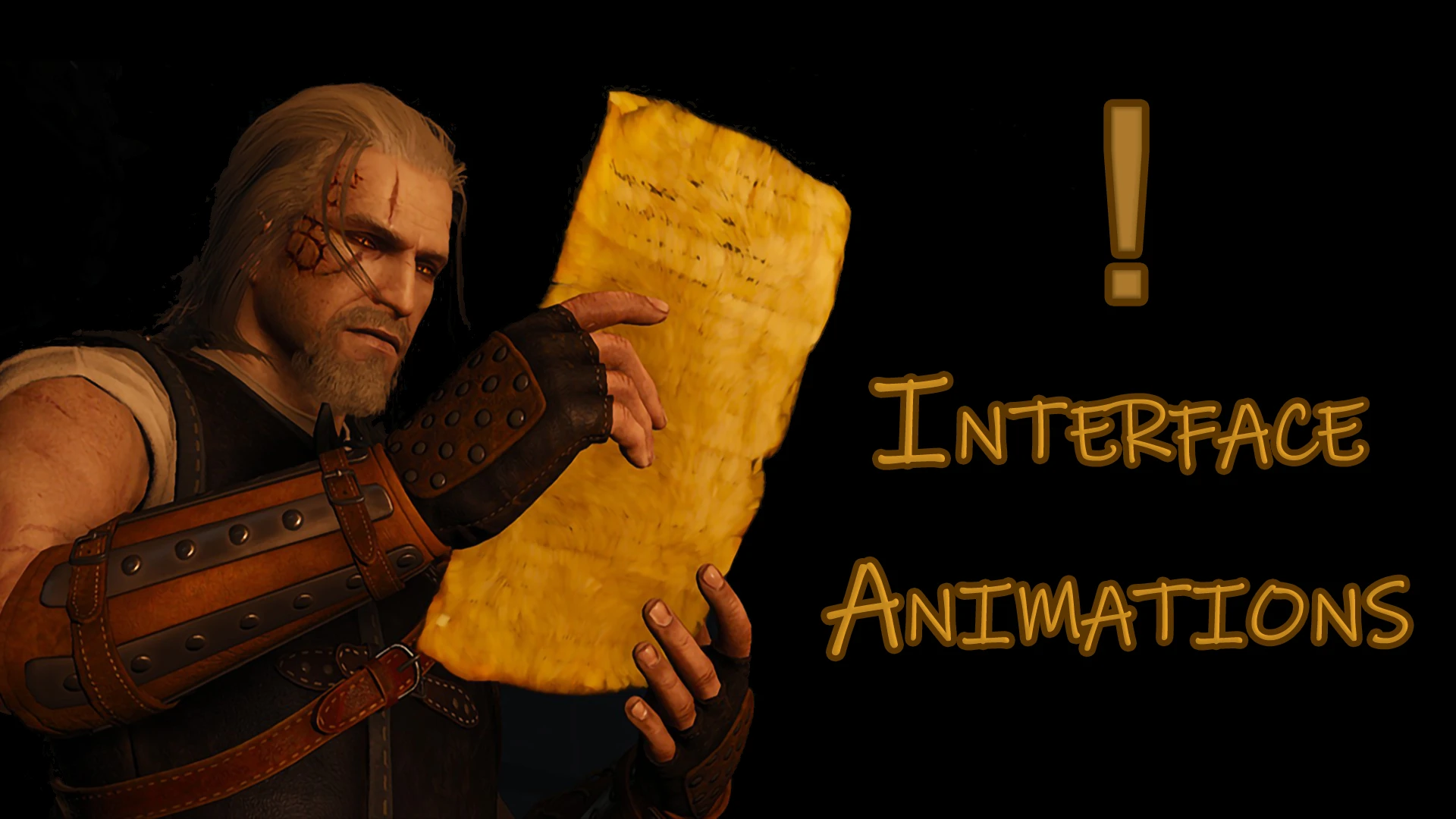
Interface Animations (CE)
🟡 Updated this year⚠️ Install Order · 2 steps
Install in this order, then this mod last — most mods fail to load without their framework and dependencies in place.
Preview
🔍 Analysis
- 👍 2.9% endorsement rate — high engagement, a strong quality signal
- 🏆 #127 of 151 Immersion mods in this game by downloads
📋 About This Mod
For Witcher 3 - v1. 31/1. 32
-Description-
1) Adds animations for opening panels.
Inventory / Character / Bestiary / Meditations, etc.
2) Adds animations for some events.
Getting a quest / Map pins from the noticeboard / Finding a treasure /
Logging a new monster / New recipe, etc.
3) Adds reading animations.
Books / Notes / Maps / Pictures.
-FAQ-
Some explanations of the options:
"Interface Items" - Changing interface animation Items texture.
"Animations break " - You can choose to interrupt animations (Disabled/Instantly/Delayed).
Interrupting with a delay (about half a second) is made so that you don't accidentally interrupt an animation
(e.g. spamming a space during dialogue) but still be able to interrupt it.
"Animation block" -You can block the animation while holding an item.
For example: Do not play the animation when holding a torch ( Do not hide the torch ).
"Animation chance" - Is made so that animations do not annoy and are not always played.
You can use this mod with a gamepad.
To get access to additional panels/animations, install "Ultimate Native Controller" mod.
It is recommended to use together with "(Classic Edition) Friendly HUD"
Do not install "UNC" with "W3EE Redux".
-Installation-
1) Unzip the archive container to the root folder of the game (or use W3MM).
[color=#9fc
Adds animations to interface events for Classic Edition, enhancing immersion. With 219 endorsements and 7,613 downloads, it's a niche but appreciated mod for players wanting more visual feedback. Last updated September 2025.
✨ Key Features
📊 Pros & Cons
✅ Pros
- Solid endorsement-to-download ratio (219 endorsements on 7.6k downloads) shows players actually like it
- Fits the Immersion category perfectly—makes the UI feel more alive
- Recent update (Sept 2025) means it's likely compatible with current game version
⚠️ Cons
- Classic Edition only—if you're on the newer version, this won't work
For Classic Edition players who want a more dynamic interface without overhauling the whole UI. If you're on the standard edition or prefer minimal changes, skip this one.
💡 Beginner Tips
- Check if your game version matches Classic Edition before installing—this mod won't work on other versions
- Since no install instructions are given, look for a README or common mod folder structure in the download
- If you use a mod manager, try importing the mod manually if auto-detection fails
📊 Mod Details
- Game
- Witcher 3 Mods
- Author
- RovanFrost
- Version
- 2.9.4
- Downloads
- 7,613
- Endorsements
- 219
- Category
- Immersion
- Created
- 10/12/2022
- Updated
- 9/30/2025
🔧 How to Install Witcher 3 Mods
Download from Nexus.
📖 Full step-by-step install guide for Witcher 3 →
Visit the official mod page for specific installation instructions for this mod.
🎮 Need cheat codes or console commands? Check ur gaming wiki for Witcher 3 commands, item IDs, and more.
Keep browsing — more Witcher 3 mods await