DLL FPS Performance Boost (Place of PC Power)
🟠 Updated over a year ago⚠️ Install Order · 2 steps
Install in this order, then this mod last — most mods fail to load without their framework and dependencies in place.
Preview
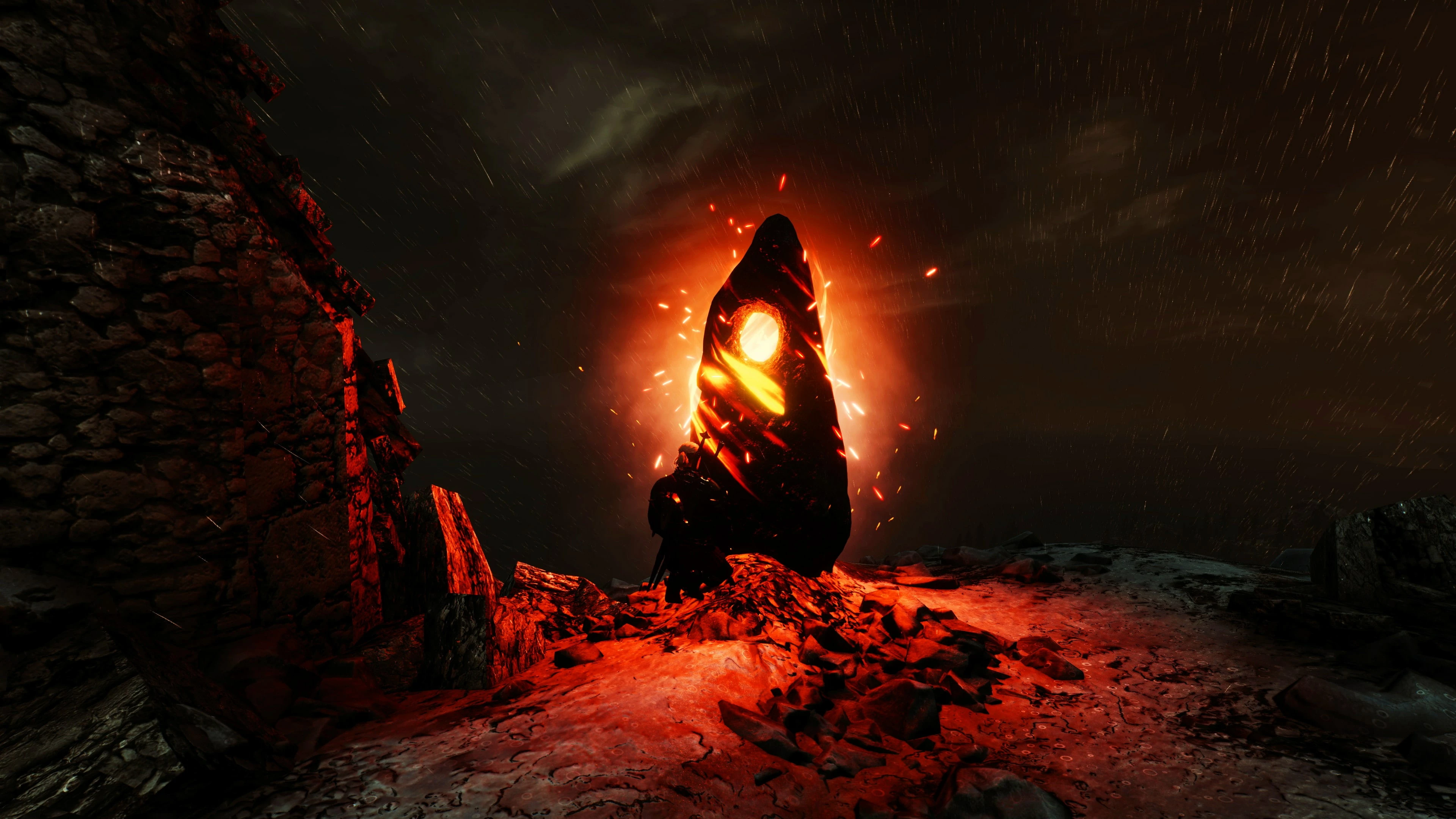
🔍 Analysis
- 👍 3.5% endorsement rate — high engagement, a strong quality signal
- 🏆 #4 of 16 Performance mods in this game by downloads
📋 About This Mod
BEFORE SAVE YOUR FILES TO BACKUP!!
Instruction:
1. Extract files from mod into ... \ The Witcher 3 Wild Hunt \ bin \ x64_12 (or x64 in DX11 version) folder and replace files.2. Check if it works and enjoy the game.For those who use Ray Tracing:
Optimized Raytracing
Update only with major driver updates.
Report problems in the "Bugs" tab or write in the comments.
For those who have a problem with loading dialogues:
Open in the notebook .... \ Documents \ The Witcher 3 \ user.settings and change this lines:
SkipAutoshow=true
Here, I still have some tricks for those seeking better performance for weak and medium computer configurations:
Trick 1 Cloth PhysX even works on AMD
The trick is to unload the CPU from one very absorbent power task: Cloth Simulation
If you still want to run Cloth Simulation on the GPU, navigate to your "... Documents/The Witcher 3" folder and make sure the following line is tweaked as follows in your "user.settings" file (use a text editor such as Notepad to open it):
Trick 2 GOOD FOR AMD
AMD cards can not cope with tessellation, so it's a good idea to limit it to x16 or less.
Comparison of tessellations in gallery.
Instruction:
-
[]Set Texture filtering Quality on Performance
[
]Turn On OpenGL Triple Buffering, which can give us 3 FPS (especially with limited frames per second, movie interludes, menus and animations)[]Enable Shaders Cache for faster loading of the game (especially on HDD disks).
[]For better performance enable Surface Format Optimalization (it helps with flashing textures).
- Set the Tessellation Mode to x16 (or x8 for even more efficiency) because AMD cards, unlike NVIDIA, lose their performance at dense tessellation such as x64.
Trick 3 Adaptive performance
In some cases, it helps to enable these two modes in ... The Witcher 3 Wild Hunt\bin\config\base\rendering.ini file:
A performance mod that improves FPS by optimizing communication between software and hardware. With 1,454 endorsements and 41,846 downloads, it's a popular choice for players seeking a quick performance boost. Last updated in February 2025, it remains relatively recent.
✨ Key Features
📊 Pros & Cons
✅ Pros
- Solid track record: 1,454 endorsements and 41k downloads show it's trusted by the community.
- Simple promise: better FPS without touching graphics settings.
- Recently updated (Feb 2025), so it's likely compatible with current game versions.
⚠️ Cons
- Performance gains may vary depending on your hardware; results aren't guaranteed.
For players who want a quick FPS boost without fiddling with graphics settings. If you're on a lower-end PC and need extra frames, this could help. Skip if you prefer mods with detailed documentation or if you're skeptical of 'magic' performance fixes.
💡 Beginner Tips
- Make sure to disable any other performance mods to avoid conflicts.
- After installing, test in a demanding area to see if FPS improves.
- If you're using a mod manager, follow its standard install procedure for DLL mods.
📊 Mod Details
- Game
- Witcher 3 Mods
- Author
- hub997 NVIDIA AMD Microsoft Intel Orbmu2k
- Version
- v407
- Downloads
- 41,846
- Endorsements
- 1,454
- Category
- Performance
- Created
- 12/27/2017
- Updated
- 2/20/2025
🧩 Commonly Used Together
Users add these mods to the same collections — a real compatibility signal, not an AI guess.
🔧 How to Install Witcher 3 Mods
Download from Nexus.
📖 Full step-by-step install guide for Witcher 3 →
Visit the official mod page for specific installation instructions for this mod.
🎮 Need cheat codes or console commands? Check ur gaming wiki for Witcher 3 commands, item IDs, and more.
Keep browsing — more Witcher 3 mods await