CYCLE SIGNS while DODGING and keep BOTH THUMBS on sticks
⚪ Last updated 2019⚠️ Install Order · 2 steps
Install in this order, then this mod last — most mods fail to load without their framework and dependencies in place.
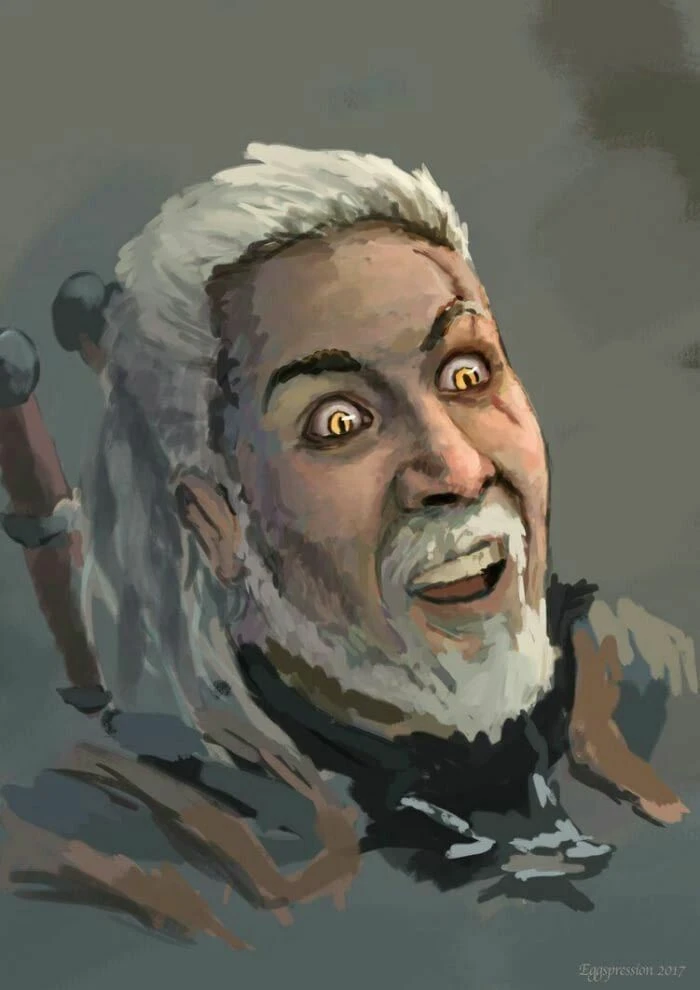
Preview
🔍 Analysis
- 🏆 #31 of 41 Controller Button Layout mods in this game by downloads
📋 About This Mod
This mod does the simplest thing on the planet, button combination block + dodge = cycle spells.So now you can switch spells while dodging and you don't have to stop moving or open your spell wheel.(or break your fingers moving and changing
MY MOD ADDS:
This mod does the simplest thing, add a button combination;
Block + Dodge (B or Circle) = Cycle Spells.
It works only during combat (or actually when dodging is available to be very precise)
You can still dodge without change signs of course, just release block while dodging.
block + left or right on dpad already changes Signs yes but I want to move, you know,
done with the left stick ABOVE the DPAD and since I am not a Indian Deity I only have two hands.
WHY? A gameplay example;
Lets say you've used Quen, you dodge out of the way and quickly press Block and Dogde together
once to get to Igni, the next in line of signs. You set those bad guys ablaze, now again you dodge
out of the way till your meter fills up or slap the crap out of them or course.
Somewhere while dodging and you quickly press and hold block and press dodge 4 times
(in that time you will only do one dodge just try to remember when each sign comes up and count)
Now you end up at Quen again while constantly in motion and without using the wheel.
And again you always dodge without changing signs by simply releasing block.
It is a gameplay changer once you really get the hang of it and it will let you
change signs while not disrupting gameplay by the wheel or standing still.
NOW DANCE BABY DANCE LIKE YOU GOT ANTS IN YOUR PANTS!
INSTALL: no mod manager but very easy
in case of NO OTHER MODS:
If you have no other mods changing input then go to my documents > witcher 3.
Save a copy of input.settings somewhere as back up.
Overwrite and replace the input.settings file from this mod.
If you ever want to revert it back just use your back up.
but IF YOU HAVE MODS that change input you need to notepad++ the stuff yourself.
Download the free program called notepad++ because it's awesome.
Open the input.settings file from your own my Documents > witcher 3 folder because
my file is useless to you with this method.
Press ctr + f, and search for
DigitRight=(Action=ComboDigitRight)
and just copy paste the following line right under it
IK_Pad_B_CIRCLE=(Action=ComboDigitRight)
Save the file and to be sure set the file (right click file > properties) to read only
just to be sure no changes can be made to it anymore.
Now take off your pants and swing it above your head because it's time to party baby.
Have fun doing dance dance revolution while changing Signs!
And please endorse if you like it so everybody on the interwebs can see what a program god I am.
📊 Mod Details
- Game
- Witcher 3 Mods
- Author
- GETT0DACH0PPA
- Version
- 1
- Downloads
- 166
- Endorsements
- 14
- Category
- Controller Button Layout
- Created
- 2/19/2019
- Updated
- 2/19/2019
🔧 How to Install Witcher 3 Mods
Download from Nexus.
📖 Full step-by-step install guide for Witcher 3 →
Visit the official mod page for specific installation instructions for this mod.
🎮 Need cheat codes or console commands? Check ur gaming wiki for Witcher 3 commands, item IDs, and more.
Keep browsing — more Witcher 3 mods await