Build Queue
🟡 Updated this yearPreview
🔍 Analysis
- 👍 0.0% endorsement rate
- 🏆 #2 of 7 Mod, Update 1.1, Update 1.0, Quality of life mods in this game by downloads
📋 About This Mod
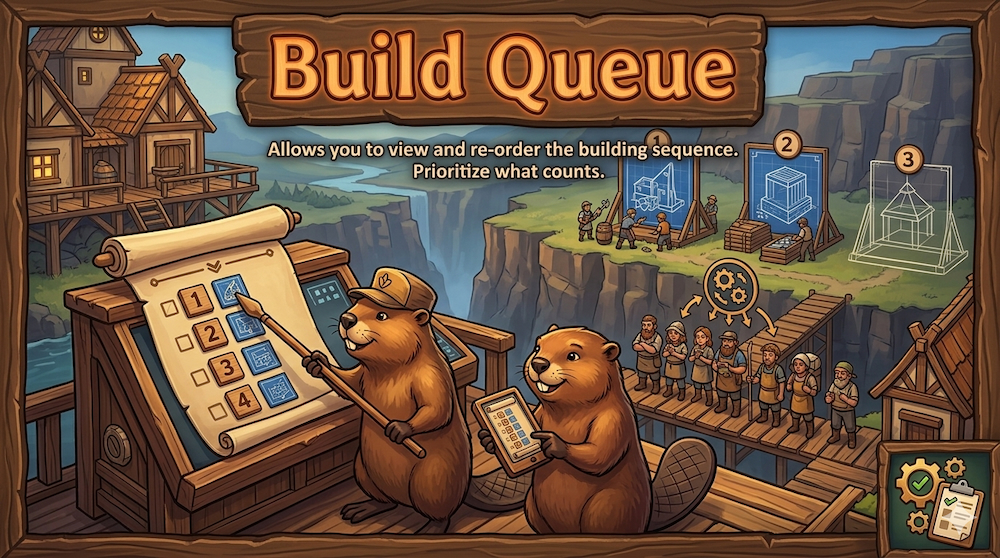
BuildQueue — See What Your Beavers Will Build Next, And Reorder It A draggable side panel that lists every active construction site in the order your builders actually pick them. Drag rows to reorder, change priorities inline, and cancel blueprints — without hunting for buildings on the map. The panel matches vanilla pickup order exactly. What you see is what beavers will build next. What it does Open the panel from a top-bar toggle button or with the B hotkey (rebindable in Settings → Keybindings, alongside vanilla bindings). You'll see every blueprint in the colony, sorted by priority tier first and within each tier by the order builders pick them up. Drag rows to reorder — drag above a higher-priority row and the dragged blueprint matches that priority. Drag within a tier to reorder freely. Custom order is saved with your colony. Inline priority controls — the same five-toggle vanilla widget the per-site side panel uses, on every row. Click a row → selects the building (opens its vanilla side panel). Click the building icon → selects and centers the camera on the building. Drag the panel header to move the window; double-click the header to reset to the default top-center position. Position persists across sessions. Per-row X button → cancel a blueprint with the vanilla "Are you sure?" prompt. Shift+click skips the prompt and cancels immediately. Three sections — Active, Scaffolds (platforms, collapsed by default), Blocked (paused-by-player only). Empty sections auto-hide. District filter — dropdown at the top, auto-hidden in single-district colonies. Live progress bars — each row's progress bar updates as deliveries arrive and builders work. Pure event-driven, no per-tick polling. Vanilla aesthetic — wood-and-gold panel chrome, real building thumbnails, vanilla priority widget. Looks at home next to the rest of the UI. Hotkey Default B. Rebinds via Settings → Keybindings → BuildQueue (registered as a vanilla `KeyBindingSpec`, so it shows up alongside every other
📊 Mod Details
- Game
- Timberborn Mods
- Author
- 76561197986871443
- Version
- N/A
- Downloads
- 2,408
- Endorsements
- 0
- Category
- Mod, Update 1.1, Update 1.0, Quality of life
- Created
- 4/28/2026
- Updated
- 7/14/2026
🔧 How to Install Timberborn Mods
Subscribe on Steam Workshop. Mods auto-download and install. Launch the game to activate.
📖 Full step-by-step install guide for Timberborn →
Visit the official mod page for specific installation instructions for this mod.
🎮 Need cheat codes or console commands? Check ur gaming wiki for Timberborn commands, item IDs, and more.
Keep browsing — more Timberborn mods await