Data Bank Picture Frame Display (Redone)
⚪ Last updated 2021⚠️ Install Order · 2 steps
Install in this order, then this mod last — most mods fail to load without their framework and dependencies in place.
Preview
🔍 Analysis
- 👍 5.4% endorsement rate — high engagement, a strong quality signal
- 🏆 #56 of 224 Miscellaneous mods in this game by downloads
📋 About This Mod
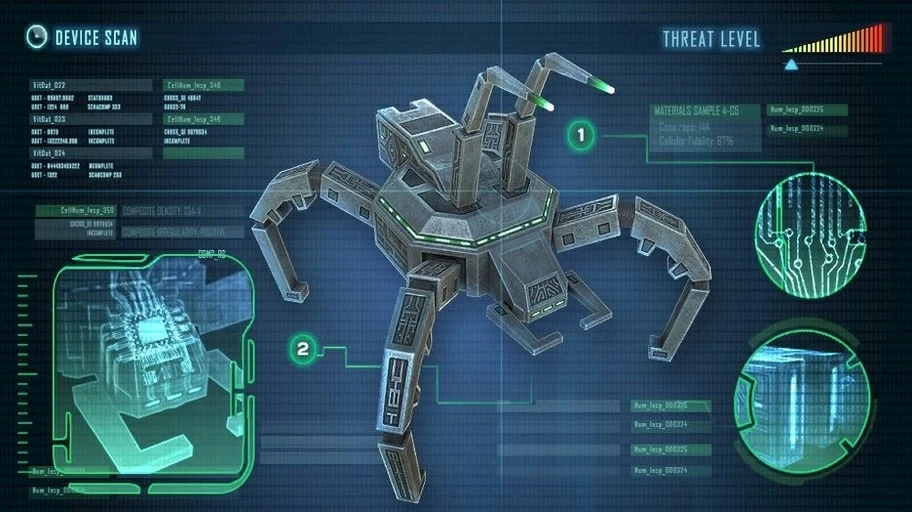
This is a new version for Data Bank Picture Frame Display.
Changes:
-
[]All images are sharper now
[
]Missing files are added[]All images are more glowy for looking more like a display
Installation
[]Unpack the zip file
[]Navigate to your Subnautica directory "C:\Program Files (x86)\Steam\steamapps\common\Subnautica\SNAppData\SavedGames\slot**\screenshots
[]Only put the images in that folder.
This mod updates the Data Bank Picture Frame Display for Subnautica, offering sharper and more glowy images to enhance the in-game display. It includes missing files and is a simple drop-in installation for players who want improved visuals for their picture frames. With 273 endorsements and 5,046 downloads, it's a niche but appreciated cosmetic enhancement.
✨ Key Features
📊 Pros & Cons
✅ Pros
- Community-approved with 273 endorsements and over 5,000 downloads.
- Sharpens and adds a glow to the images, making them pop in your base.
- Fixes missing files from the original mod, so you get the complete set.
⚠️ Cons
- Only affects the picture frame display—no other gameplay or visual changes.
- Requires manual file placement into your save's screenshots folder, which might confuse new modders.
- Compatibility risk with other mods that alter the same screenshots folder or picture frame textures.
For Subnautica base builders who love decorating with picture frames and want a crisper, more vibrant look. If you're into cosmetic tweaks that make your underwater bases feel more personal, this is a quick win. Skip if you're looking for gameplay changes or if you rarely use picture frames.
💡 Beginner Tips
- Make sure you place the images in the correct slot folder (e.g., slot0000) for your current save, or they won't show up.
- If you have multiple saves, you'll need to copy the images into each save's screenshots folder separately.
- Back up your original screenshots folder before overwriting, just in case you want to revert.
📊 Mod Details
- Game
- Subnautica Mods
- Author
- carnage123
- Version
- 3.0
- Downloads
- 5,046
- Endorsements
- 273
- Category
- Miscellaneous
- Created
- 4/20/2020
- Updated
- 6/24/2021
🔧 How to Install Subnautica Mods
Download from Nexus.
📖 Full step-by-step install guide for Subnautica →
Visit the official mod page for specific installation instructions for this mod.
🎮 Need cheat codes or console commands? Check ur gaming wiki for Subnautica commands, item IDs, and more.
Keep browsing — more Subnautica mods await