EasyCraft
🟠 Updated over a year ago⚠️ Install Order · 2 steps
Install in this order, then this mod last — most mods fail to load without their framework and dependencies in place.
Preview
🔍 Analysis
- 👍 2.4% endorsement rate — high engagement, a strong quality signal
- 🏆 #2 of 224 Miscellaneous mods in this game by downloads
📋 About This Mod
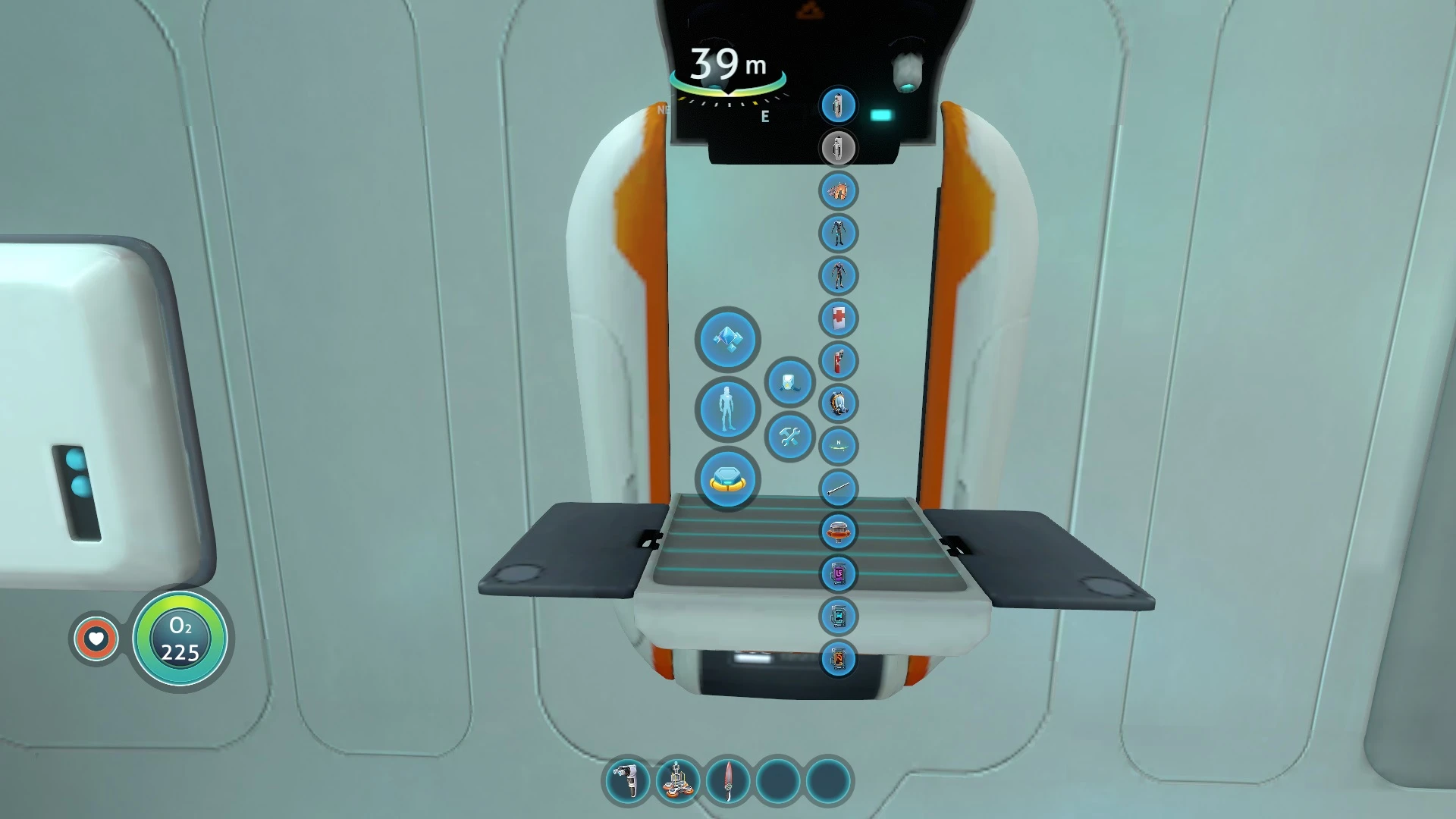
Works with fabricators (modification, upgrades, scanner room), vehicle constructor and building tool.
In mod settings there are several modes.
-
[]Inside - Takes ingredients from the neighboring storages only inside the base or inside the Cyclops.
[
]InRange - Works at a distance of 100 meters from the base or Cyclops.[]AutoCraft - Allows you to automatically make the missing ingredients. But materials and energy are also required for this.
Small locker can be disabled for EasyCraft. Add the symbol at the end of the field labels.
For Below Zero
Requirements
- Game Update 82304
Installation BepInEx
1. Install BepInEx
2. Extract the archive to folder \Subnautica\BepInEx\plugins\. Should be \Steam\steamapps\common\Subnautica\BepInEx\plugins\EasyCraft\
Installation QMod (legacy)
1. Install QModManager
2. Extract the archive v1. 0. 18 to folder \Subnautica\QMods\. Should be \Steam\steamapps\common\Subnautica\QMods\EasyCraft\
Compatibility
Incompatible with MoreIngots.
Experimental branch is not supported.
The mod cannot use energy from all sources at the same time. Therefore, sometimes there will be warning "Not Enough Power!" if there is not enough energy in a priority source.
To disable the autocraft option for recipes, create easycraft.json file contains {"disableAutoCraftRecipes": ["Battery"]} in your mod's folder.
Video
Tutorial made by Cougarific.
EasyCraft is a quality-of-life mod that automatically crafts ingredients for a blueprint and pulls materials from nearby storage. With 14,327 endorsements and 607,283 downloads, it's a popular tool for players who want to streamline their crafting workflow. Last updated in August 2025, it remains actively maintained.
✨ Key Features
📊 Pros & Cons
✅ Pros
- Huge community trust with 14,327 endorsements
- Over 600k downloads shows it's a go-to for many players
- Actively updated as of August 2025
⚠️ Cons
- Description is minimal—no details on supported mods or game versions
- May require specific storage setups to work as intended
For players who hate manually gathering ingredients for blueprints and want a hands-off crafting experience. Perfect for base builders and resource hoarders. Skip if you prefer full manual control over crafting.
💡 Beginner Tips
- Check that your storage containers are within range of the crafting station for the mod to pull materials.
- Test with a simple blueprint first to understand how the mod prioritizes ingredient crafting.
- If you're using other crafting mods, verify load order to avoid conflicts.
📊 Mod Details
- Game
- Subnautica Mods
- Author
- newman55
- Version
- 1.1.6
- Downloads
- 607,283
- Endorsements
- 14,327
- Category
- Miscellaneous
- Created
- 2/20/2018
- Updated
- 8/15/2025
🧩 Commonly Used Together
Users add these mods to the same collections — a real compatibility signal, not an AI guess.
🔧 How to Install Subnautica Mods
Download from Nexus.
📖 Full step-by-step install guide for Subnautica →
Visit the official mod page for specific installation instructions for this mod.
🎮 Need cheat codes or console commands? Check ur gaming wiki for Subnautica commands, item IDs, and more.
Keep browsing — more Subnautica mods await