Gamepad Plus Plus
⚪ Last updated 2021⚠️ Install Order · 5 steps
Install in this order, then this mod last — most mods fail to load without their framework and dependencies in place.
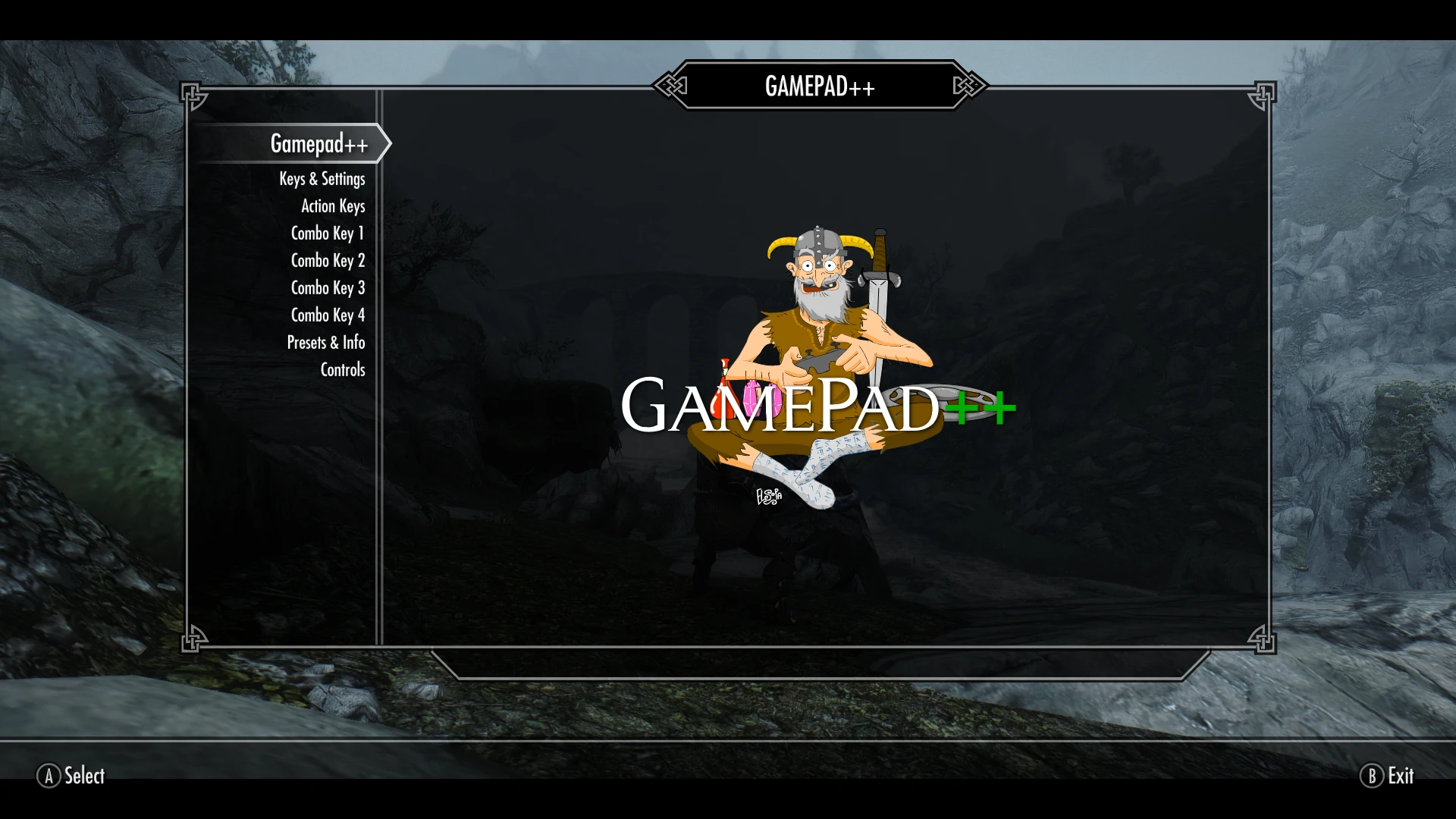
Preview
🔍 Analysis
- 👍 0.5% endorsement rate
- 🏆 #109 of 140 User Interface mods in this game by downloads
📋 About This Mod
LE Version | Discord | FAQ | Installation | iEquip
At last fellow gamepad players no longer need you feel constrained by the restricted vanilla functionality of your controller!
Gamepad++ unlocks many new features allowing seamless play with both your controller as the primary input AND your keyboard for endless hotkeys without conflict. This all-new version of Gamepad++ has been rewritten from the ground up to give full compatibility and integration with iEquip.
It has always been a major frustration that without the use of third party software like XPadder there has been no ‘native’ way of setting controller keypress combinations as hotkeys. The best you could hope for was using a custom controlmap.txt which enabled combos to emulate the keyboard 1-8 SkyUI favourites/equip sets hotkeys, which is all well and good but I never use them! Then I came across Better Gamepad key support (an SKSE Plugin) by NeoH4x0r. Whilst it in itself does not do what I was after a conversation with Neo yielded the code snippet which ultimately led to GAMEPAD++.
Yeah, yeah, very good. But what does this actually do? Well I'm glad you asked...
-
[]Most vanilla single click button actions retained with the exception of stick clicks, RB/Right Shoulder and B.
[
]LB/Left Shoulder, RB/Right Shoulder and B buttons now act as Combo keys (see below).[]Quick direct access to Inventory, Stats, Magic and Map through new combos, plus Tween Menu still available through new combo.
[]Favourites moved to a new button combo to free up DPad Left and Right.
[]New button combos to access console, quicksave, quickload, and native screenshot.
[]Four way scrolling in Map using DPad (left stick still works as cursor as well).
[]Right stick click on Map to place custom marker.
[]Scroll in menus and Favourites using left stick.
In addition to all of this nearly all keyboard mapping has been removed allowing you to use almost any keyboard key as a mod hotkey. This also removes the need to disable your controller when typing in console, entering your character name in RaceMenu or any number of other occasions when having the controller enabled whilst using the keyboard would cause weirdness.
We also removed some of the mouse mapping allowing you t
Gamepad Plus Plus (Gamepad++) enhances controller support in Skyrim Special Edition by adding keyboard-style shortcuts, double/triple press, hold actions, and key combos for gamepad users. With over 3,100 endorsements and 575k downloads, it's a popular UI mod for players wanting more controller functionality.
✨ Key Features
📊 Pros & Cons
✅ Pros
- Huge community trust: 3,110 endorsements and 575k downloads show it's a go-to for controller players.
- Unlocks keyboard-level control on gamepad—double press, hold, and combos are game-changers for hotkey-heavy play.
- Last updated in 2021, but still widely used—proves it's stable and compatible for most setups.
⚠️ Cons
- Last updated in 2021—may have issues with the latest Skyrim SE patches or other UI mods.
- Description is cut off, so you don't get the full feature list upfront—requires digging into comments or videos.
For Skyrim SE players who prefer a controller but feel limited by the default button mapping. If you're tired of switching to keyboard for hotkeys or want more efficient menu navigation, this mod is for you. Skip if you're happy with vanilla controller support or play with mouse and keyboard.
💡 Beginner Tips
- Use a mod manager like Vortex or MO2 to install and manage Gamepad++—it'll help with load order and updates.
- Check the mod's posts or comments for compatibility notes with other UI mods like SkyUI, as conflicts can break menus.
- Test the double-press and hold actions in a safe save first to avoid accidental inputs during combat.
📊 Mod Details
- Game
- Skyrim Mods
- Author
- dunc001 MrNeverLost
- Version
- 1.2.1
- Downloads
- 575,763
- Endorsements
- 3,110
- Category
- User Interface
- Created
- 6/28/2019
- Updated
- 3/28/2021
🧩 Commonly Used Together
Users add these mods to the same collections — a real compatibility signal, not an AI guess.
🔧 How to Install Skyrim Mods
Download from Nexus.
📖 Full step-by-step install guide for Skyrim →
Visit the official mod page for specific installation instructions for this mod.
🎮 Need cheat codes or console commands? Check ur gaming wiki for Skyrim commands, item IDs, and more.
Keep browsing — more Skyrim mods await