Tween Menu Overhaul
🟠 Updated over a year ago⚠️ Install Order · 6 steps
Install in this order, then this mod last — most mods fail to load without their framework and dependencies in place.
🖼️ Gallery (12 images)


🔍 Analysis
- 👍 0.2% endorsement rate
- 🏆 #65 of 141 User Interface mods in this game by downloads
📋 About This Mod
Tween Menu Overhaul is a complete rework of Skyrim's Tween Menu. The main purpose of this mod is to make the Tween Menu fully modular, giving you the ability to add new shortcuts for vanilla and mod-added menus.
This mod is also a visual overhaul of the Tween Menu, coming in two versions: Classic and Alternative.
The Tween Menu comes in two distinct versions. They both share the same technical features but drastically differ in style. Pick your favorite.
"Tween Menu Overhaul - Classic" is closer to vanilla layout. It has 4 main categories (fully customizable) in which the different options are distributed.
The menu can be navigated with mouse or with directional input (keyboard/gamepad). With directional input, the first direction given will select the category. You can then scroll the category's options list with Up/Down input.
"Tween Menu Overhaul - Alternative" offers a completely new layout, with a single scrollable row containing all the different options.
The menu can be navigated with mouse (incl. scroll), directional input (keyboard/gamepad), or with LT/RT (gamepad). The arrows that appear when there are more than 5 selectable options (7 on widescreen) are also clickable.
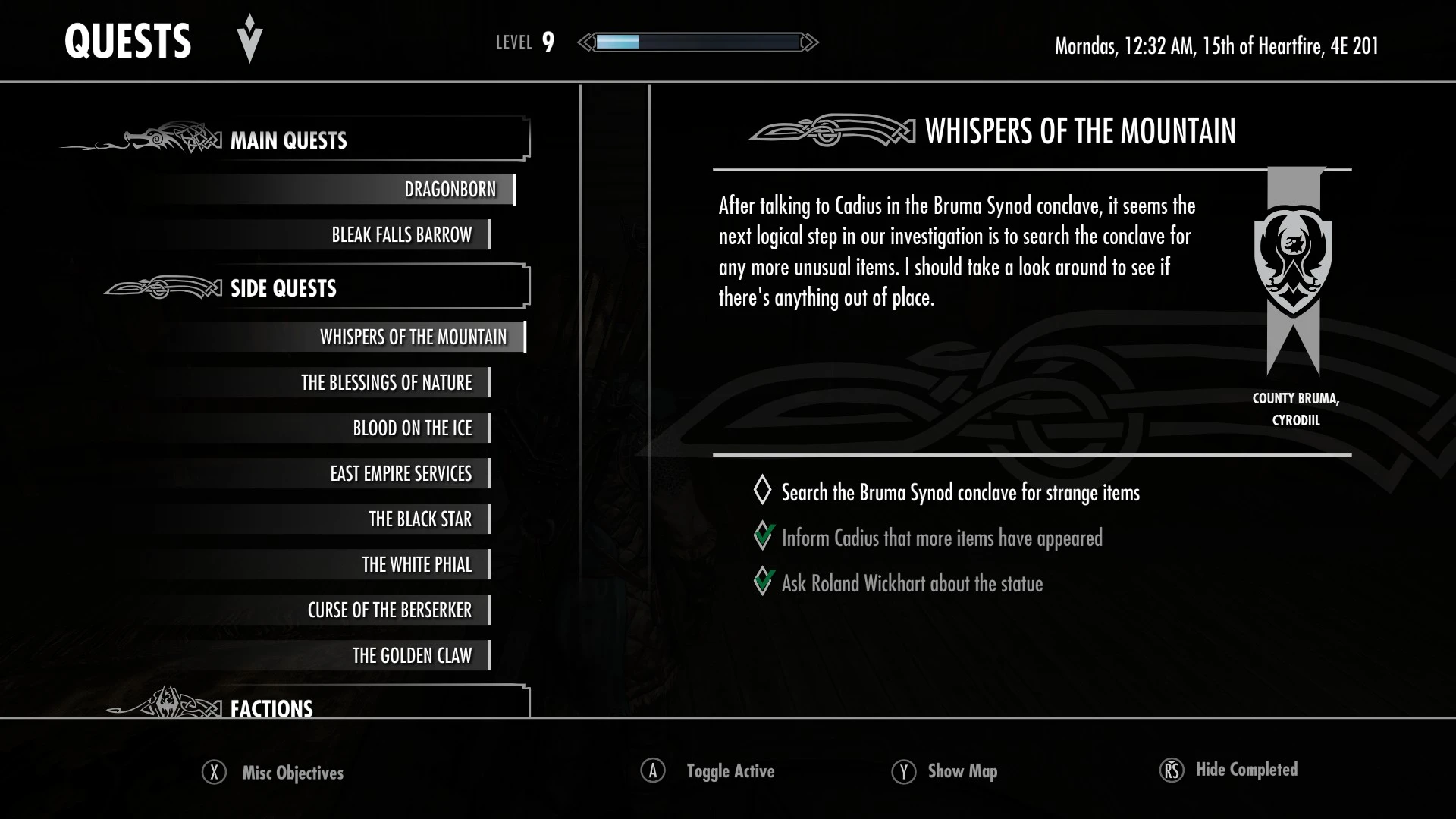
The main point of Tween Menu Overhaul is the ability to add an infinite amount of options to the tween menu. Menus that were otherwise only accessible through the System page (e.g. Quests, Bestiary, Achievements) or by using specific items or spells can now directly be added to the Tween Menu with a simple JSON.
Check the article for more details on how to add/edit options for the Tween Menu.
For the Classic version, the 4 categories can be modifed by editing "Tween Menu Overhaul\interface\tweenoptions\categories\categories.json"
This mod must overwrite any other mod editing "interface\tweenmenu.swf", otherwise it won't work.
It will automatically detect if you are using Quest Journal Overhaul and won't need a patch for it.
In the optional files, you will find add-ons to add Tween Menu options for the following mods:
-
[]Custom Skills Menu
[
]The Dragonborn's Bestiary - Achievement Injector
There is also a preset to add the Sleep/Wait Menu directly to the Tween Menu.
The mod is compatible with widescreen by default. If you are playing on AE 1. 6. 1130+, please don't forget to install Widescreen Scale Removed.
Community add-ons and patches:
Reskin for [
Tween Menu Overhaul is a UI mod that completely overhauls the Tween Menu, allowing you to add new shortcuts to other game menus. It comes in two versions and requires SKSE. With 3,094 endorsements and 2.0M downloads, it's a popular choice for Skyrim players who want a more customizable menu experience.
✨ Key Features
📊 Pros & Cons
✅ Pros
- Huge community trust (3,094 endorsements and 2.0M downloads)
- Adds real functionality—custom shortcuts to any menu, not just cosmetic
- Two versions give you options for different setups
⚠️ Cons
- Requires SKSE, so console players are out of luck
- Last updated May 2025—might not be compatible with future Skyrim updates
For Skyrim players who want to streamline their menu navigation and add quick access to frequently used menus. If you're tired of digging through the vanilla Tween Menu, this is for you. Skip if you're on console or don't want to mess with SKSE.
💡 Beginner Tips
- Make sure you have the latest SKSE version that matches your Skyrim build (SE or AE).
- Use a mod manager like Vortex or MO2 to install the plugin and keep track of the two versions.
- Test the shortcuts in a new save to avoid conflicts with other UI mods.
📊 Mod Details
- Game
- Skyrim Mods
- Author
- JPSteel2
- Version
- 1.1
- Downloads
- 2,045,004
- Endorsements
- 3,094
- Category
- User Interface
- Created
- 3/2/2025
- Updated
- 5/23/2025
🔗 Required By 1 Mod
These mods list this mod as a dependency.
🧩 Commonly Used Together
Users add these mods to the same collections — a real compatibility signal, not an AI guess.
🔧 How to Install Skyrim Mods
Download from Nexus.
📖 Full step-by-step install guide for Skyrim →
Visit the official mod page for specific installation instructions for this mod.
🎮 Need cheat codes or console commands? Check ur gaming wiki for Skyrim commands, item IDs, and more.
Keep browsing — more Skyrim mods await