Discord Rich Presence
⚪ Last updated 2023⚠️ Install Order · 6 steps
Install in this order, then this mod last — most mods fail to load without their framework and dependencies in place.
🖼️ Gallery (12 images)


🔍 Analysis
- 👍 0.7% endorsement rate
- 🏆 #35 of 140 User Interface mods in this game by downloads
📋 About This Mod
OVERVIEW
SKSE plugin which adds advanced Discord Rich Presence integration.
Rich Presence will be updated with the closest map marker, closest location and current player actions. This mod currently lacks any configuration outside of icons and an option mainly for testing.
This was originally an update for Dragonborn Presence which I completed, but I thought I could do better now that we have CommonLibSSE.
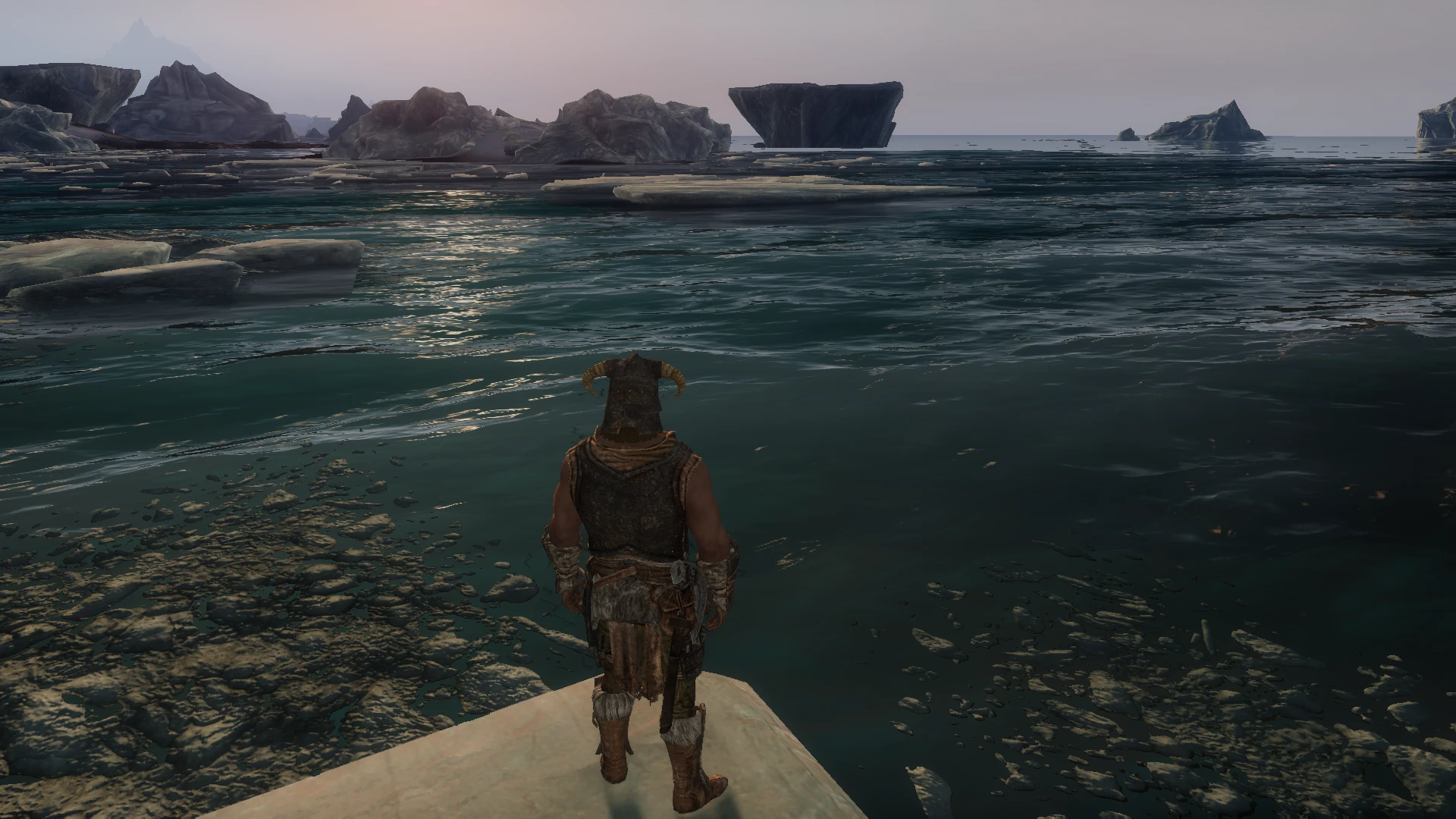
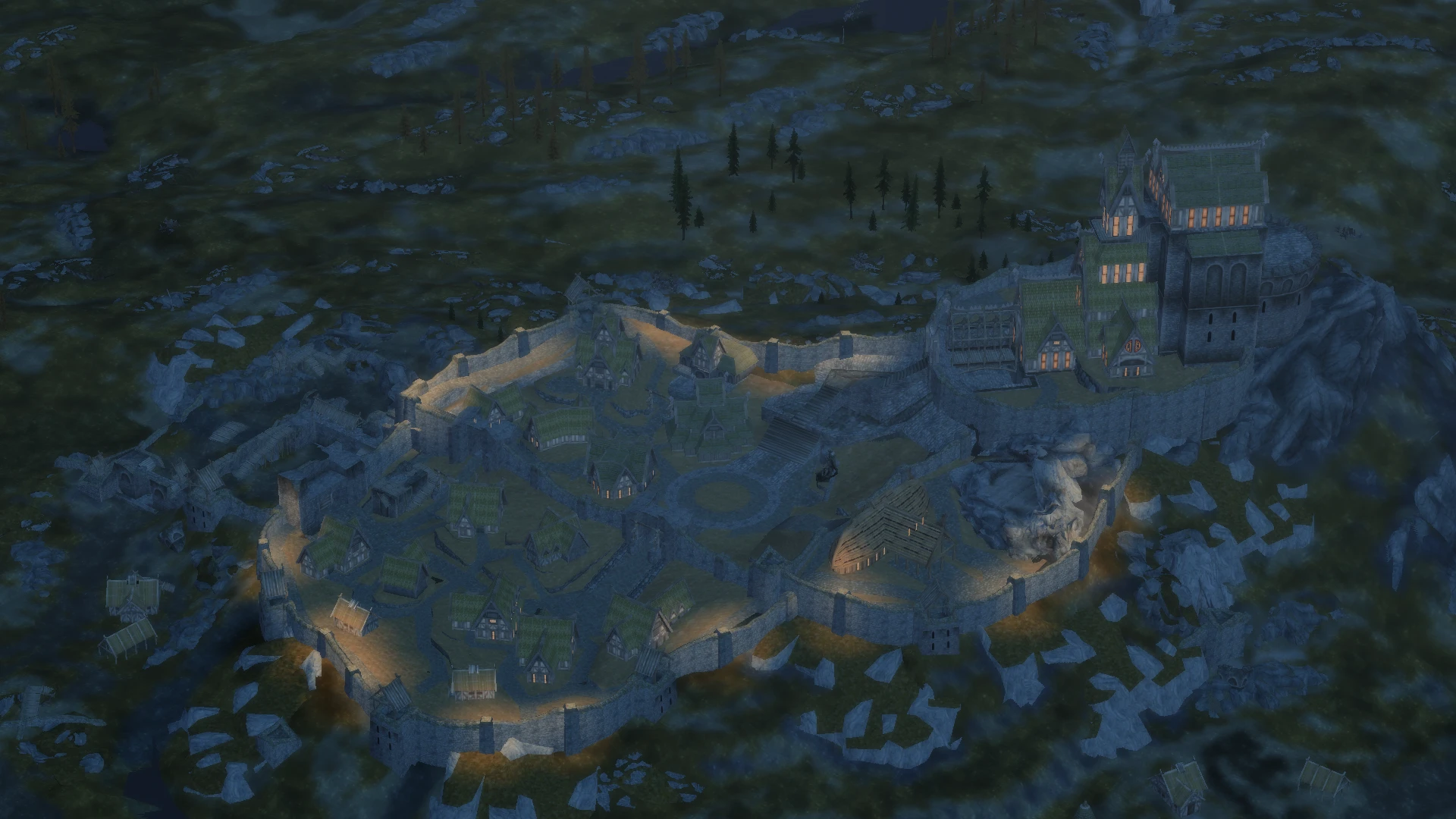
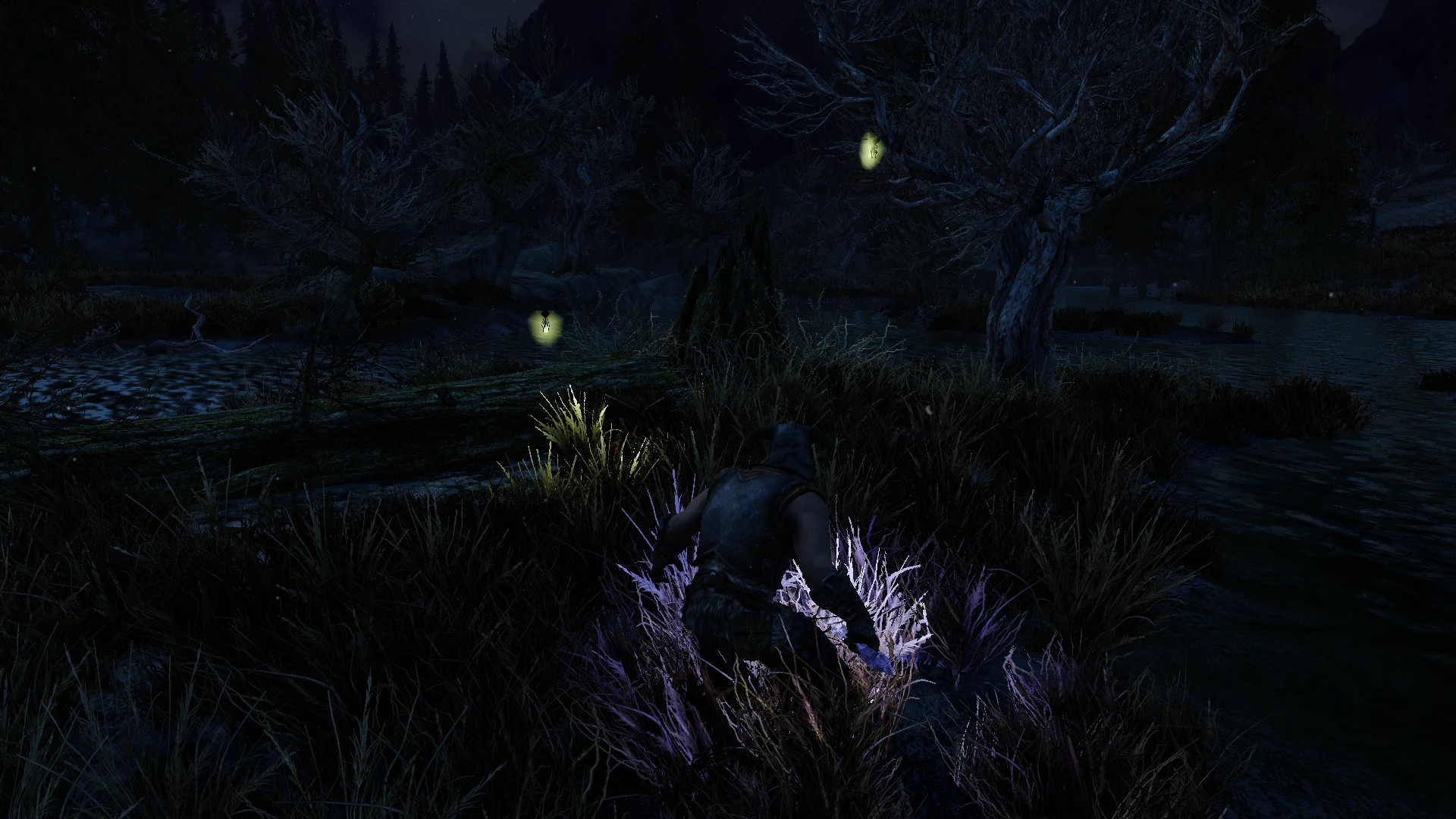
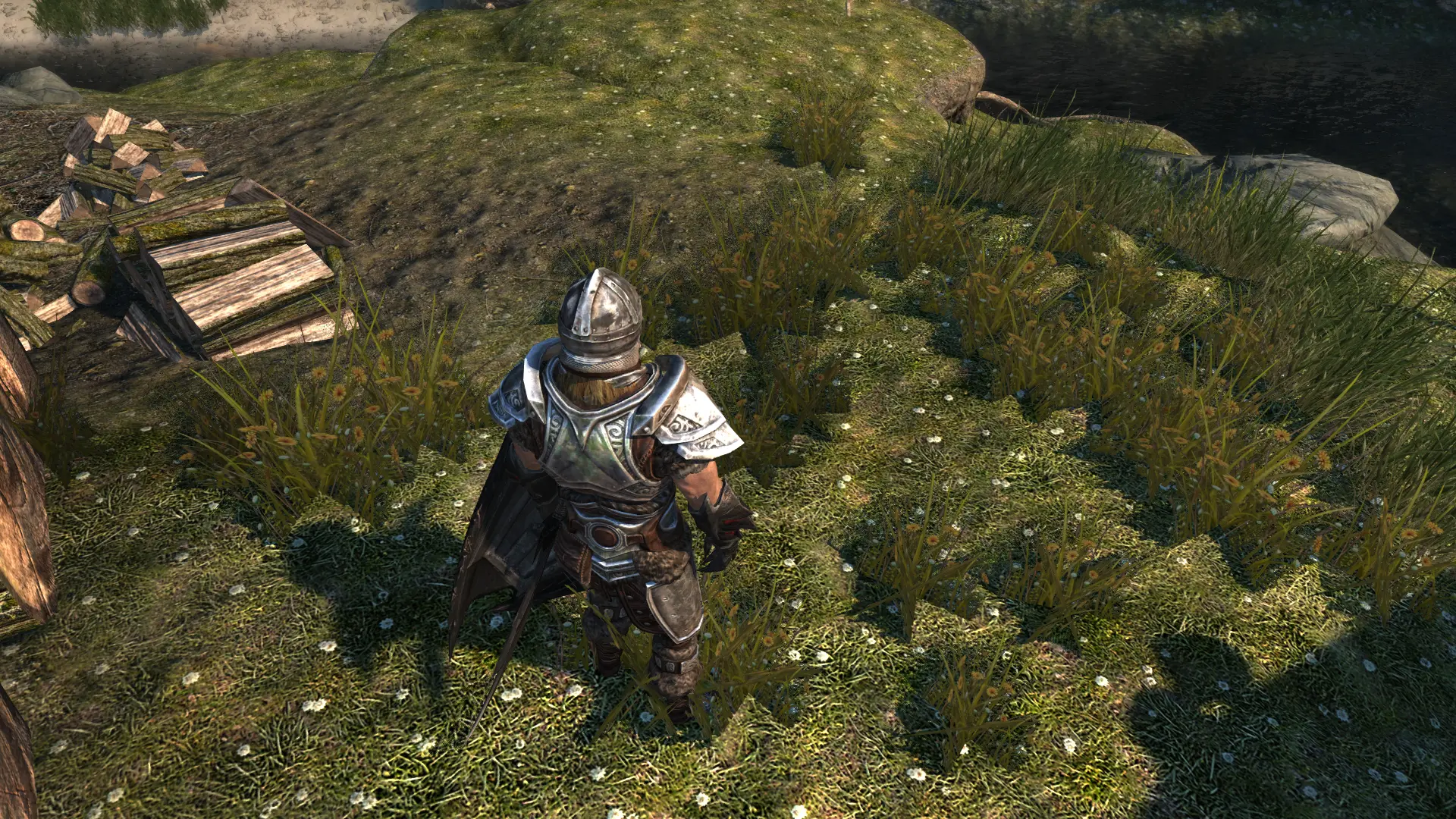
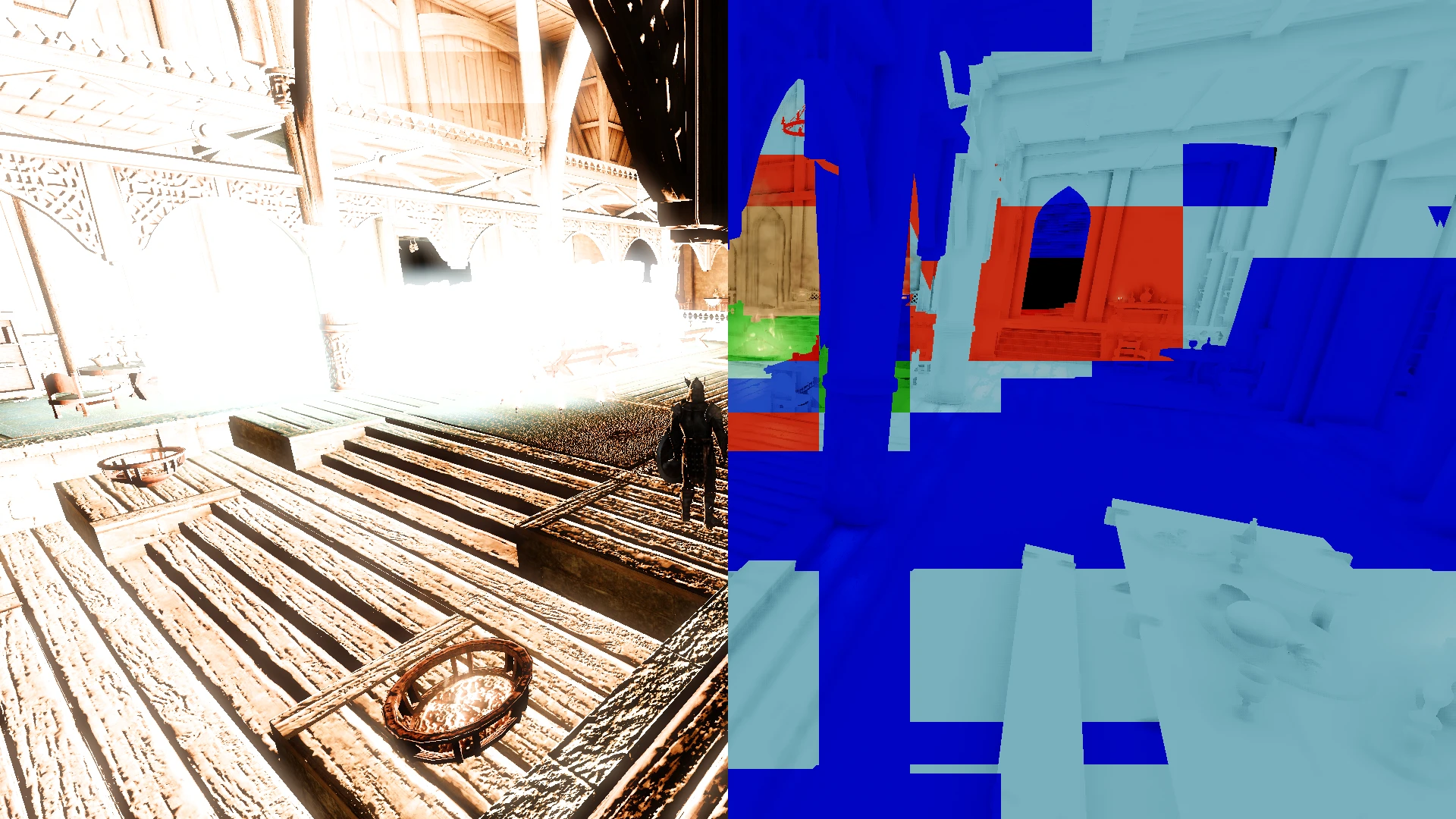
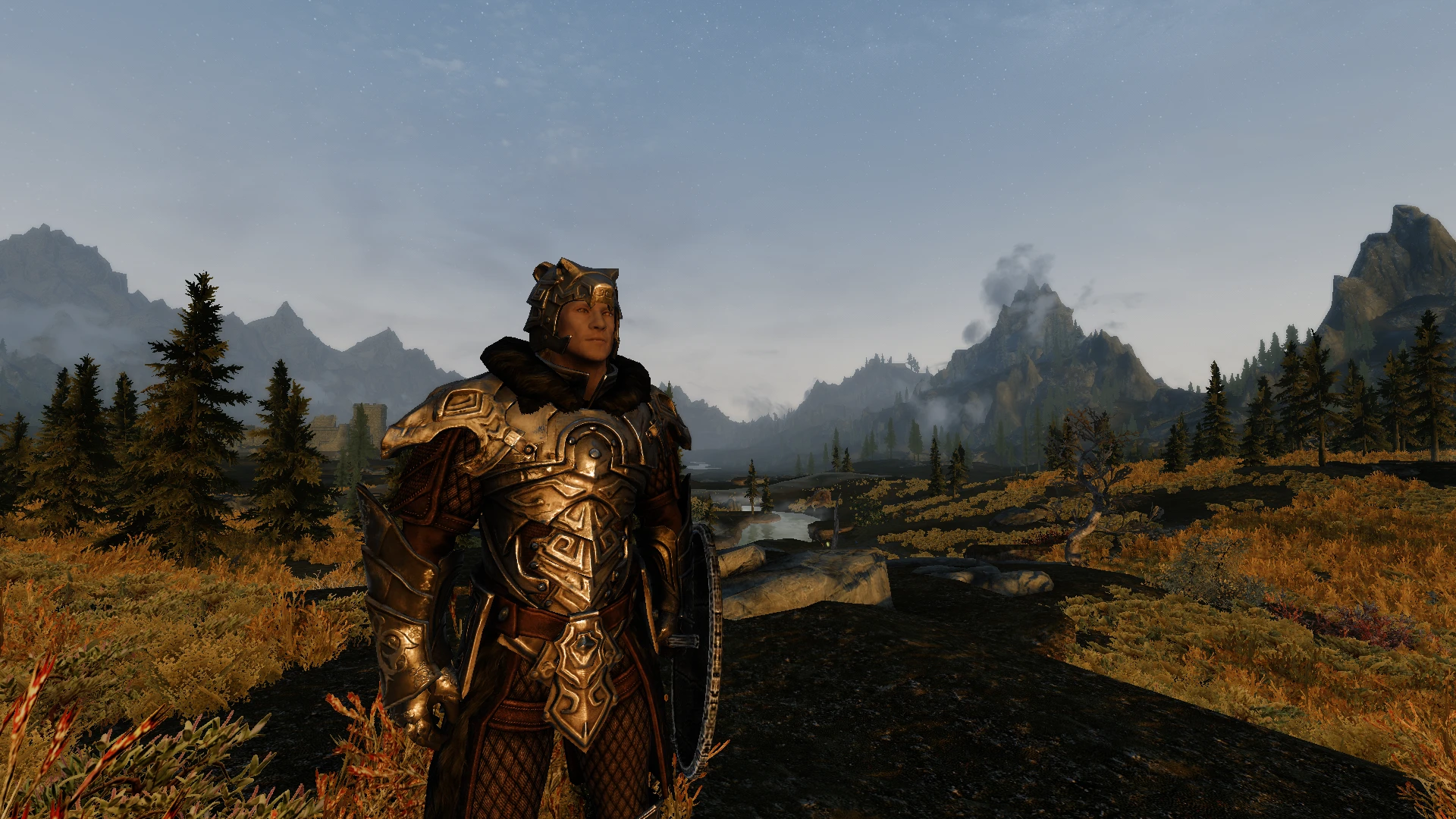
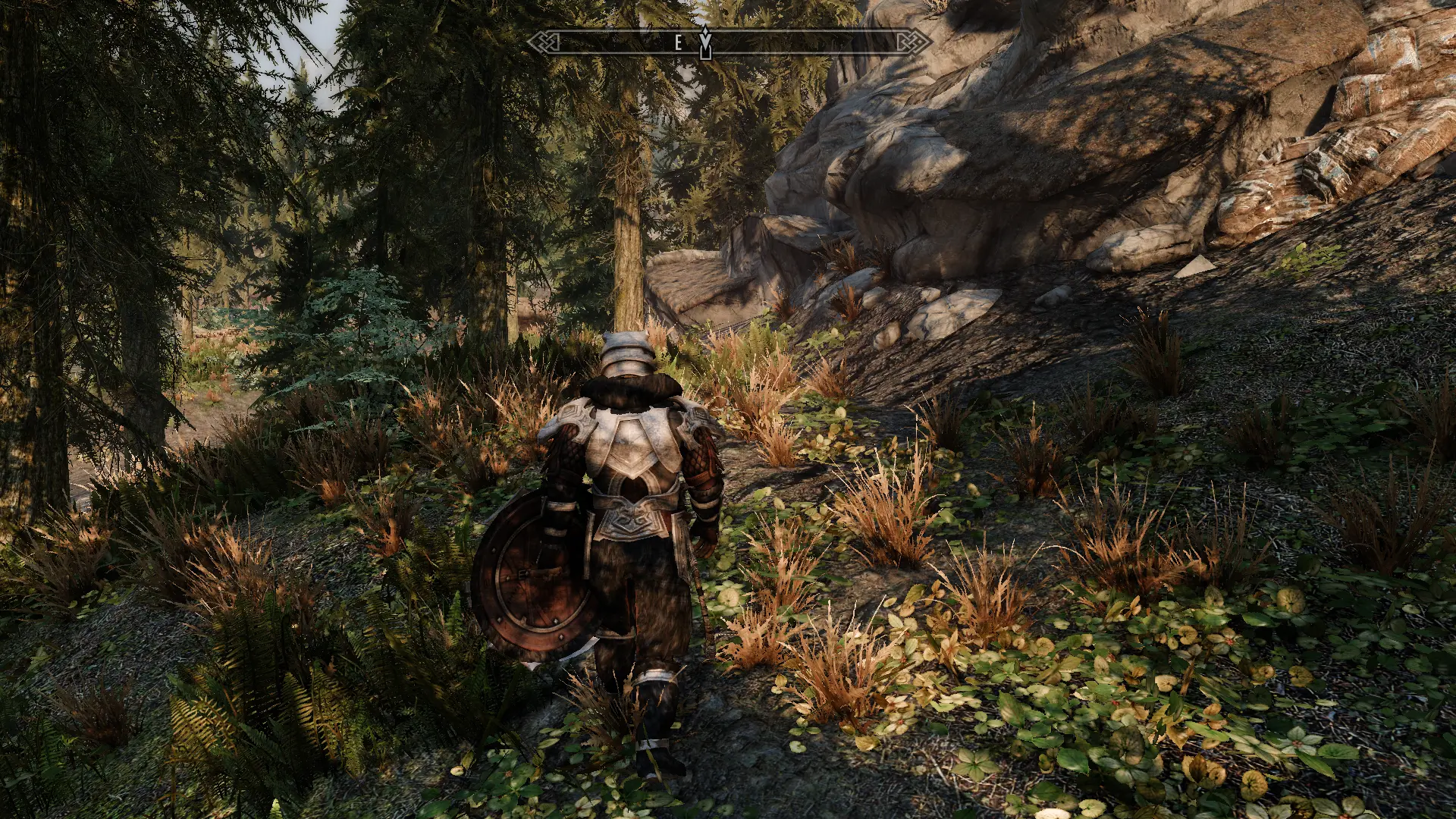
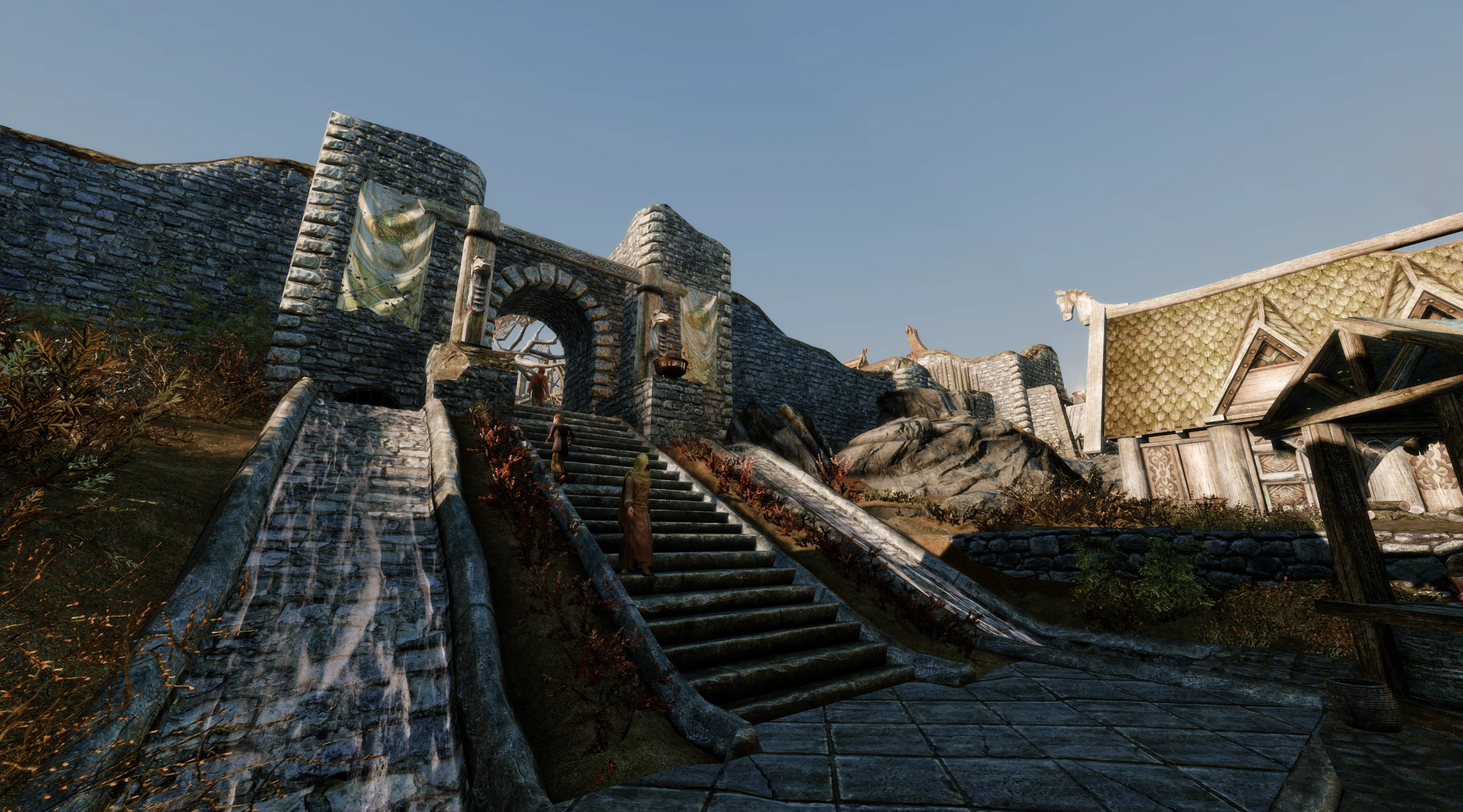
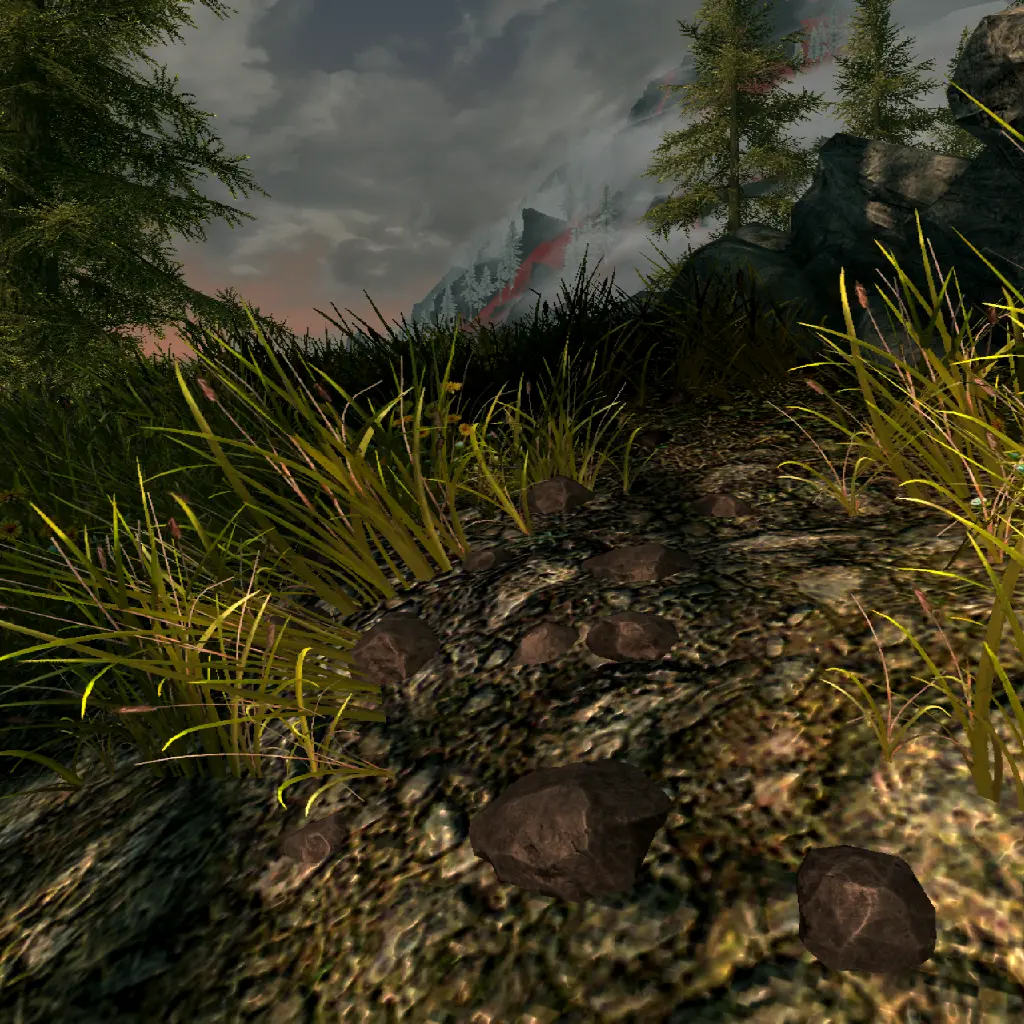
Preview: Some examples of the Rich Presence.
NOTE
This mod does not require Discord to be active nor installed to let you play your game. All Discord communication is handled via Discord's own discord-rpc.dll which has been digitally signed by that company. It has not been modified and is used by games companies to add Rich Presence to their games.
The mod itself does not have the ability to connect to the internet, nor perform actions on your behalf. You are responsible for what mods are installed and what you call your character, as this is information viewable on servers which may not allow everything.
FOR AUTHORS
To change the application name and icon on Windows itself, use Custom Window.
By default when hovering over the large icon it will say Skyrim Special Edition so people will know what game it is regardless of the title.
To change the title you must make your own application.
The source code contains all assets used, to allow others to make their own icon packs as well as use custom application names for modlists.
View Discord Developer Portal — My Applications and create a new application. Set the ApplicationID in this mod's INI file to what you see here.
Drag all of the icons from a folder on your computer into Add Image(s).
REQUIREMENTS
Address Library for SKSE Plugins
Does not require manual installation of discord-rpc.dll. Delete this file from your root folder if it exists.
COMPATIBILITY
Compatible with all game versions excluding VR.
CoMAP markers will use their original icons if available.
Only English is officially support at the moment.
[color=#ffe
SKSE plugin that adds advanced Discord Rich Presence integration to Skyrim. Shows your in-game activity on Discord with detailed status. Highly popular with over 6,000 endorsements and 860k downloads. Last updated in 2023, so it may need compatibility checks for newer Skyrim versions.
✨ Key Features
📊 Pros & Cons
✅ Pros
- Huge community trust with 6,098 endorsements and 860k downloads.
- Simple, focused mod that does one thing well.
- Lightweight SKSE plugin—no heavy scripts or dependencies.
⚠️ Cons
- Last updated in 2023—may not work with the latest Skyrim patches.
- Requires SKSE, which can be a hurdle for new modders.
For Skyrim players who want to show off their game on Discord with rich presence details. Perfect for streamers and social gamers who like to share their progress. Skip if you don't use Discord or don't care about social integration.
💡 Beginner Tips
- Make sure you have the correct SKSE version for your Skyrim build (SE/AE).
- After installing, launch Skyrim through SKSE to ensure the plugin loads.
- Check your Discord settings to enable Rich Presence for games.
📊 Mod Details
- Game
- Skyrim Mods
- Author
- doodlum
- Version
- 1.2.0
- Downloads
- 860,852
- Endorsements
- 6,098
- Category
- User Interface
- Created
- 2/13/2023
- Updated
- 2/18/2023
🧩 Commonly Used Together
Users add these mods to the same collections — a real compatibility signal, not an AI guess.
🔧 How to Install Skyrim Mods
Download from Nexus.
📖 Full step-by-step install guide for Skyrim →
Visit the official mod page for specific installation instructions for this mod.
🎮 Need cheat codes or console commands? Check ur gaming wiki for Skyrim commands, item IDs, and more.
Keep browsing — more Skyrim mods await