Tree LOD Lighting
⚪ Last updated 2024⚠️ Install Order · 7 steps
Install in this order, then this mod last — most mods fail to load without their framework and dependencies in place.
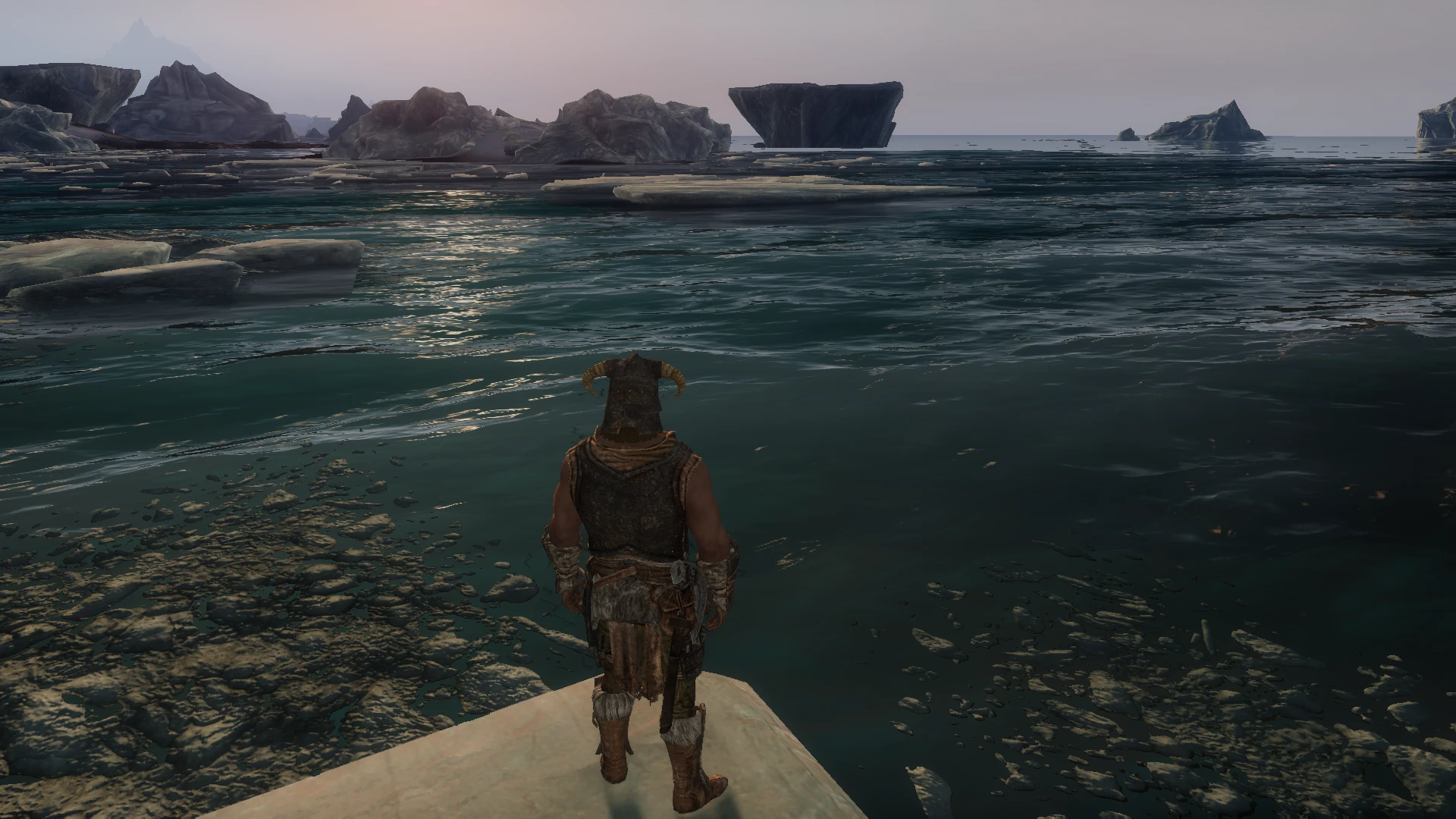
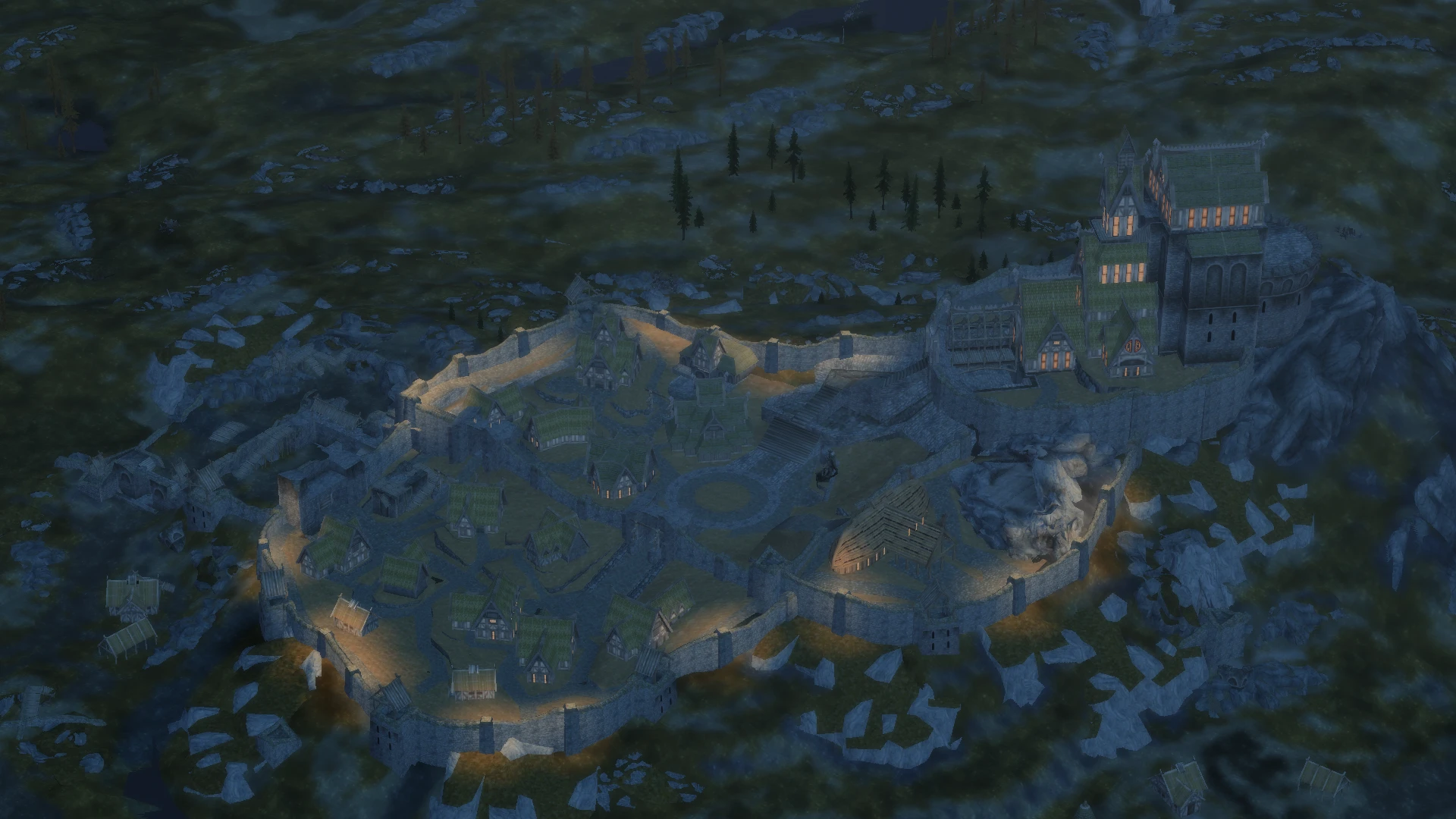
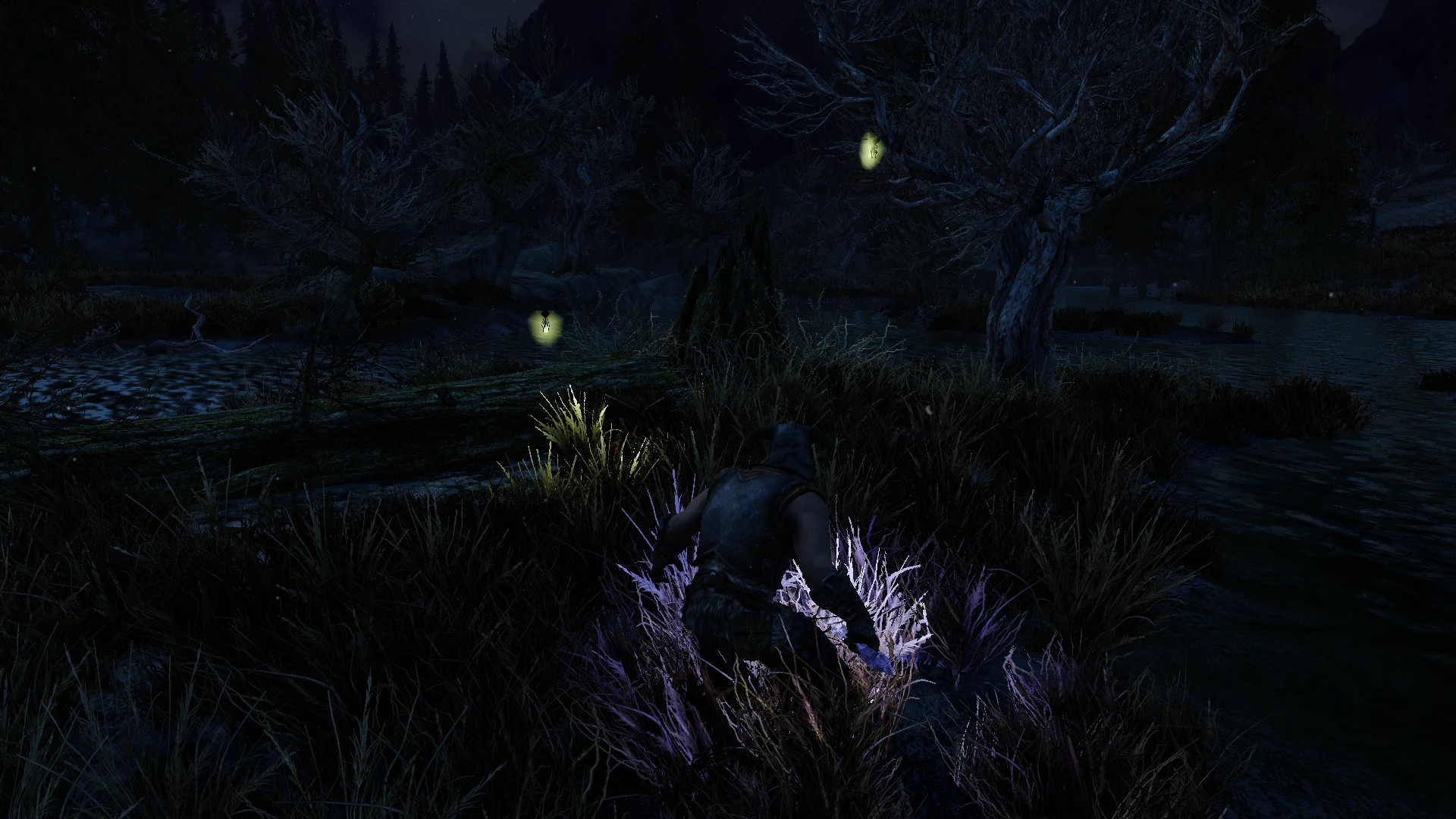
🖼️ Gallery (12 images)


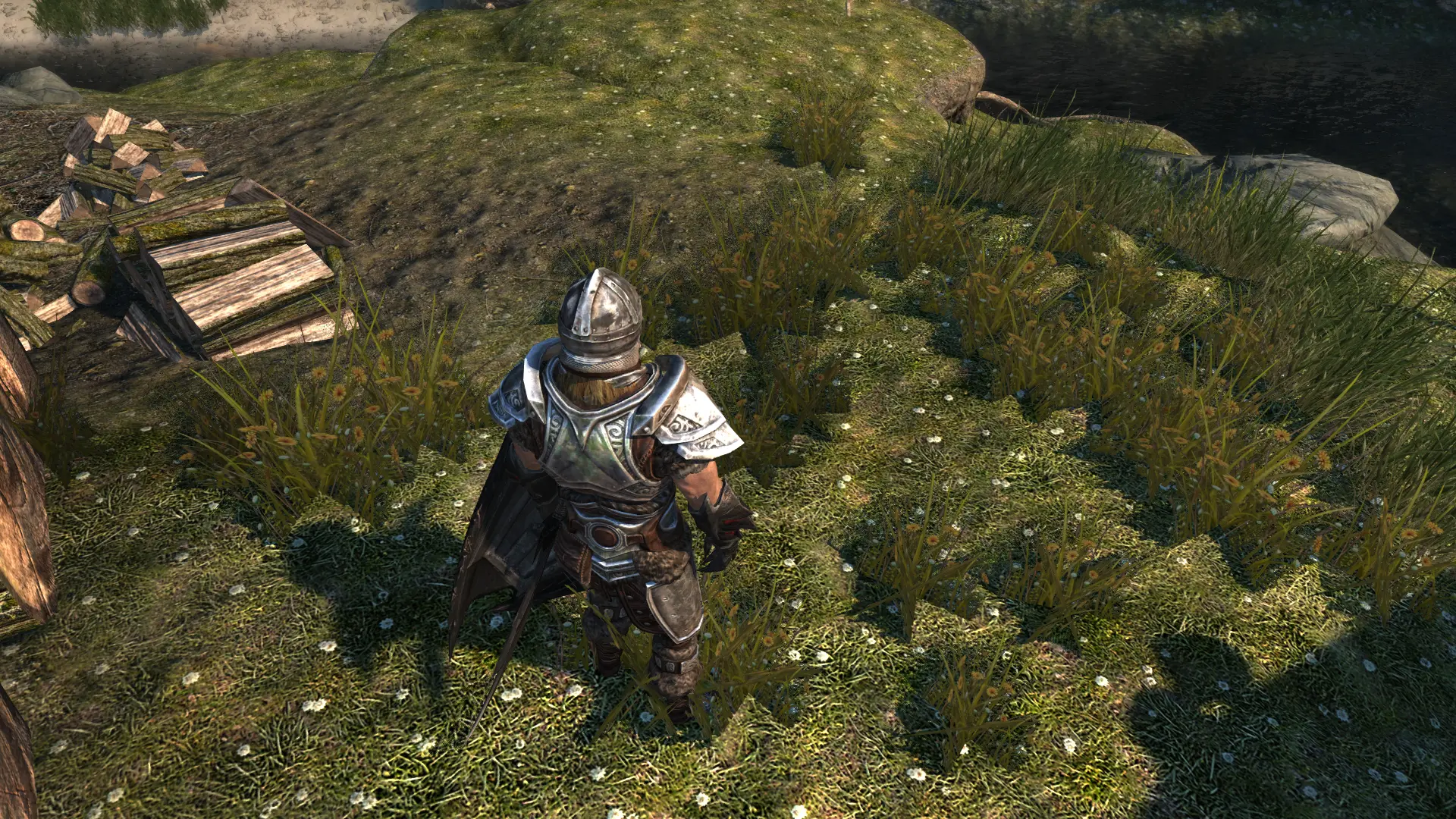
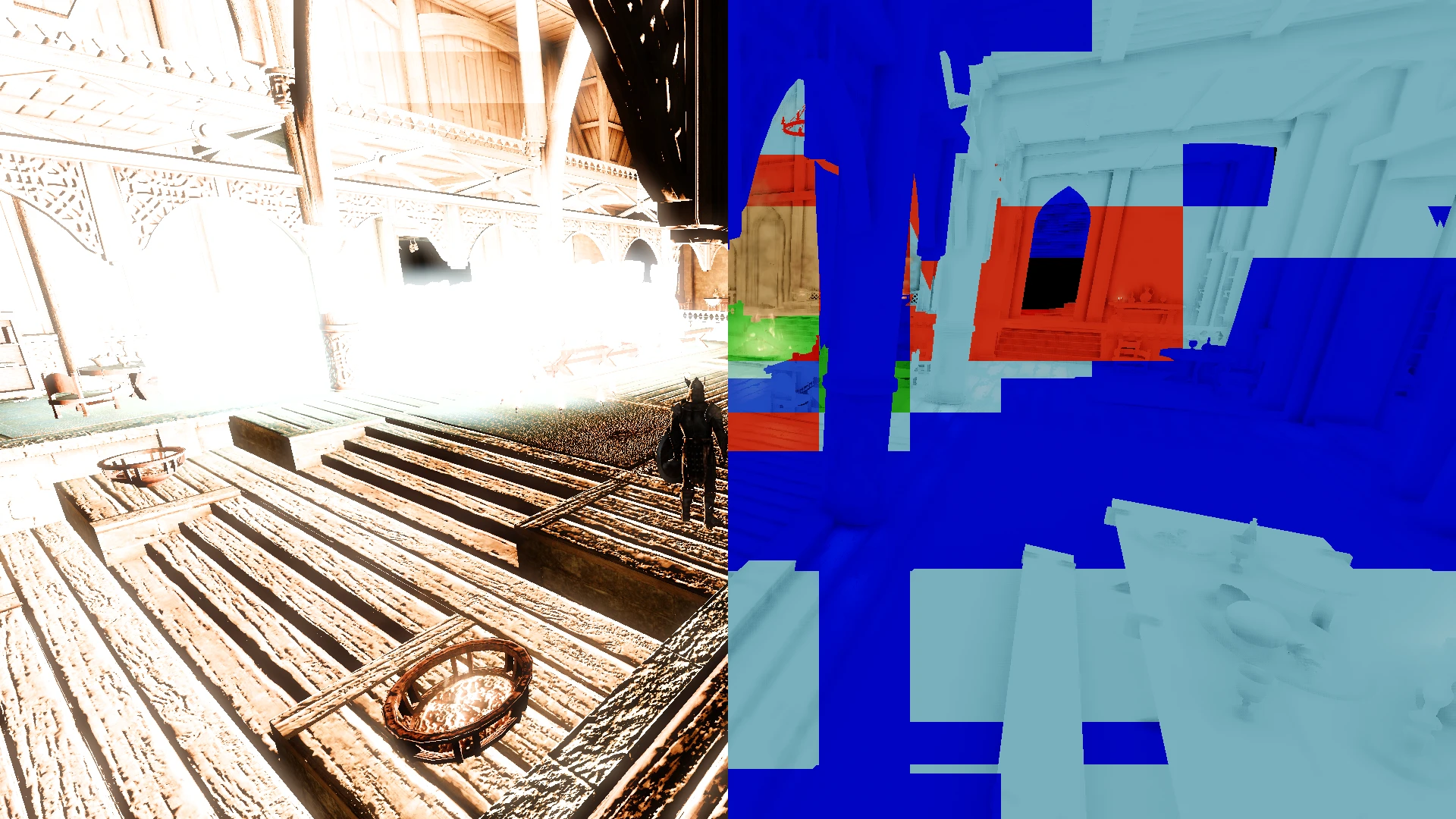
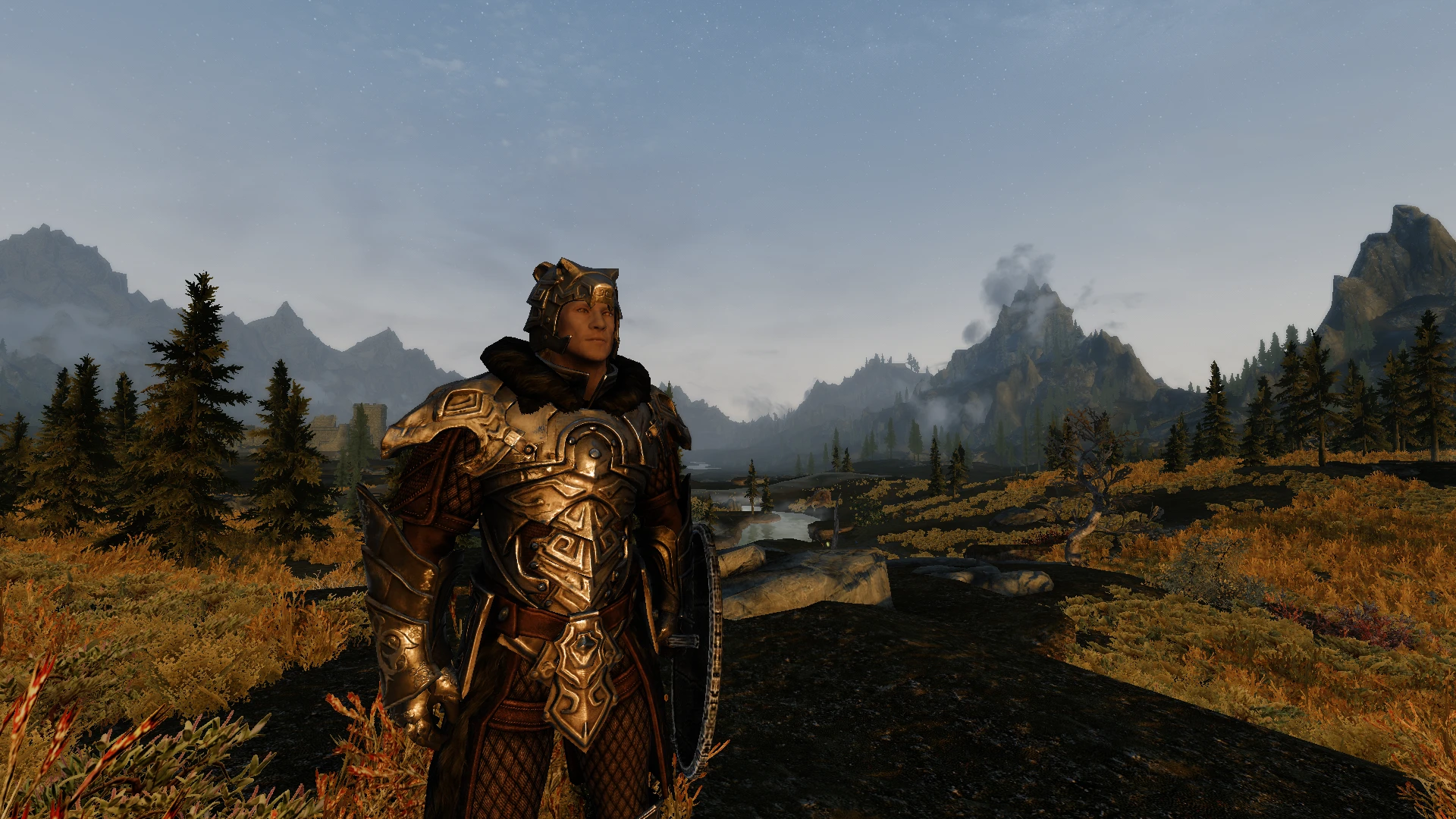
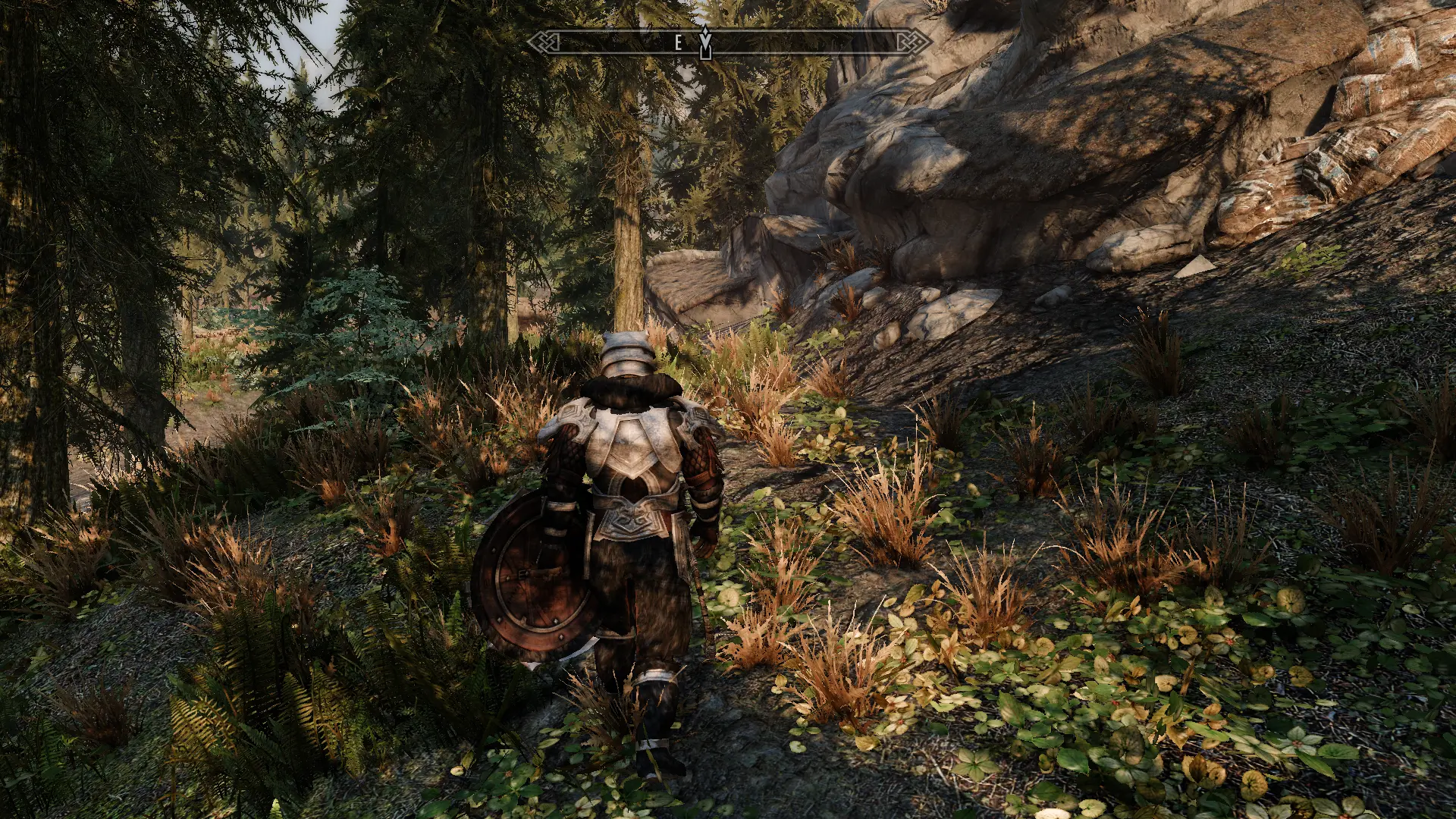
🔍 Analysis
- 👍 0.6% endorsement rate
- 🏆 #13 of 86 Visuals and Graphics mods in this game by downloads
📋 About This Mod
OVERVIEW
Community Shaders feature which replaces tree LOD shaders. Includes "complex" tree LOD from DynDOLOD, directional light fix, and improved lighting.
This feature is compatible with vanilla tree LODs as well as those generated from any version of DynDOLOD.
Compared to vanilla there should be next to no performance impact.
Directional Light Fix
-
[] Fixes the directional light not being modified by sunlight scale like other objects are.
Improved Lighting
- [
[] Fake subsurface scattering using object lighting code.
[] Uses directional ambient colours instead of the ambient colour.
[] Tree LOD now receives shadows.
[] Works With Base Game and Modded Trees
Complex Tree LOD
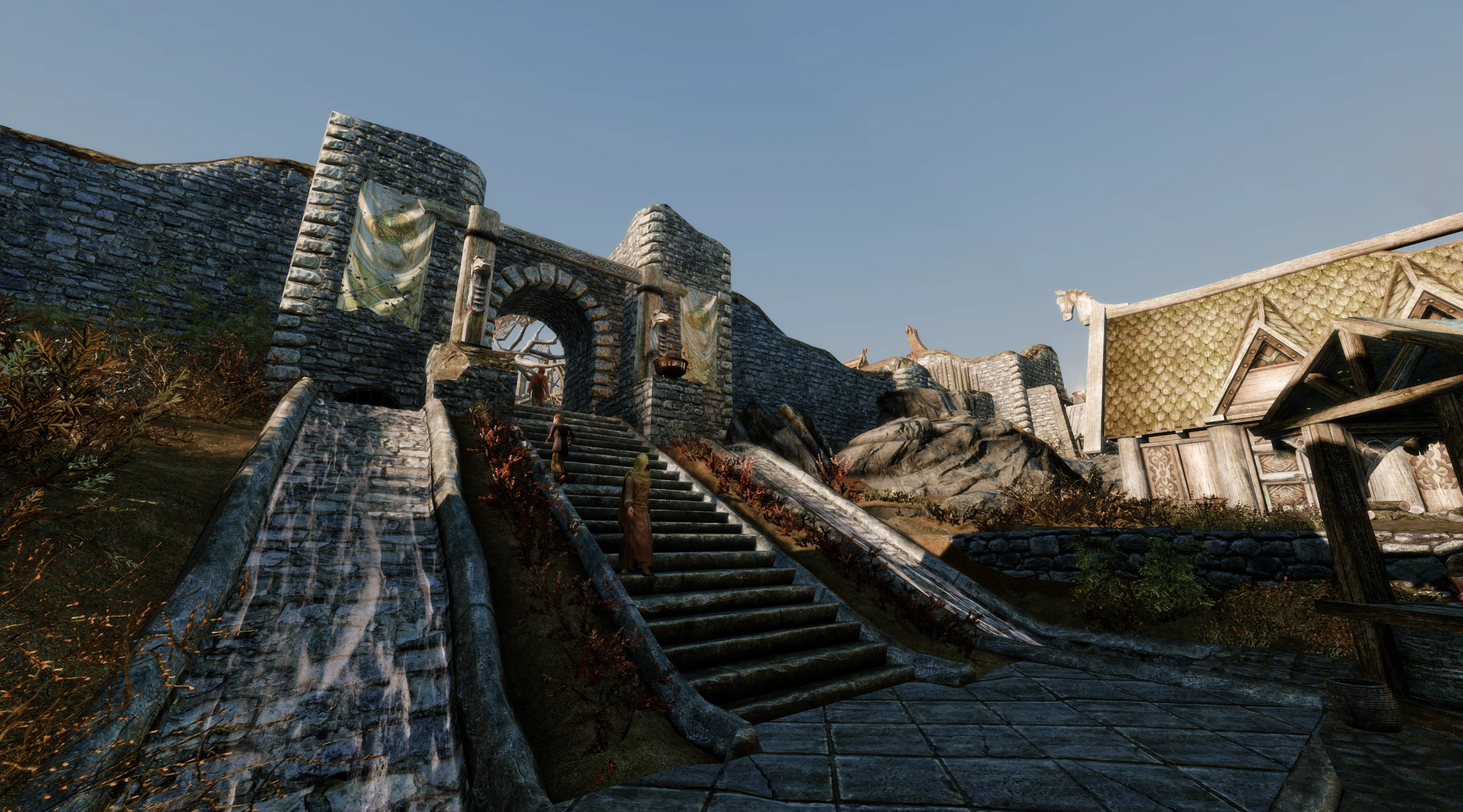
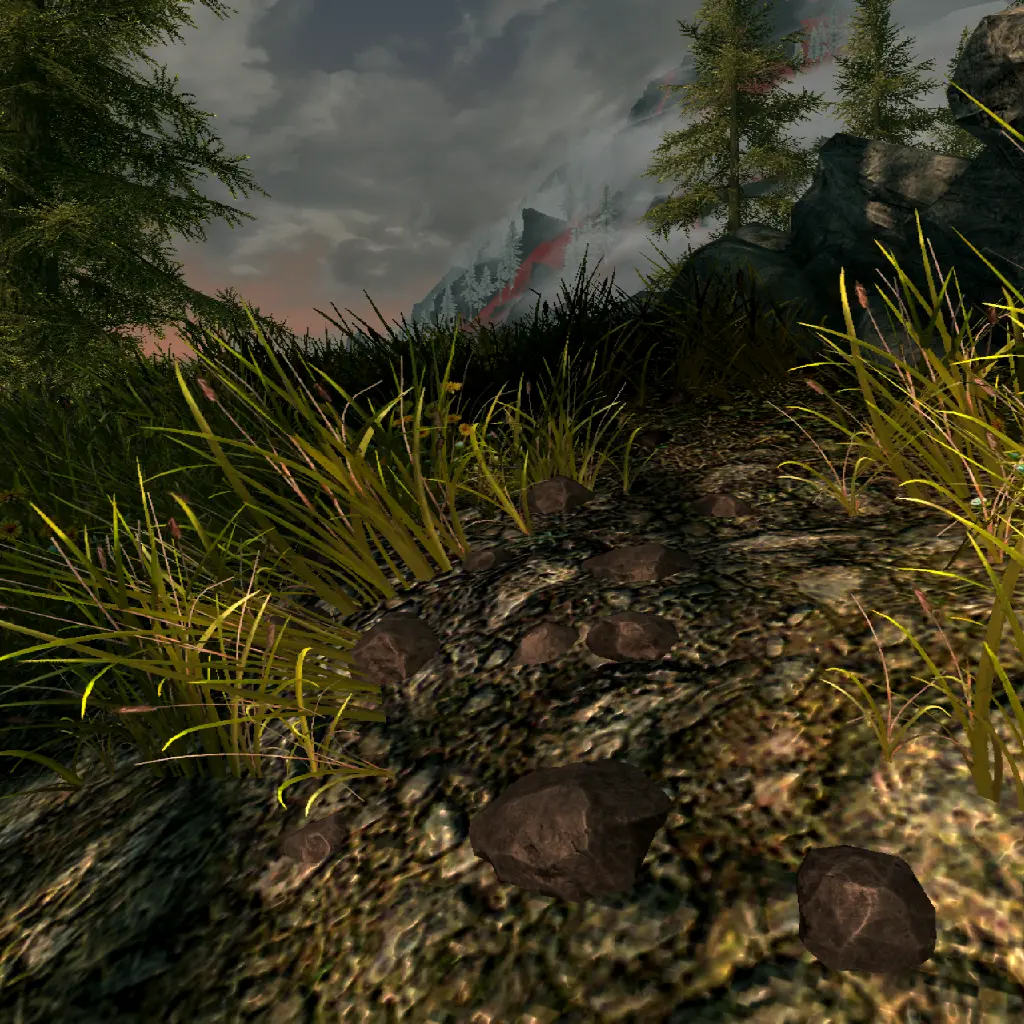
- Uses normal maps provided by DynDOLOD to simulate more advanced lighting.Preview: A comparison of the shaders disabled and enabled.
https://dyndolod.info/Mods/Community-Shaders
To use complex tree LOD, you must enable "TreeNormalMaps" for TexGen and "TreeLODComplexAtlas" for DynDOLOD.
If you would like to use Complex Tree LOD, it requires DynDOLOD Alpha 119+. Otherwise, this mod will work fine without it just will not look anywhere near as good.
This potentially boosts performance by 4-8fps and reduces draw calls by around 500 compared to DynDOLOD's ultra tree LOD. This may be useful in situations where performance can't be gained via other means or the draw call limit is reached.
This feature is most likely only useful for low-end computers which can't support DynDOLOD's ultra tree LOD. Please note that the default DynDOLOD uses 3D tree LODs which can be replaced with billboards instead.
Vertex information is generated because it does not exist in the original instance buffer, whereas DynDOLOD's object LOD uses vertex normals which makes them look smoother.
REQUIREMENTS
Community Shaders
If you would like to use Complex Tree LOD, it requires DynDOLOD Alpha 119+.
Otherwise, this mod will work fine without it just will not look anywhere near as good.
Tree LOD Lighting is a Community Shaders feature that replaces tree LOD shaders, adding complex tree LOD from DynDOLOD, a directional light fix, and improved lighting. It is now included in base Community Shaders post 1.0.0, so standalone installation is unnecessary. For Skyrim modders using Community Shaders who want better distant tree visuals.
✨ Key Features
📊 Pros & Cons
✅ Pros
- Huge community trust (4,630 endorsements, 827k downloads)
- Fixes a common visual bug (directional light) on distant trees
- Seamless integration with Community Shaders—no extra setup if you're on the latest version
⚠️ Cons
- Standalone install is redundant if you have Community Shaders 1.0.0+—could cause conflicts if installed anyway
- Requires DynDOLOD for the complex tree LOD feature, which adds setup complexity
- Last updated March 2024—may not be compatible with future Community Shaders updates
For Skyrim modders who use Community Shaders and want better-looking distant trees without extra mods. Skip if you're not using Community Shaders or if you're already on the latest version—this is built in.
💡 Beginner Tips
- If you're on Community Shaders 1.0.0 or later, skip this mod—it's already included, and installing it could cause conflicts.
- For the complex tree LOD feature, make sure you generate LOD with DynDOLOD and select the appropriate options.
- Check your load order to ensure Community Shaders loads before any tree LOD mods.
📊 Mod Details
- Game
- Skyrim Mods
- Author
- doodlum
- Version
- 1.2.1
- Downloads
- 827,358
- Endorsements
- 4,630
- Category
- Visuals and Graphics
- Created
- 3/9/2023
- Updated
- 3/15/2024
🧩 Commonly Used Together
Users add these mods to the same collections — a real compatibility signal, not an AI guess.
🔧 How to Install Skyrim Mods
Download from Nexus.
📖 Full step-by-step install guide for Skyrim →
Visit the official mod page for specific installation instructions for this mod.
🎮 Need cheat codes or console commands? Check ur gaming wiki for Skyrim commands, item IDs, and more.
Keep browsing — more Skyrim mods await