PS5 Glyphs
🟠 Updated over a year ago⚠️ Install Order · 1 step
Install in this order, then this mod last — most mods fail to load without their framework and dependencies in place.
Preview
🔍 Analysis
- 👍 1.3% endorsement rate — high engagement, a strong quality signal
- 🏆 #14 of 74 User Interface mods in this game by downloads
📋 About This Mod
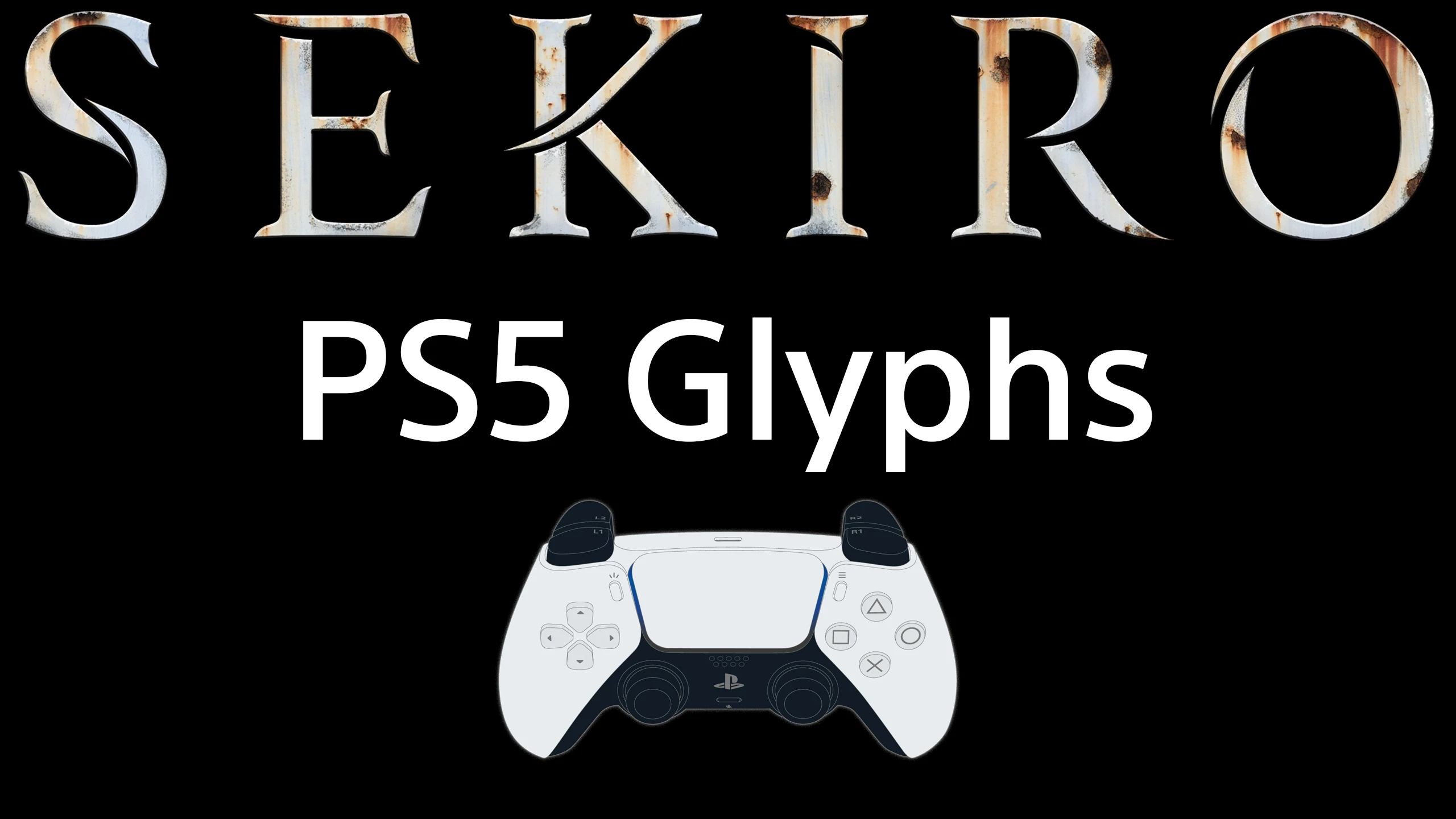
This is just a simple mod I made for myself to replace the default controller glyphs with PS5 controller glyphs since that's what I use. The glyph textures were taken from Elden Ring, so they fit quite nicely. Since it's a simple texture swap though, the controller textures in the menu are still slightly misaligned like the other playstation controller glyph mods, but that doesn't affect how the glyphs show up in-game.
Installation
There are 2 versions. One with the Share button glyph, and one with the Touchpad glyph. Download whichever you prefer then extract to your mods folder within your Sekiro install directory, so that it adds the 'menu' folder inside the mods folder. If you don't already have Sekiro Mod Engine installed, make sure you do that first from here.
A compact UI mod that swaps the default controller glyphs for PS5 controller glyphs. With 124 endorsements and 9,521 downloads, it's a straightforward cosmetic tweak for players who prefer the DualSense button icons. Last updated February 2025, it remains a simple drop-in enhancement.
✨ Key Features
📊 Pros & Cons
✅ Pros
- Clean, no-frills mod that does exactly what it says—PS5 glyphs for your UI.
- Solid community backing (124 endorsements) and nearly 10k downloads show it's trusted.
- Updated recently (Feb 2025), so it's likely compatible with current game versions.
⚠️ Cons
- Purely cosmetic; if you're not bothered by default glyphs, this adds nothing gameplay-wise.
- Limited to PS5 glyphs only—no options for other controller styles or customization.
For players who use a PS5 controller and want the UI to match their hardware. Also for anyone who finds the default glyphs ugly or confusing. Skip if you're happy with the default look or want more UI customization options.
💡 Beginner Tips
- Check if your game has a mods folder or use a mod manager like Vortex to install—manual placement is usually just dropping files into the right directory.
- If you're on PC, make sure your game is set to display controller prompts (not keyboard) to see the new glyphs.
- After installing, restart the game completely to ensure the UI refreshes and picks up the new icons.
📊 Mod Details
- Game
- Sekiro Mods
- Author
- OldBoyDemon
- Version
- 1.1
- Downloads
- 9,521
- Endorsements
- 124
- Category
- User Interface
- Created
- 2/11/2025
- Updated
- 2/11/2025
🔧 How to Install Sekiro Mods
Download from Nexus.
📖 Full step-by-step install guide for Sekiro →
Visit the official mod page for specific installation instructions for this mod.
🎮 Need cheat codes or console commands? Check ur gaming wiki for Sekiro commands, item IDs, and more.
Keep browsing — more Sekiro mods await