PS4 Button Prompts
⚪ Last updated 2019⚠️ Install Order · 1 step
Install in this order, then this mod last — most mods fail to load without their framework and dependencies in place.
Preview
🔍 Analysis
- 👍 4.3% endorsement rate — high engagement, a strong quality signal
- 🏆 #12 of 74 User Interface mods in this game by downloads
📋 About This Mod
Hello everyone!
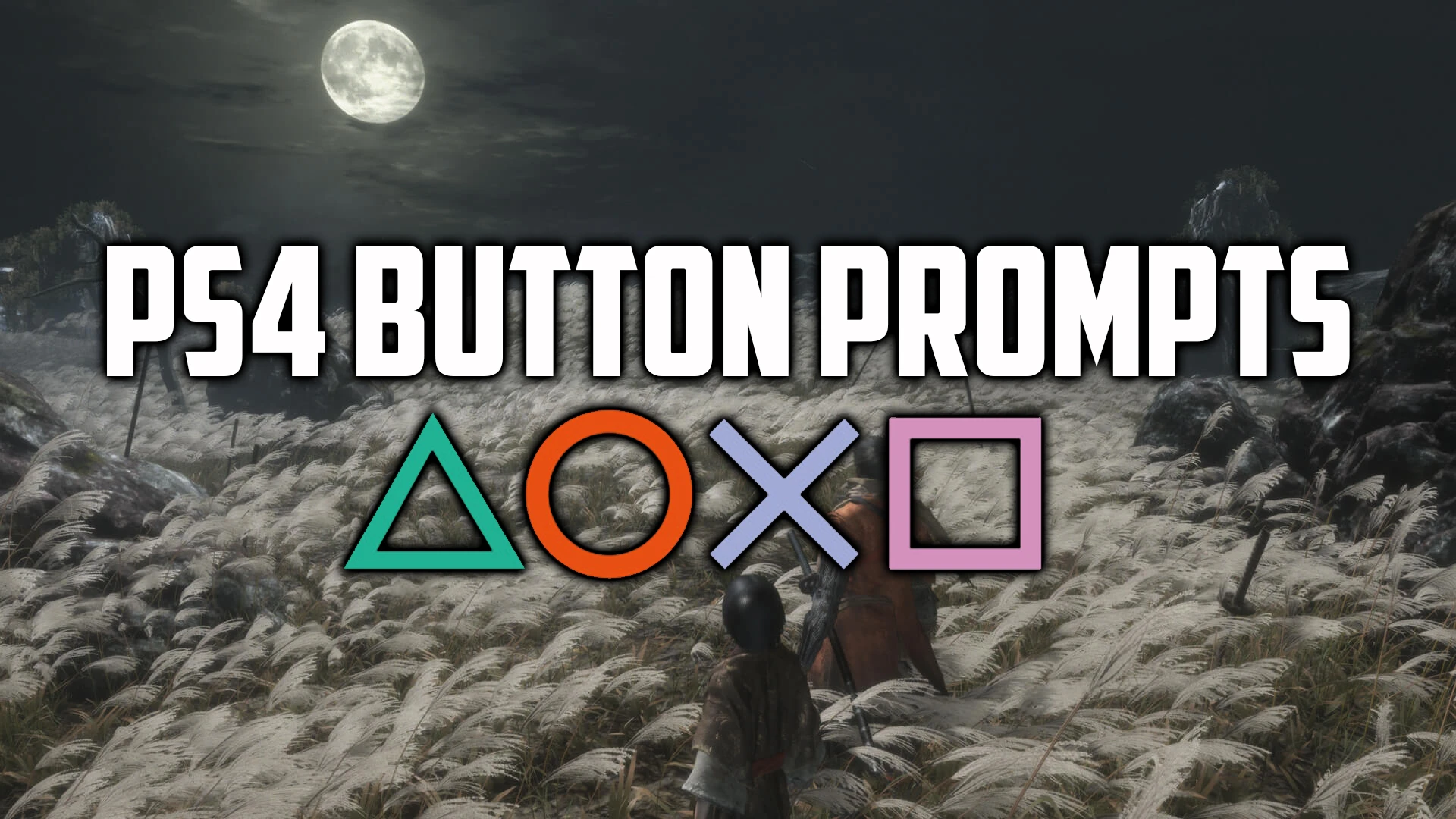
As you know, for some reason, Sekiro only has the prompts for the Xbox controller. As a PS4 controller user, I sometimes get frustrated with the difference of the buttons shown on the screen. So basically, this mod replaces the Xbox buttons with the PS4 buttons.
NOTE: You need to download iGP11 first before using this mod.
Installation Steps:
1) Download and install iGP11:
https://www.nexusmods.com/darksouls3/mods/28/?tab=files
2) Extract the iGP11 folder in this archive to the game root folder
(Should be something along the lines of SteamLibrary\steamapps\common\Sekiro\)
3) Launch iGP11 and browse the Sekiro.exe file of the game
4) Set option to "override" textures
5) Launch the game!
This UI mod replaces Xbox controller button prompts with PS4 button icons in the game. It's a simple cosmetic swap for players who use a DualShock 4 controller and want matching on-screen prompts. With 469 endorsements and over 10,000 downloads, it's a popular choice for its niche purpose.
✨ Key Features
📊 Pros & Cons
✅ Pros
- Community-approved with 469 endorsements and over 10k downloads.
- Does exactly what it says: swaps Xbox prompts for PS4 icons.
- Lightweight and straightforward—no extra bloat.
⚠️ Cons
- Last updated in 2019—may not work with the latest game patches.
- Only affects button prompts; no other UI changes.
For PS4 controller users who want the on-screen prompts to match their input device. If you're tired of seeing 'A' and 'B' when you're pressing 'X' and 'O', this is for you. Skip if you use an Xbox controller or don't care about prompt icons.
💡 Beginner Tips
- Check if your game version is compatible with this mod—it's from 2019, so test after updates.
- If you're using a mod manager, install it like any other UI mod; otherwise, drop the files into the game's data folder.
- Make sure your controller is set to PS4 mode in the game settings if available, otherwise the prompts might not match.
📊 Mod Details
- Game
- Sekiro Mods
- Author
- Sanadsk
- Version
- 1.00
- Downloads
- 10,995
- Endorsements
- 469
- Category
- User Interface
- Created
- 3/23/2019
- Updated
- 3/23/2019
🔧 How to Install Sekiro Mods
Download from Nexus.
📖 Full step-by-step install guide for Sekiro →
Visit the official mod page for specific installation instructions for this mod.
🎮 Need cheat codes or console commands? Check ur gaming wiki for Sekiro commands, item IDs, and more.
Keep browsing — more Sekiro mods await